


Ram VPN - Fast & Secure
Play on PC with BlueStacks – the Android Gaming Platform, trusted by 500M+ gamers.

Page Modified on: Jun 15, 2024
Overview
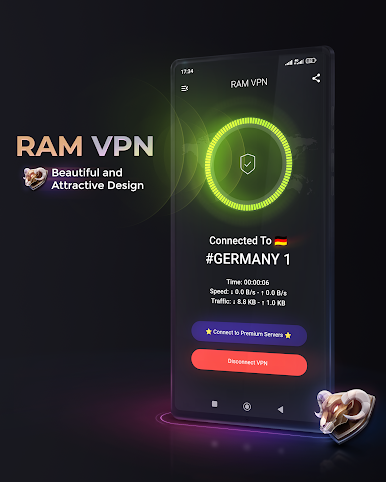
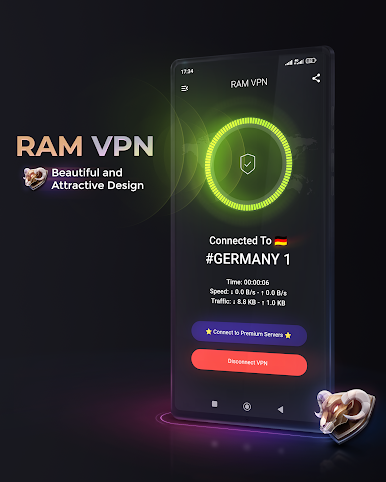
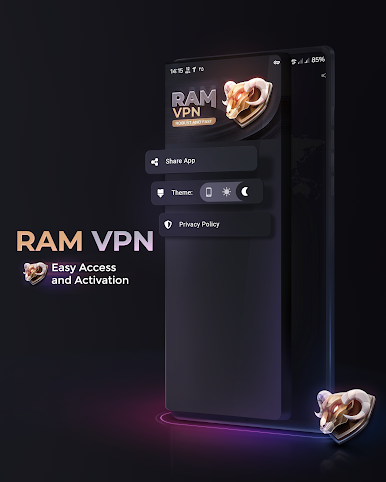
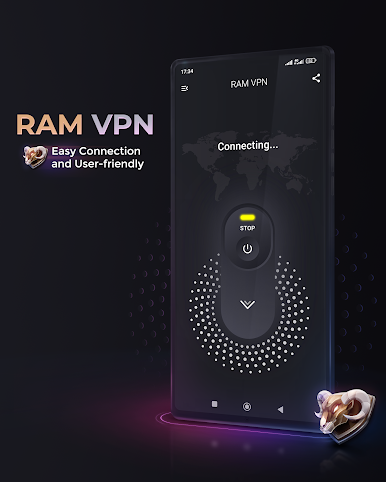
Our app utilizes the VPN Service to function as a VPN service, which is
central to its core functionality. By employing VPN Service, we provide users with secure and private access to online resources, reinforcing their online privacy and security.
Due to security police policies, this service cannot be used in Belarus, China, Saudi Arabia, Oman, Pakistan, Qatar ، Bangladesh , India , Iraq , Russia and Canada. We apologize for any inconvenience caused.
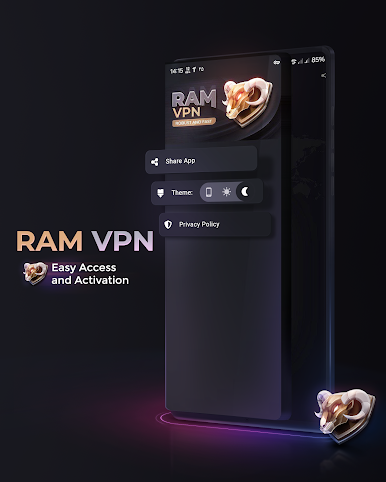
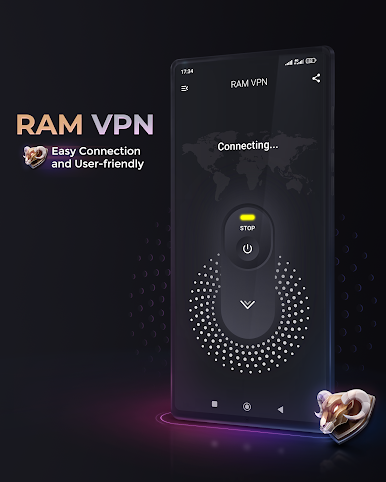
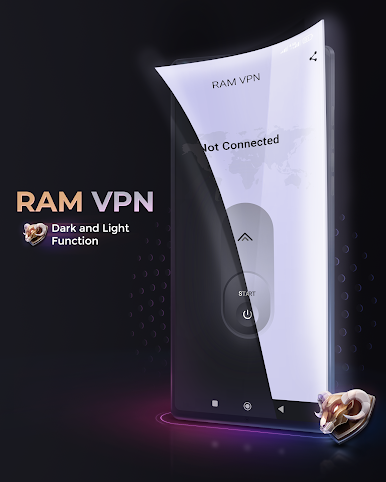
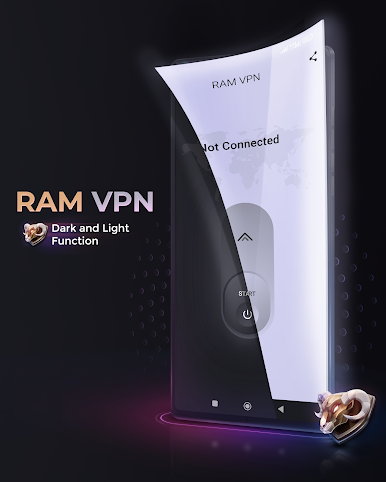
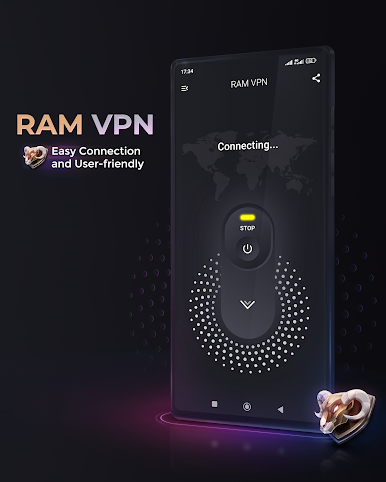
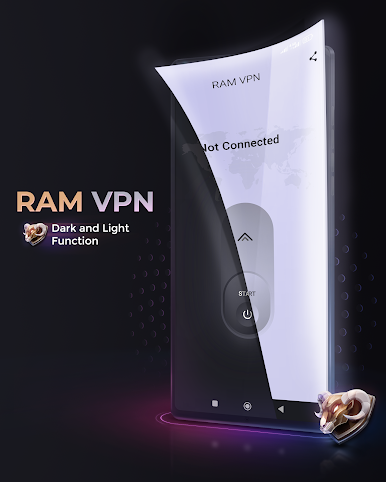
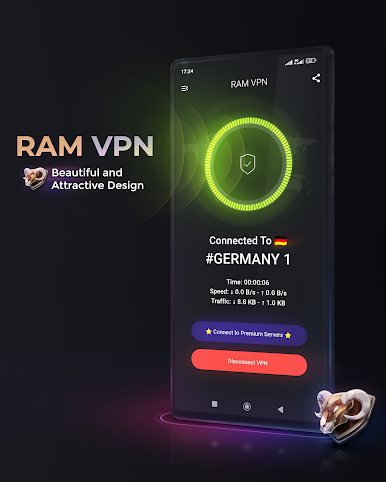
Play Ram VPN - Fast & Secure on PC. It’s easy to get started.
-
Download and install BlueStacks on your PC
-
Complete Google sign-in to access the Play Store, or do it later
-
Look for Ram VPN - Fast & Secure in the search bar at the top right corner
-
Click to install Ram VPN - Fast & Secure from the search results
-
Complete Google sign-in (if you skipped step 2) to install Ram VPN - Fast & Secure
-
Click the Ram VPN - Fast & Secure icon on the home screen to start playing

