


RAN - Royal Academy Nations
Play on PC with BlueStacks – the Android Gaming Platform, trusted by 500M+ gamers.

Page Modified on: Oct 11, 2026
Main RAN - Royal Academy Nations on PC
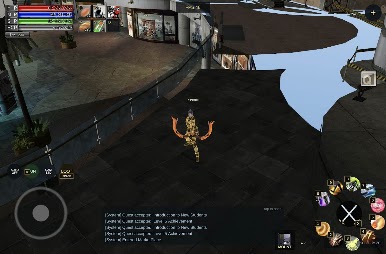
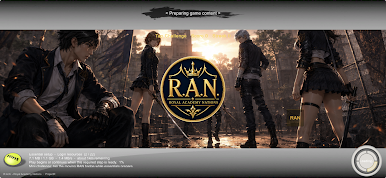
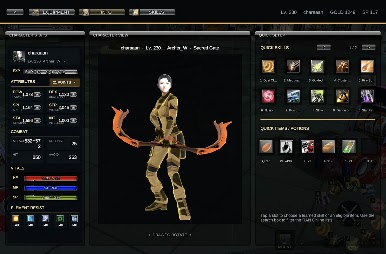
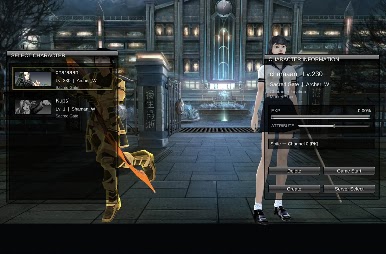
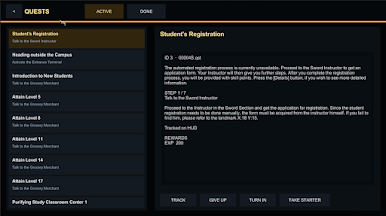
Create your character, develop your skills and explore a world shaped by rival academies. Join other players, take on challenging quests, collect equipment and strengthen your hero as you progress.
Features:
• Create and develop your own character
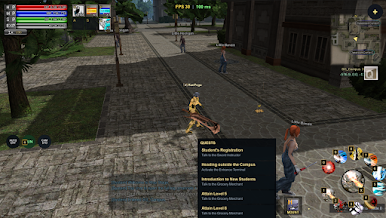
• Explore academy grounds and surrounding areas
• Complete quests and battle enemies
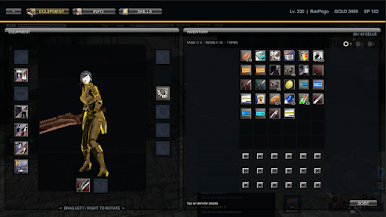
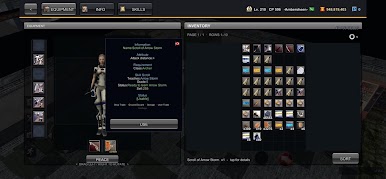
• Collect weapons, armour and useful items
• Improve your skills and combat abilities
• Meet and play alongside other players
• Participate in competitive and cooperative encounters
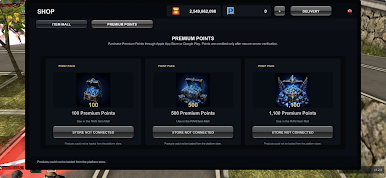
An internet connection and a ProjectR game account are required.
RAN - Royal Academy Nations is developed and published by ProjectR.
Play RAN - Royal Academy Nations on PC. It’s easy to get started.
-
Download and install BlueStacks on your PC
-
Complete Google sign-in to access the Play Store, or do it later
-
Look for RAN - Royal Academy Nations in the search bar at the top right corner
-
Click to install RAN - Royal Academy Nations from the search results
-
Complete Google sign-in (if you skipped step 2) to install RAN - Royal Academy Nations
-
Click the RAN - Royal Academy Nations icon on the home screen to start playing

