


Rapsodo Golf
Play on PC with BlueStacks – the Android Gaming Platform, trusted by 500M+ gamers.

Page Modified on: Oct 7, 2026
Play Rapsodo Golf on PC
The Rapsodo Golf App puts powerful practice, performance insights, and connected golf experiences right at your fingertips.
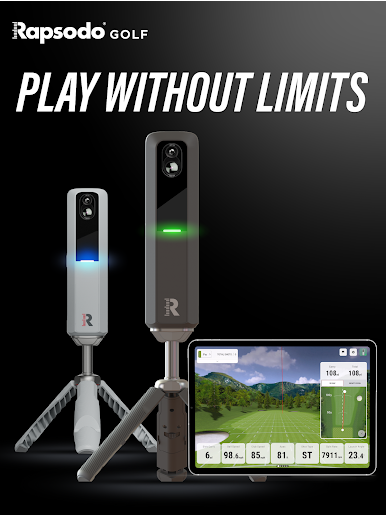
Compatible with Rapsodo MLM2PRO and MLM2XPRO launch monitors, the app transforms every practice session into an opportunity to better understand your game. Capture accurate shot data, review video and performance insights, train with purpose, and track your progress over time — whether you’re practicing at the range, hitting into a net at home, or working on your game indoors.
With the Rapsodo Golf App, your game goes wherever you go.
KNOW MORE ABOUT EVERY SHOT
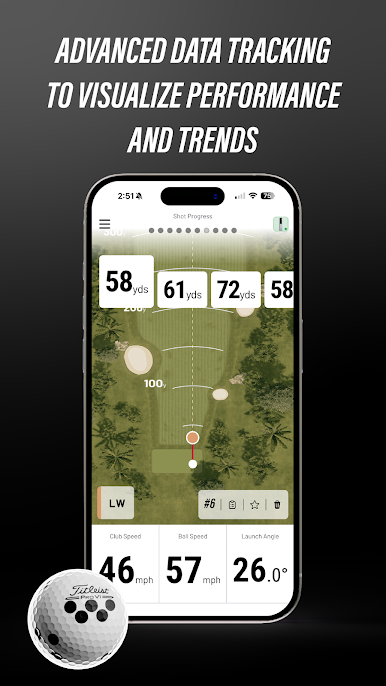
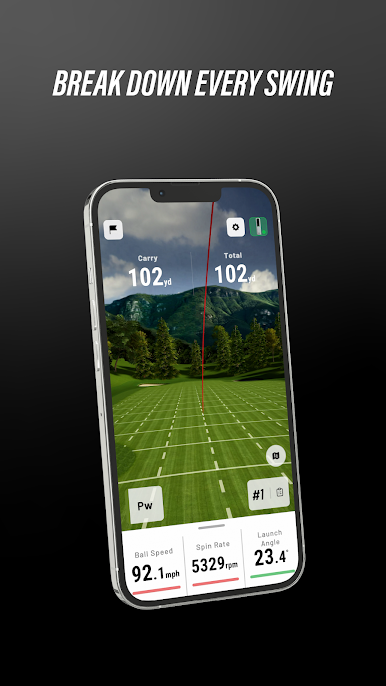
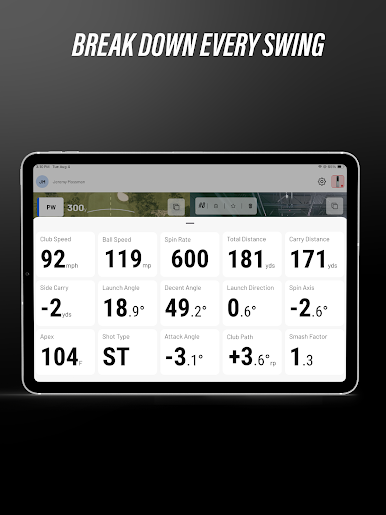
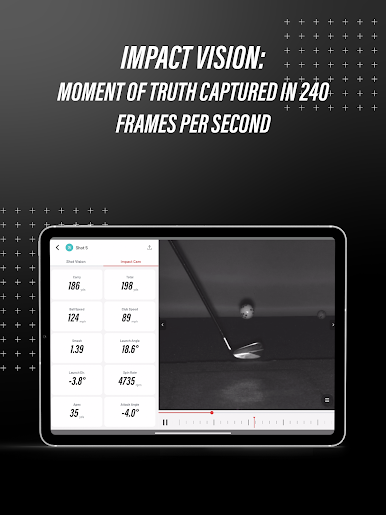
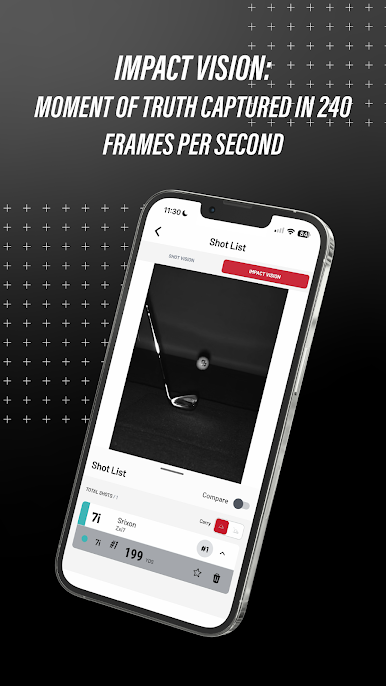
Connect your MLM2PRO or MLM2XPRO to capture the data that matters. Review key ball and club metrics, analyze shot shape and dispersion, and use advanced video tools including Swing Replay and Impact Vision to better understand what happened on every swing.
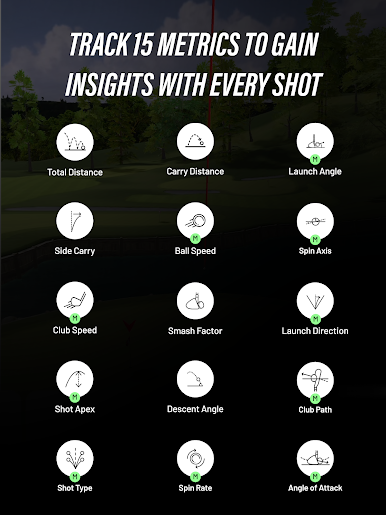
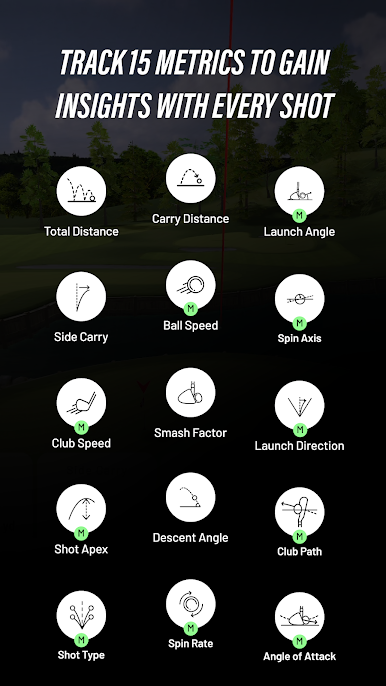
With compatible devices and Rapsodo CORE, golfers can access up to 15 key metrics, including Club Path, Angle of Attack, Spin Rate, Spin Axis, and more.
TURN PRACTICE INTO PROGRESS
Go beyond hitting balls with training experiences designed to give every session a purpose.
Use tools like:
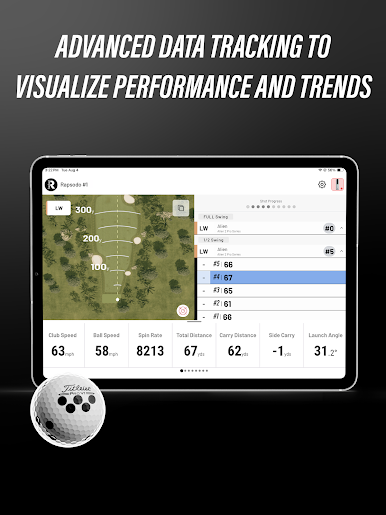
• Rapsodo Range to see your complete ball flight and shot data
• Target Range with Strokes Gained to measure performance against meaningful targets
• Bag Mapping to understand your distances throughout the bag
• Wedge Matrix to sharpen your scoring clubs
• Advanced video tools to connect what you feel with what actually happened
The result is smarter practice, clearer feedback, and a better understanding of where your game can improve.
PRACTICE, PLAY AND SIMULATE
Rapsodo connects practice and simulated golf through one growing golf ecosystem.
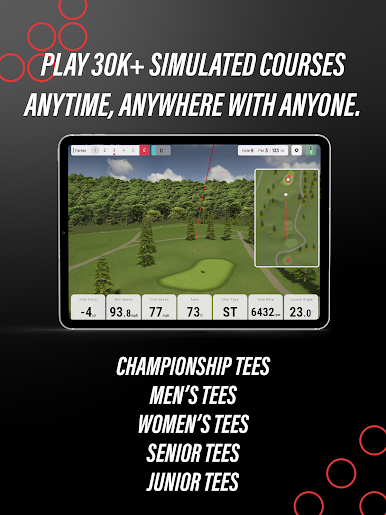
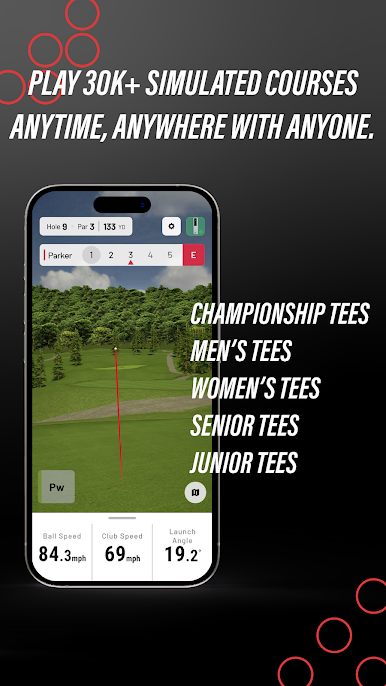
Take your game beyond the driving range with simulated course play, practice environments, and — with compatible Rapsodo hardware — tracked putting for a more complete golf experience.
Your Rapsodo experience can extend across Mobile, PC, Rapsodo Studios, and R-Cloud, giving you more ways to practice, play, review, and improve.
YOUR GAME. ALWAYS WITH YOU.
Every session can become part of a bigger picture.
With R-Cloud, your shot history and performance data stay connected to your Rapsodo account, making it easier to revisit previous sessions, identify patterns, and see how your game develops over time.
Whether you have 20 minutes to practice or an entire afternoon to play, Rapsodo helps you make that time count.
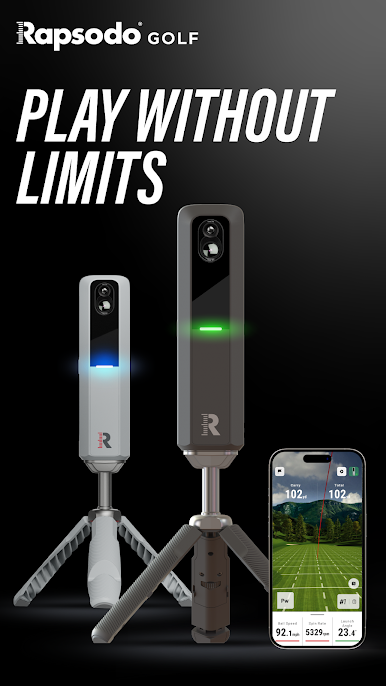
PLAY WITHOUT LIMITS.
From the range to your home simulator, Rapsodo combines powerful hardware, intelligent software, and continually expanding golf experiences to help you understand your game and improve faster.
Download the Rapsodo Golf App and connect your MLM2PRO or MLM2XPRO to discover a smarter way to practice, play, and improve.
Play Rapsodo Golf on PC. It’s easy to get started.
-
Download and install BlueStacks on your PC
-
Complete Google sign-in to access the Play Store, or do it later
-
Look for Rapsodo Golf in the search bar at the top right corner
-
Click to install Rapsodo Golf from the search results
-
Complete Google sign-in (if you skipped step 2) to install Rapsodo Golf
-
Click the Rapsodo Golf icon on the home screen to start playing

