Spins-Breakout games

Spins-Breakout games

Casual | Rapture Studio

Play on PC with BlueStacks – the Android Gaming Platform, trusted by 500M+ gamers.

Page Modified on: Oct 9, 2025

Play Spins-Breakout games on PC
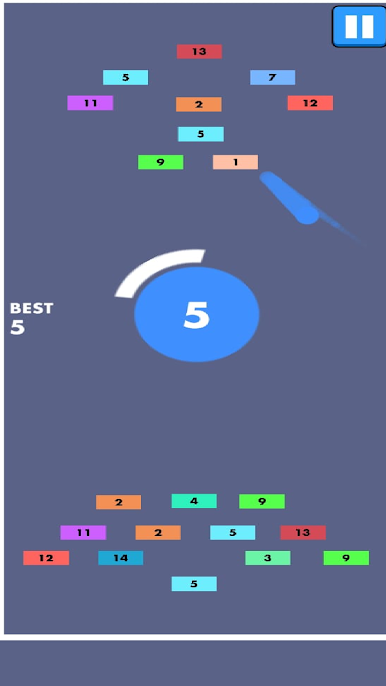
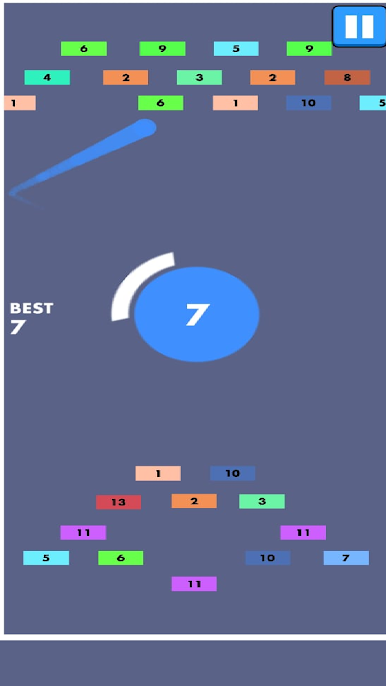
Enjoy the excitement of the fast-paced arcade challenge *Spins-Breakout Games*! To bounce the ball and shatter all of the vibrant blocks above, manipulate a rotating paddle. Maintain the ball in play while destroying each brick tier by using precise timing and fast reflexes. To improve your gameplay, get power-ups including speed boosts and multi-ball. Faster spins and challenging block designs make each level more difficult. To get the best score, maintain focus, aim precisely, and complete every step. This breakout experience will never be forgotten thanks to its easy controls, captivating action, and never-ending thrill!

Play Spins-Breakout games on PC. It’s easy to get started.

  • Download and install BlueStacks on your PC

  • Complete Google sign-in to access the Play Store, or do it later

  • Look for Spins-Breakout games in the search bar at the top right corner

  • Click to install Spins-Breakout games from the search results

  • Complete Google sign-in (if you skipped step 2) to install Spins-Breakout games

  • Click the Spins-Breakout games icon on the home screen to start playing

Watch Video