


React Native UI
Play on PC with BlueStacks – the Android Gaming Platform, trusted by 500M+ gamers.

Page Modified on: Nov 25, 2025
Play React Native UI on PC
Browse through every component visually, understand its purpose, and explore how it behaves with different styles and attributes. Whether you're a beginner or an experienced mobile developer, this UI guide saves time, boosts productivity, and helps you create polished UI designs faster.
⭐ Features
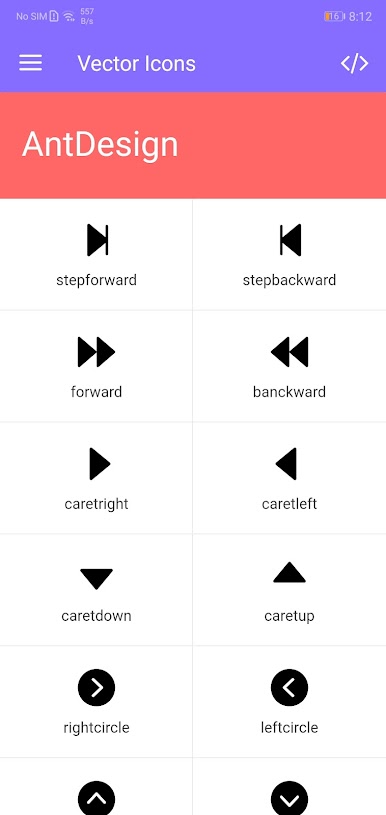
Full showcase of all NativeBase components
Clean, modern, developer-friendly interface
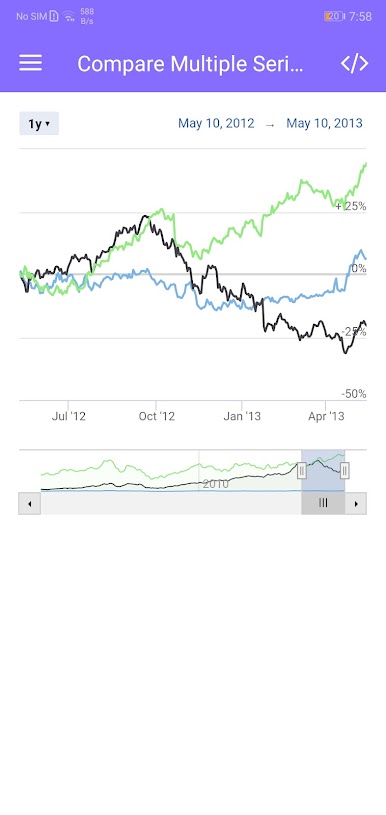
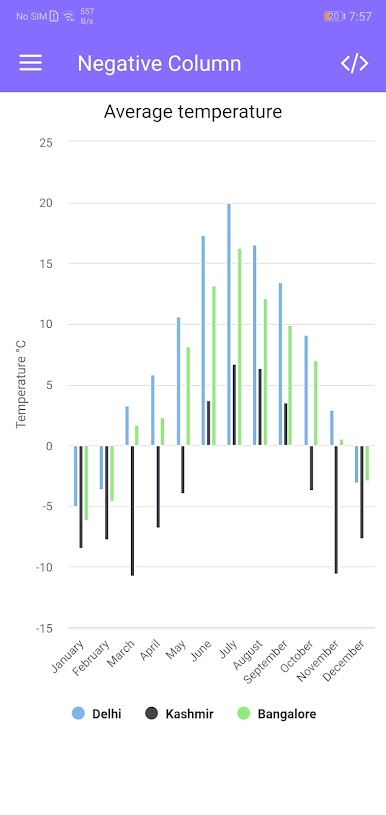
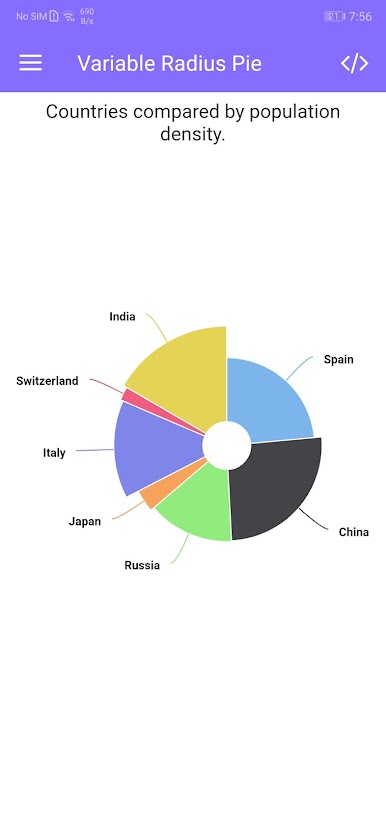
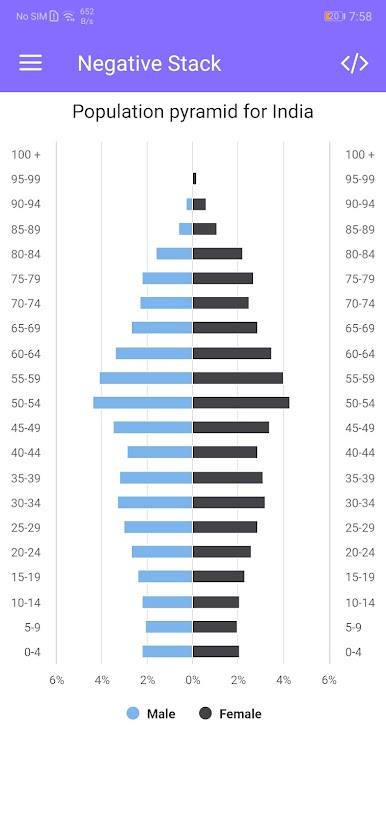
Live component previews
Detailed usage examples
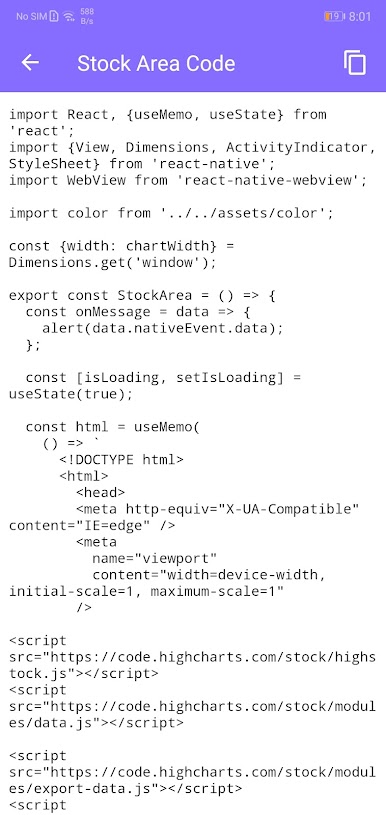
Copy-ready code snippets with one-tap copy button
Interactive playground to modify size, color, and props
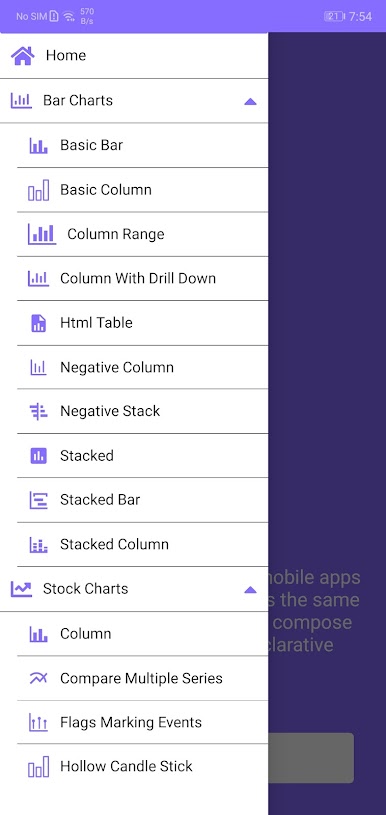
Searchable catalog of UI components
Organized by categories for easy navigation
Dark/Light mode supported
Regular updates with new components and UI patterns
🎯 Perfect For
React Native developers
UI/UX designers
Students & learners
Developers exploring NativeBase
Anyone building modern React Native UI
🚀 Why This App?
Helps you learn UI components visually
Saves hours of design and coding time
Makes UI development faster and more efficient
Provides ready-to-use component code
Ideal reference for building high-quality apps
🔗 Reference
This app uses components from NativeBase.
Docs: https://docs.nativebase.io/
Play React Native UI on PC. It’s easy to get started.
-
Download and install BlueStacks on your PC
-
Complete Google sign-in to access the Play Store, or do it later
-
Look for React Native UI in the search bar at the top right corner
-
Click to install React Native UI from the search results
-
Complete Google sign-in (if you skipped step 2) to install React Native UI
-
Click the React Native UI icon on the home screen to start playing

