


Whispers of a Machine
Play on PC with BlueStacks – the Android Gaming Platform, trusted by 500M+ gamers.

Page Modified on: Aug 10, 2020
Play Whispers of a Machine on PC or Mac
Explore a whole new adventure with Whispers of a Machine, a Adventure game created by Raw Fury. Experience great gameplay with BlueStacks, the most popular gaming platform to play Android games on your PC or Mac.
About the Game
Whispers of a Machine is a moody, story-driven Adventure from Raw Fury that blends sci‑fi and Nordic noir into one gripping case file. You play as Vera, a cybernetically enhanced investigator piecing together a chain of unsettling murders while wrestling with her own past. Expect sharp detective work, tough choices, and a lingering question: what happens when humanity flirts with forbidden AI?
Game Features
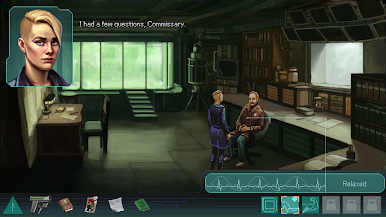
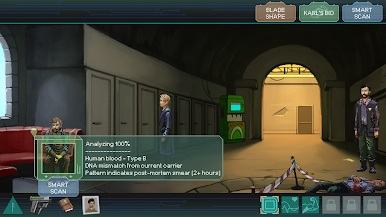
- Choice-Driven Augments: Vera’s nano-tech, called Blue, adapts to how you play—empathetic, methodical, or forceful—shaping the abilities you unlock and the tools at your disposal.
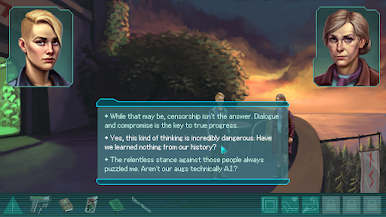
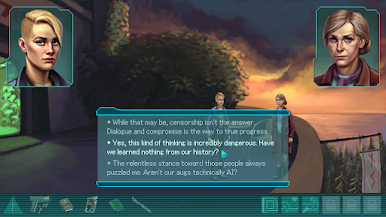
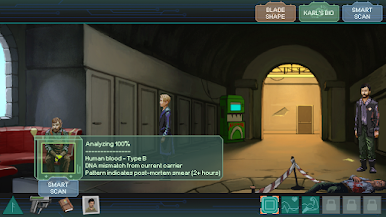
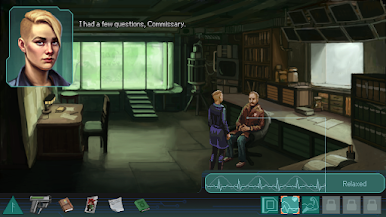
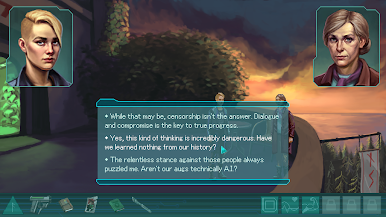
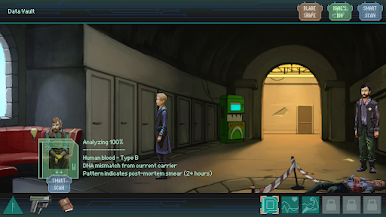
- Smart, Flexible Puzzles: Gather clues, interrogate suspects, and approach obstacles in different ways. Your methods can open new routes, shut others, and influence how scenes unfold.
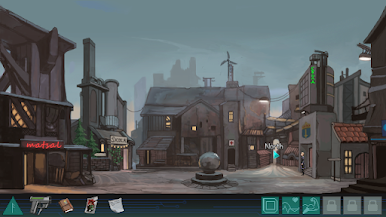
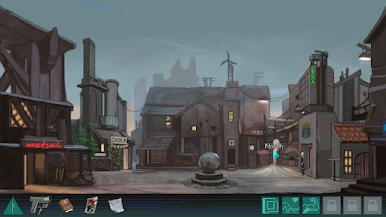
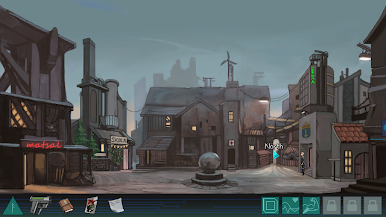
- A Gripping Nordic Noir World: Explore a stark future inspired by Scandinavian landscapes, where quiet towns hide big secrets. It’s stylish, grounded, and just a little unsettling.
- Handcrafted Pixel Art: Every location is carefully composed, with tiny visual details that reward a slow look and make the investigation feel tactile.
- Consequences That Stick: Your decisions matter—not just for Vera’s mindset, but for how the investigation resolves, including several possible endings.
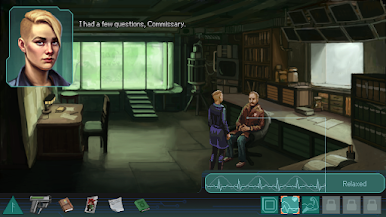
- Fully Voiced Performances: Thousands of lines of English dialogue bring suspects, allies, and bystanders to life with personality and nuance.
- Comfortable on PC with BlueStacks: Prefer a bigger screen and precise clicks? Playing on BlueStacks makes point-and-click sleuthing feel right at home.
Ready to top the leaderboard? We bet you do. Let precise controls and sharp visuals optimized on BlueStacks lead you to victory.



Play Whispers of a Machine on PC. It’s easy to get started.
-
Download and install BlueStacks on your PC
-
Complete Google sign-in to access the Play Store, or do it later
-
Look for Whispers of a Machine in the search bar at the top right corner
-
Click to install Whispers of a Machine from the search results
-
Complete Google sign-in (if you skipped step 2) to install Whispers of a Machine
-
Click the Whispers of a Machine icon on the home screen to start playing

