


Last Z: Survival Shooter
Play on PC with BlueStacks – the Android Gaming Platform, trusted by 500M+ gamers.

Page Modified on: Dec 19, 2025
Play Last Z: Survival Shooter on PC or Mac
Last Z: Survival Shooter brings the Strategy genre to life, and throws up exciting challenges for gamers. Developed by Florere Game, this Android game is best experienced on BlueStacks, the World’s #1 app player for PC and Mac users.
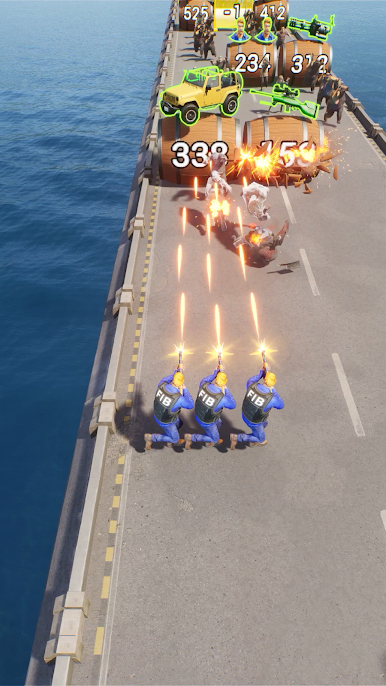
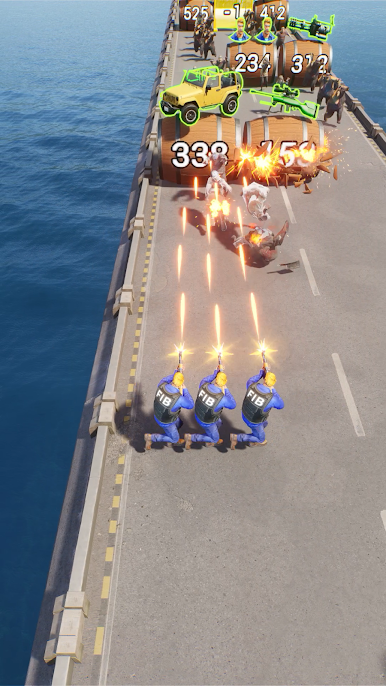
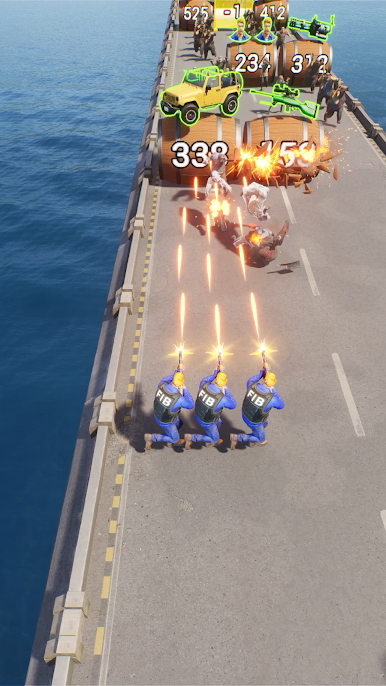
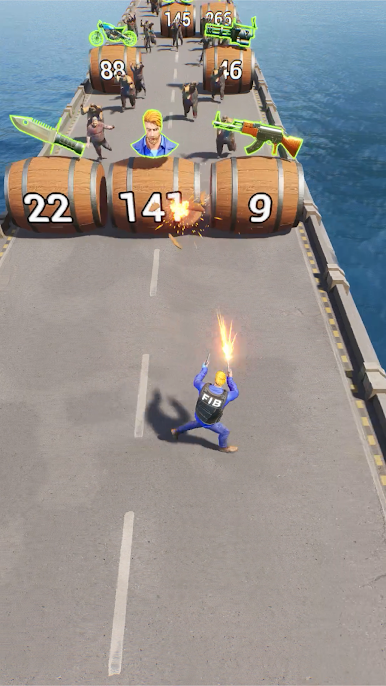
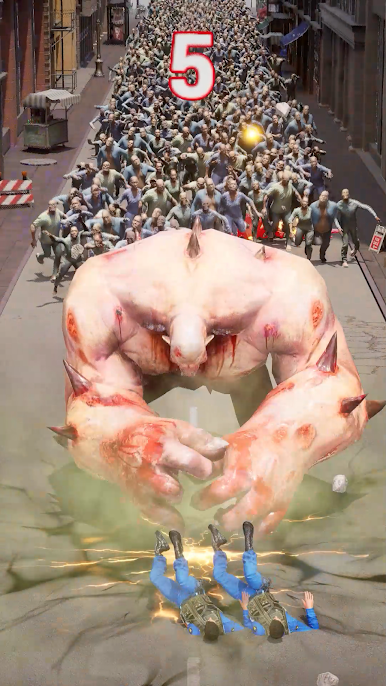
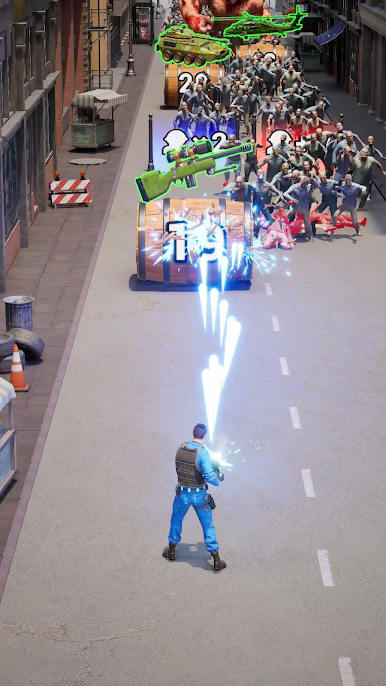
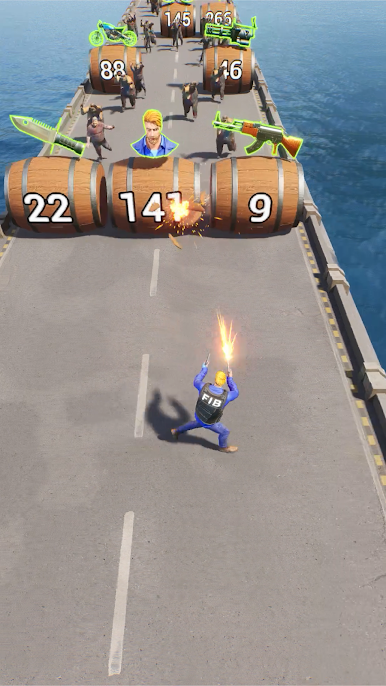
Last Z: Survival Shooter is basically a zombie apocalypse where the action feels tight and twitchy. Runs throw big waves of undead at the player, so it turns into a constant dance of weaving through gaps, kiting packs, and landing clean shots. Dodging matters more than anything, and every hit taken feels earned or avoidable. Enemies drop goodies, new parts, and cash, which feeds into stronger guns and skills for the next round. On PC with BlueStacks, the mouse makes aiming snappier and movement cleaner, so threading through those swarms gets a lot less clumsy.
Between firefights there is a whole base thing going on. Players scavenge ruined streets, crack open stashes, and pull in survivors who become companions or workers. The shelter grows piece by piece, with rooms to upgrade, tech to research, and defenses that slowly turn the place into a safe corner in a very unsafe map. It is not just survive and be done, it is survive, then grow, then push farther. The loop is simple but satisfying: shoot for resources, take those back to improve the economy and gear, then head out again into tougher zones with new enemy types and the odd boss that forces different movement patterns. It leans arcade, not horror, and it respects quick sessions, but still gives that settling feeling of progress. Anyone who likes tight dodging, steady upgrades, and a little settlement tinkering will probably click with it, especially if mouse control is preferred.
Start your journey now. Download the game on BlueStacks, invite your friends, and march on a new adventure.
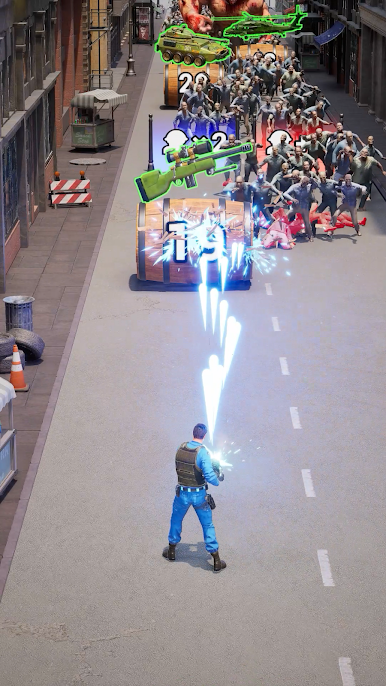
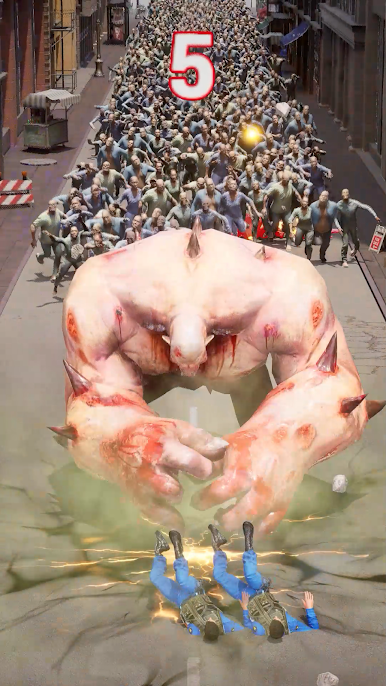

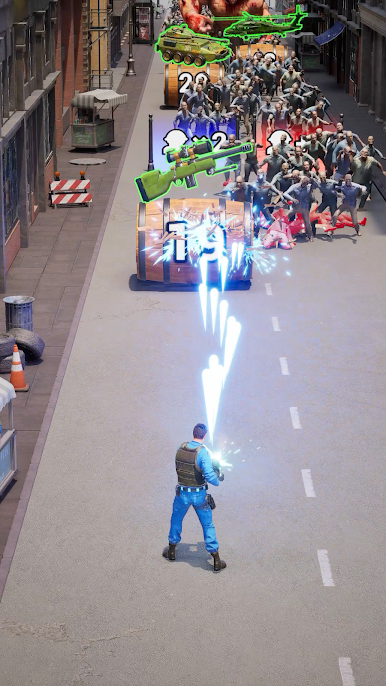
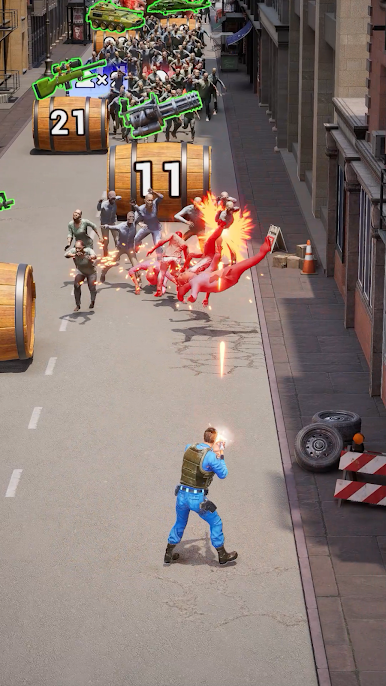
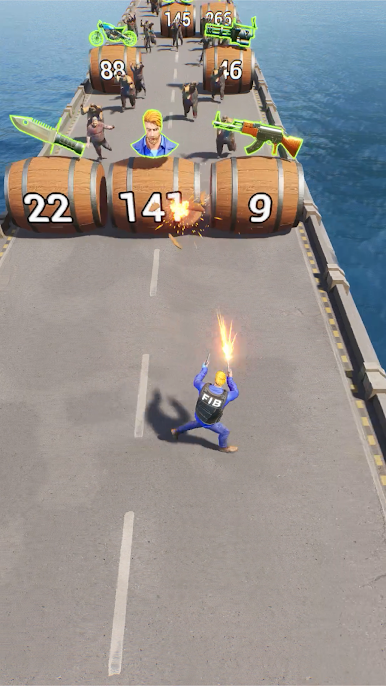
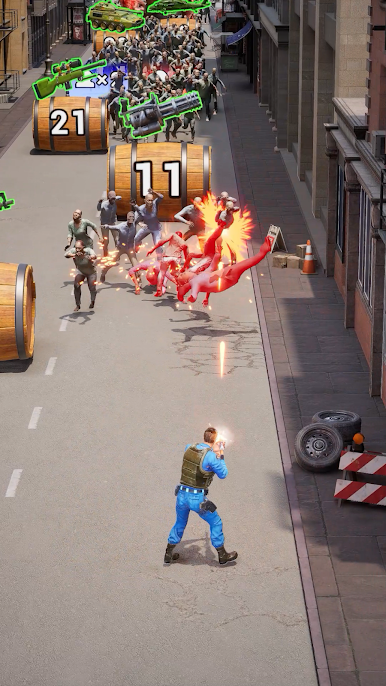

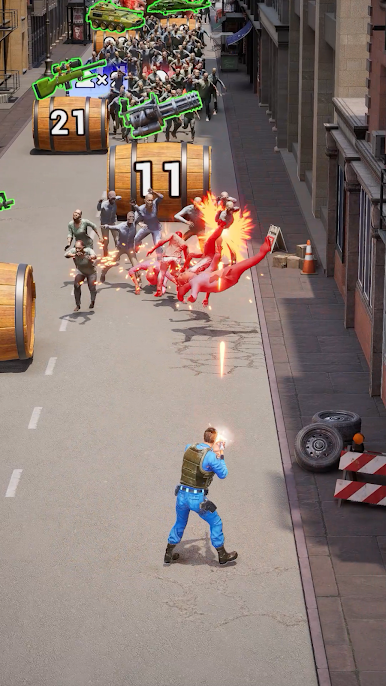
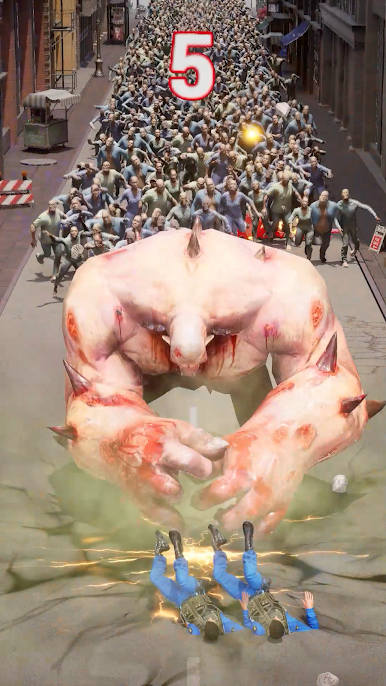




Play Last Z: Survival Shooter on PC. It’s easy to get started.
-
Download and install BlueStacks on your PC
-
Complete Google sign-in to access the Play Store, or do it later
-
Look for Last Z: Survival Shooter in the search bar at the top right corner
-
Click to install Last Z: Survival Shooter from the search results
-
Complete Google sign-in (if you skipped step 2) to install Last Z: Survival Shooter
-
Click the Last Z: Survival Shooter icon on the home screen to start playing

