

Robot Fighting 2: Fight Game
Play on PC with BlueStacks – the Android Gaming Platform, trusted by 500M+ gamers.

Page Modified on: Oct 27, 2026
Play Robot Fighting 2: Fight Game on PC or Mac
Play Robot Fighting 2: Fight Game by AppCurrent, LLC on PC or Mac with BlueStacks. Use a bigger screen, mouse and keyboard controls, and smoother performance while you play.
About the Game
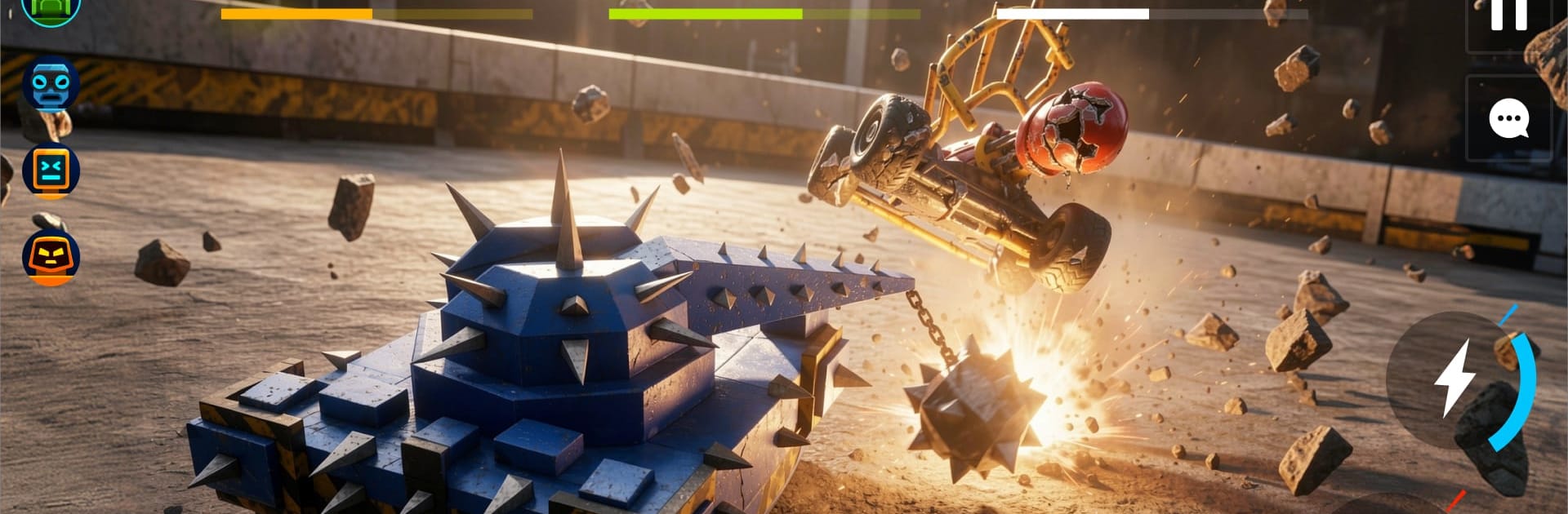
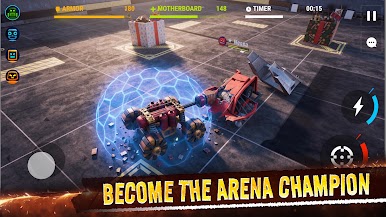
Robot Fighting 2: Fight Game drops you into metal-on-metal brawls where your build matters as much as your reflexes. This Action bruiser lets you craft a custom bot, strap on wild gadgets, and scrap your way through arenas packed with hazards that can flip a match in seconds. Expect tight, punchy fights where smart positioning and a clever loadout make all the difference.
Game Features
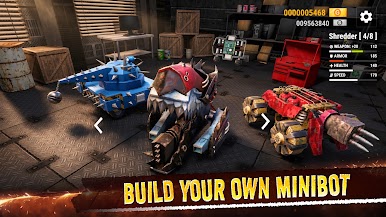
- Build From Scratch: Start with a scrappy chassis and turn it into a heavy-hitting machine by swapping parts, tuning stats, and shaping a bot that fits your style.
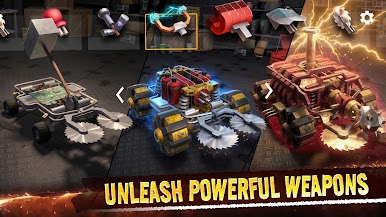
- Wild Weapon Loadouts: Mix buzz saws, flamers, shock gear, magnets, spikes, shields, and more—each tool changes how you close gaps, control space, and finish fights.
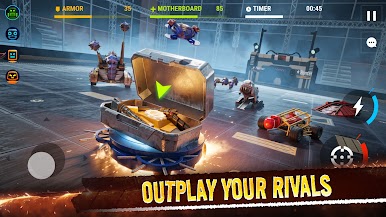
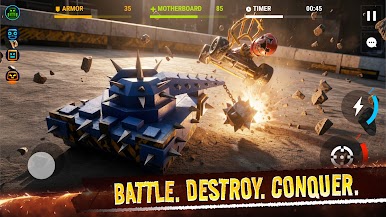
- Hazard-Packed Arenas: Battle in stages full of pop-up spikes, floor saws, rams, moving platforms, and throwable objects that can save you or smash you.
- Smart Combat, Not Just Mashing: Use angles, timing, and knockback to push rivals into traps, bait mistakes, and steal wins with one clutch move.
- Merge System for Power Plays: Combine upgrades to evolve your rig into something meaner, stacking bonuses that turn a decent bot into a nightmare.
- Every Upgrade Feels Different: New modules don’t just raise numbers—they shift your whole approach, from brawler to zoner to trap specialist.
- Fast, High-Stakes PvP: Short, explosive bouts keep the pressure on; read the arena, adapt midfight, and make every second count.
- Tinker-Friendly Progression: Earn parts, refine your setup, and chase quirky builds that surprise opponents and keep matches fresh.
- Smooth on BlueStacks: Prefer a bigger screen and customizable key controls? The game feels snappy and responsive on BlueStacks without getting in the way.
Start your journey now. Download the game on BlueStacks, invite your friends, and march on a new adventure.
Play Robot Fighting 2: Fight Game on PC. It’s easy to get started.
-
Download and install BlueStacks on your PC
-
Complete Google sign-in to access the Play Store, or do it later
-
Look for Robot Fighting 2: Fight Game in the search bar at the top right corner
-
Click to install Robot Fighting 2: Fight Game from the search results
-
Complete Google sign-in (if you skipped step 2) to install Robot Fighting 2: Fight Game
-
Click the Robot Fighting 2: Fight Game icon on the home screen to start playing

