


RealityMeter
Play on PC with BlueStacks – the Android Gaming Platform, trusted by 500M+ gamers.

Page Modified on: Oct 20, 2026
Play RealityMeter on PC
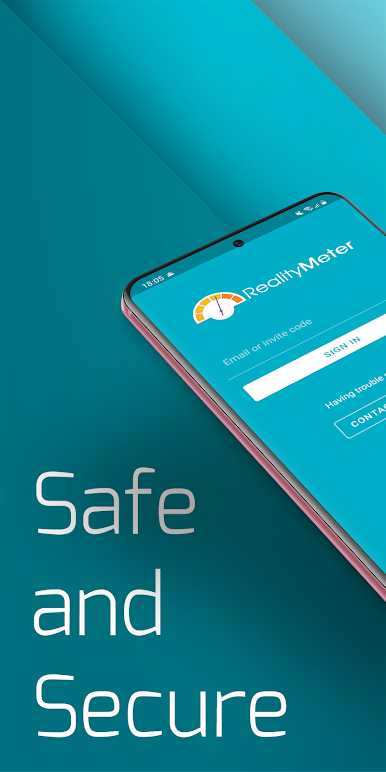
Safe and Secure - The app only collects the minimum data required for a study. Data is also encrypted at the point of capture, in transit and when stored. You can also pause capture at any time, choose to opt-out of a study or have your data deleted whenever you want.
Low Impact - Our app is built to have very low impact on your device’s performance, battery life and data usage. Our technology is also designed to have no impact on other services you may use.
Simple to Use - Earning rewards couldn’t get any easier. Set up is simple and all you have to do is follow our onboarding steps and keep the app running until the end of the study.
THIS APP USES ACCESSIBILITY SERVICES
This app uses Accessibility services. RealityMeter uses this permission with active consent of the end-user. The Accessibility permissions are used for analysing the application and web usage on this device as part of an opt-in market research panel.
THIS APP USES VPN SERVICES
This app uses VPN Services. RealityMeter uses a VPN with consent of the end-user. The VPN collects web usage data on this device and the data is analysed as part of an opt-in market research panel.

Play RealityMeter on PC. It’s easy to get started.
-
Download and install BlueStacks on your PC
-
Complete Google sign-in to access the Play Store, or do it later
-
Look for RealityMeter in the search bar at the top right corner
-
Click to install RealityMeter from the search results
-
Complete Google sign-in (if you skipped step 2) to install RealityMeter
-
Click the RealityMeter icon on the home screen to start playing

