


realme Store
Play on PC with BlueStacks – the Android Gaming Platform, trusted by 500M+ gamers.

Page Modified on: Oct 26, 2025
Play realme Store on PC
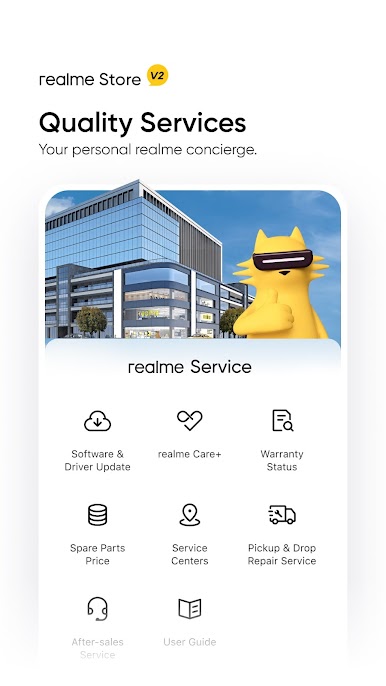
By visiting the realme online Store, you can get:
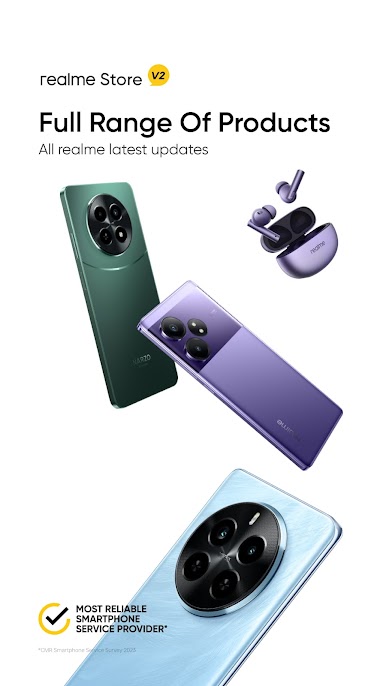
- Latest information about realme and realme products
- R-Pass, a priority purchase privilege to get the stunning realme products, can be achieved by participating in the activities as held
- Sale notification so that you don’t miss out!
realme Store is designing amusing activities for fans to relish in the coming days. Download the app to know more. Let us get the fun started!

Play realme Store on PC. It’s easy to get started.
-
Download and install BlueStacks on your PC
-
Complete Google sign-in to access the Play Store, or do it later
-
Look for realme Store in the search bar at the top right corner
-
Click to install realme Store from the search results
-
Complete Google sign-in (if you skipped step 2) to install realme Store
-
Click the realme Store icon on the home screen to start playing

