


Translate On Screen
Play on PC with BlueStacks – the Android Gaming Platform, trusted by 500M+ gamers.

Page Modified on: Oct 23, 2026
Run Translate On Screen on PC or Mac
Upgrade your experience. Try Translate On Screen, the fantastic Education app from EZ Screen Translator, from the comfort of your laptop, PC, or Mac, only on BlueStacks.
About the App
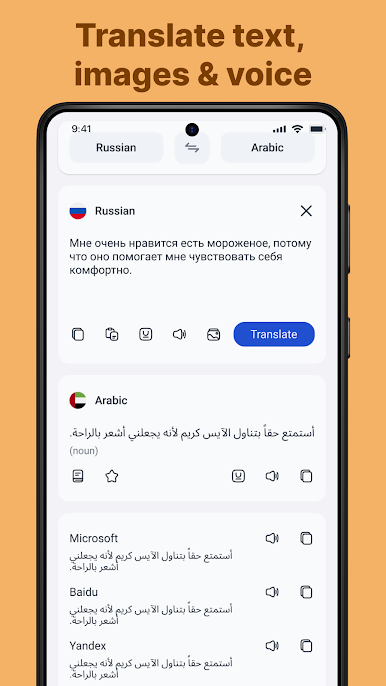
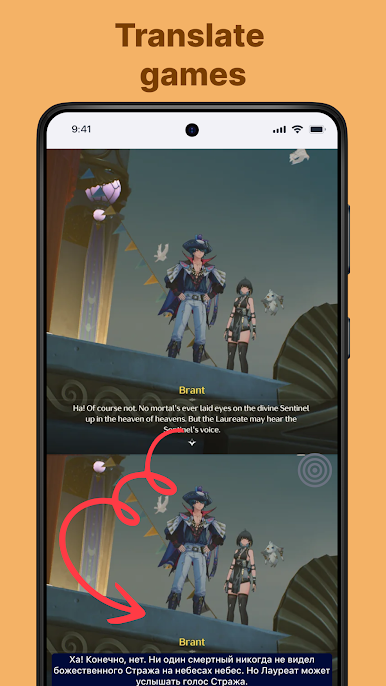
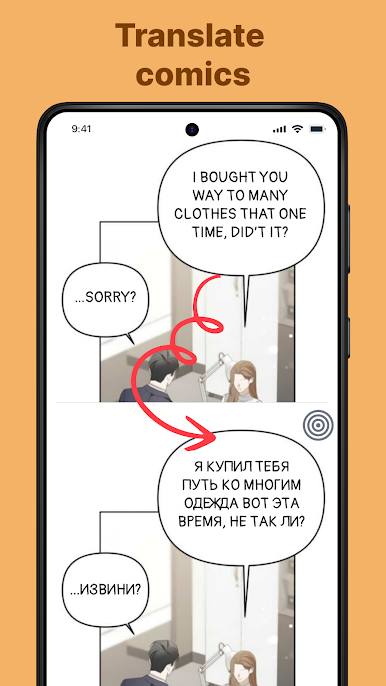
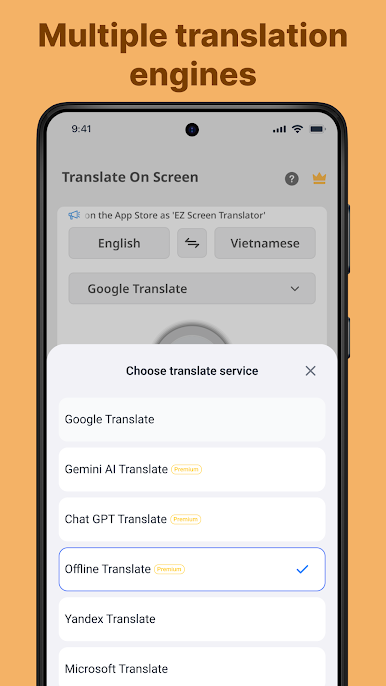
Translate On Screen by EZ Screen Translator is your go-to tool for real-time translation of text directly from your screen. This smart application helps break language barriers by translating chat messages, social media posts, games, comics—essentially any text on your device—into your preferred language. With Translate On Screen, you don’t need to switch between apps; just translate as you go.
App Features
-
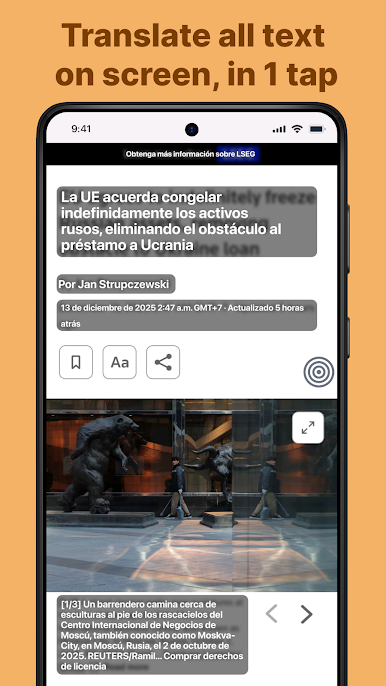
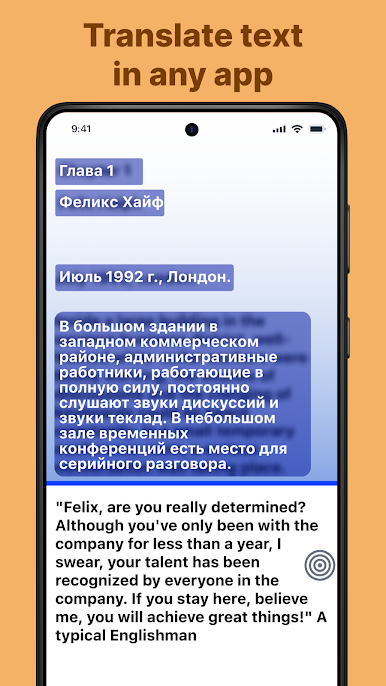
Translate on Any App: Whether you’re in a game or using social networks, translate your screen seamlessly.
-
Instant Screen Translation: Translate text directly on your phone’s screen—no need for the back-and-forth hustle.
-
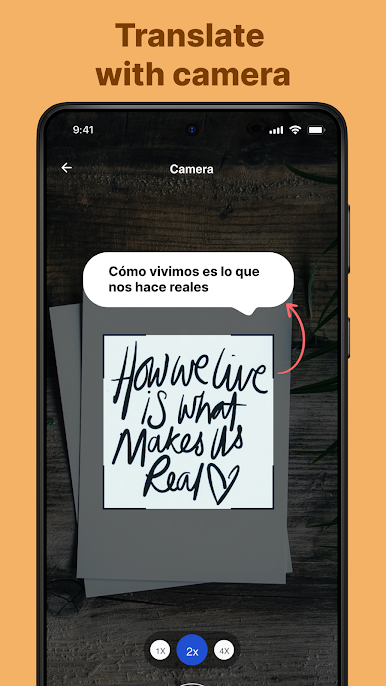
Multimedia Translation: Convert text from images, voice messages, or even through your camera.
-
Interactive Translation Tools: Use Bubble Translation to float translations on your screen or scan text with OCR capabilities.
-
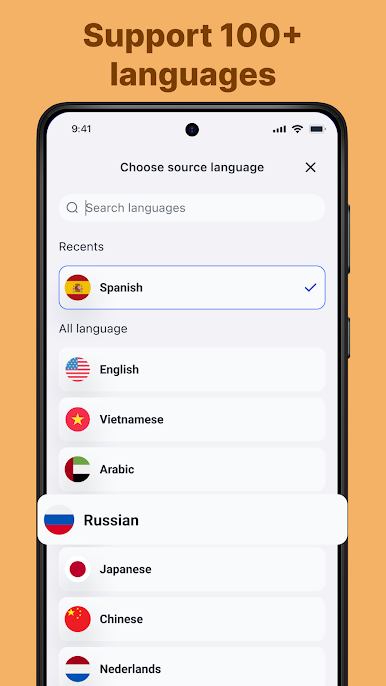
Comprehensive Language Support: Choose from over 100 languages, ensuring nothing gets lost in translation.
-
Copy and Share Translations: Easily copy translated text and share it with friends or across platforms.
Use BlueStacks to enjoy Translate On Screen on your PC.
Switch to BlueStacks and make the most of your apps on your PC or Mac.
Play Translate On Screen on PC. It’s easy to get started.
-
Download and install BlueStacks on your PC
-
Complete Google sign-in to access the Play Store, or do it later
-
Look for Translate On Screen in the search bar at the top right corner
-
Click to install Translate On Screen from the search results
-
Complete Google sign-in (if you skipped step 2) to install Translate On Screen
-
Click the Translate On Screen icon on the home screen to start playing

