

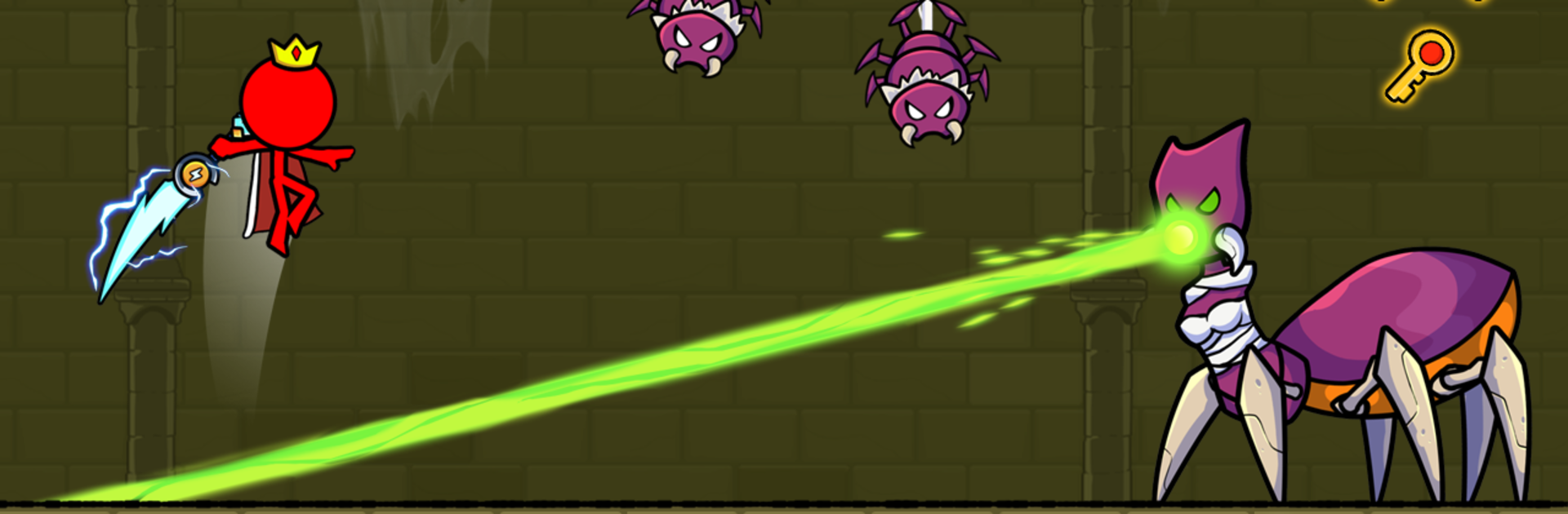
Red Stick Boy: Adventure Game
Play on PC with BlueStacks – the Android Gaming Platform, trusted by 500M+ gamers.

Page Modified on: Oct 16, 2025
Play Red Stickman : Animation vs Stickman Fighting on PC or Mac
Explore a whole new adventure with Red Stickman : Animation vs Stickman Fighting, a Adventure game created by Great Arcade Games. Experience great gameplay with BlueStacks, the most popular gaming platform to play Android games on your PC or Mac.
About the Game
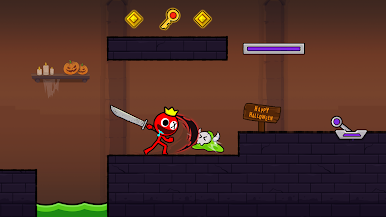
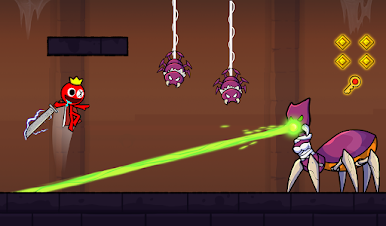
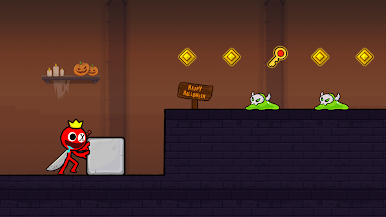
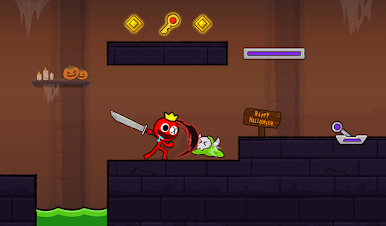
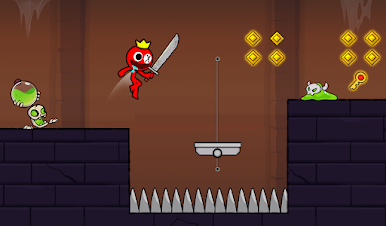
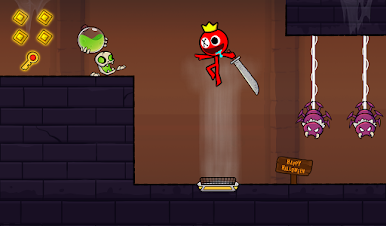
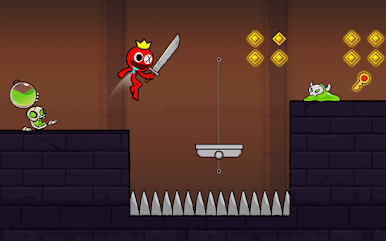
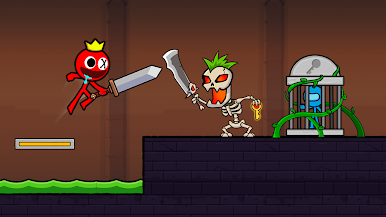
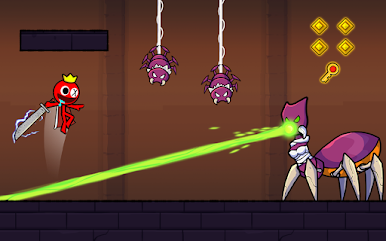
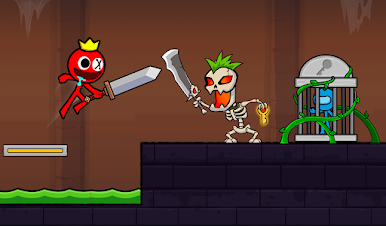
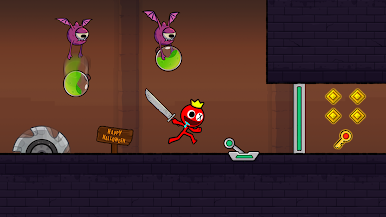
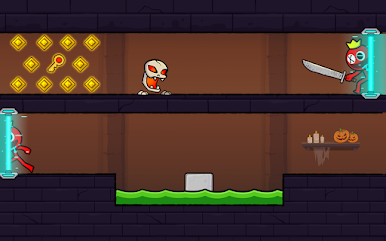
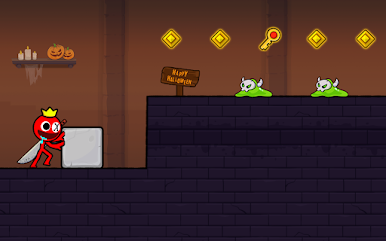
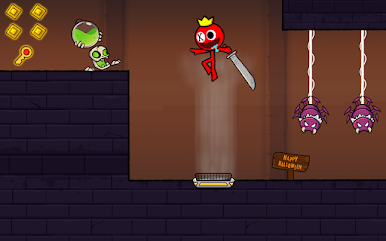
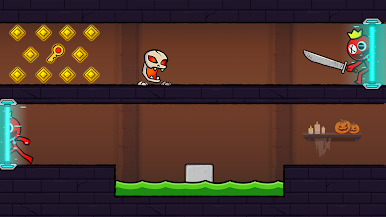
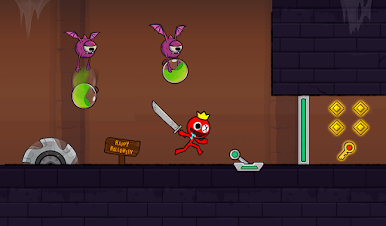
If you’re into wild stickman action and clever puzzle-solving, Red Stickman : Animation vs Stickman Fighting is your next obsession. This Adventure title from Great Arcade Games gets you teaming up with fearless stick figures in a maze full of traps, buttons, and sparkling gems. You’ll be guiding Red Stickman and a familiar crew through all sorts of tangled levels, where quick reflexes and a bit of brainpower go hand-in-hand. It’s fast, it’s challenging, and let’s be real—it gets seriously fun, especially if you’re the kind of player who loves a bit of mayhem with your platformers.
Game Features
-
Tons of Challenging Levels
New maps show up regularly, so there’s always another tricky puzzle or fight waiting. Whether you’re a first-timer or a longtime fan of the series, it just keeps things fresh. -
Teamwork-Based Puzzles
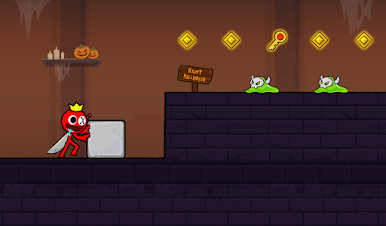
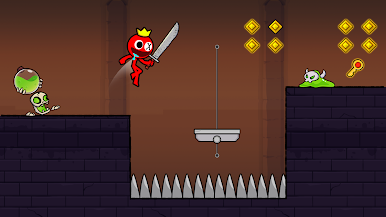
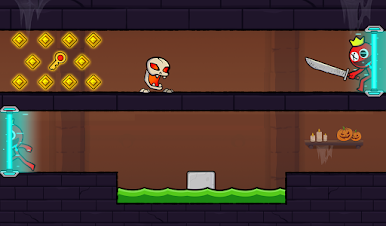
You’re not going solo—Red Stickman and his friends need to work together! Move both characters in sync, push boxes, hit switches, and dodge hazards to reach the exit. -
Signature Stickman Style
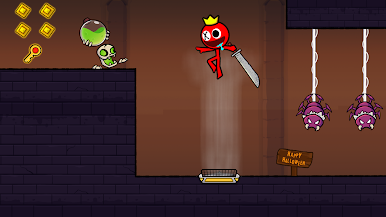
The game’s got that bold, colorful stickman look that’s easy on the eyes. The animations are smooth, and each character adds their own bit of flair. -
Action-Packed Fights
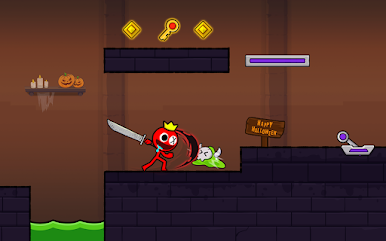
Think it’s all puzzles? Nope! Expect plenty of high-energy stickman brawls packed with wild moves and chaotic destruction. There’s never a dull moment. -
Unlock Cool Skins
Winning battles and clearing stages gives you access to some fun new looks. Style up your stickman to stand out as you conquer levels. -
Simple, Responsive Controls
Getting around is a breeze thanks to intuitive controls, whether you’re dodging water hazards or making a risky jump.
If you want to amp up your gameplay, try Red Stickman : Animation vs Stickman Fighting on BlueStacks—it makes all that stickman action even smoother.
Make your gaming sessions memorable with precise controls that give you an edge in close combats and visuals that pop up, bringing every character to life.

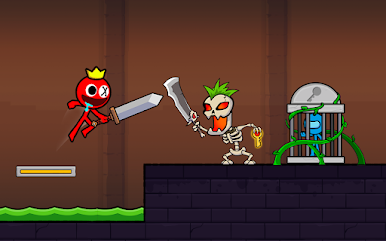
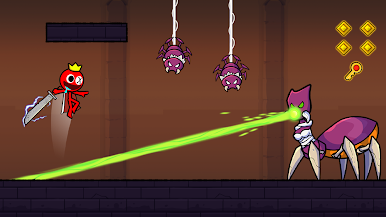
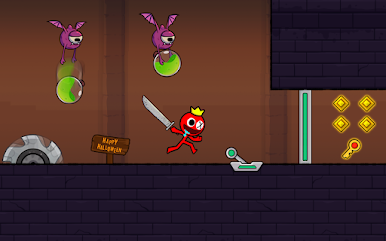
Play Red Stick Boy: Adventure Game on PC. It’s easy to get started.
-
Download and install BlueStacks on your PC
-
Complete Google sign-in to access the Play Store, or do it later
-
Look for Red Stick Boy: Adventure Game in the search bar at the top right corner
-
Click to install Red Stick Boy: Adventure Game from the search results
-
Complete Google sign-in (if you skipped step 2) to install Red Stick Boy: Adventure Game
-
Click the Red Stick Boy: Adventure Game icon on the home screen to start playing

