


Sweep And Paint
Play on PC with BlueStacks – the Android Gaming Platform, trusted by 500M+ gamers.

Page Modified on: Oct 15, 2025
Play Sweep And Paint on PC or Mac
Explore a whole new adventure with Sweep And Paint, a Casual game created by DevCooper. Experience great gameplay with BlueStacks, the most popular gaming platform to play Android games on your PC or Mac.
About the Game
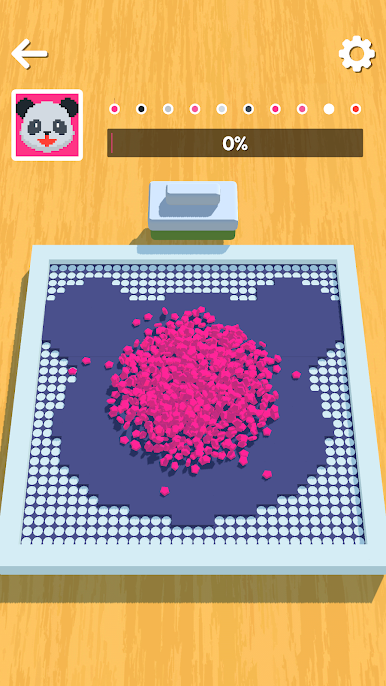
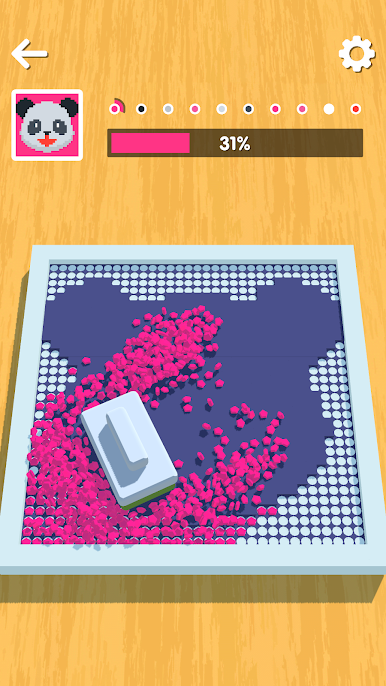
Sweep And Paint from DevCooper is a casual game that’s all about relaxing fun—with just a bit of a challenge. Here, you’ll find yourself sweeping shining diamonds into place and uncovering colorful images as you go. It’s soothing, oddly satisfying, and just the thing when you want something easygoing to play on your own or while taking a break.
Game Features
-
Addictively Simple Gameplay
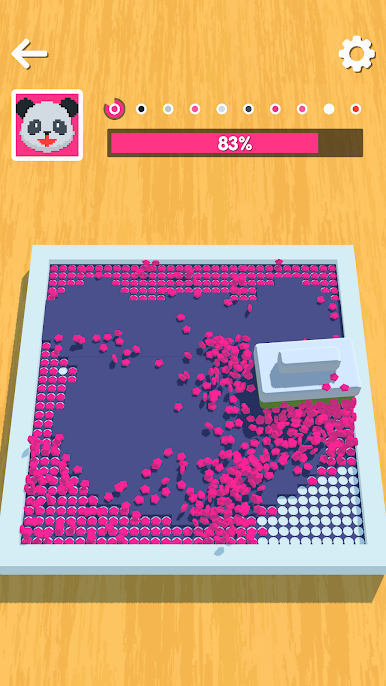
Just swipe and move diamonds across the board. It’s all about filling in the blanks and watching a painting take shape under your fingertips. -
Creative Art Reveals
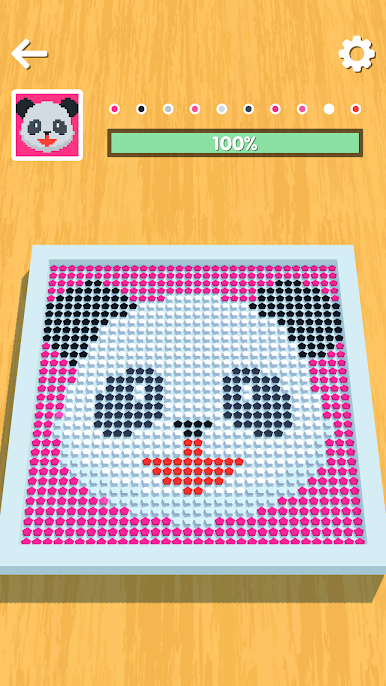
Each level lets you paint a vibrant picture, piece by piece. As the sparkling diamonds slide into place, hidden designs and colors come alive. -
Smooth Controls
No complicated moves or confusing rules—just tap and drag to sweep, making the game accessible no matter your experience level. -
Stress-Free Pacing
Play as quickly or as slowly as you want. There’s no timer rushing you, so you can take your time to enjoy every sparkling sweep. -
Polished Visuals
Every diamond sparkles, and completed artworks feel bright and rewarding. The graphics are colorful and easy on the eyes. -
Casual Genre Fun
Perfect for moments when you just want to unwind. This is the kind of experience you can pick up and put down whenever. -
Optimized for BlueStacks
If you prefer a bigger screen to really catch those details, playing on BlueStacks makes everything look even better.
Make your gaming sessions memorable with precise controls that give you an edge in close combats and visuals that pop up, bringing every character to life.
Play Sweep And Paint on PC. It’s easy to get started.
-
Download and install BlueStacks on your PC
-
Complete Google sign-in to access the Play Store, or do it later
-
Look for Sweep And Paint in the search bar at the top right corner
-
Click to install Sweep And Paint from the search results
-
Complete Google sign-in (if you skipped step 2) to install Sweep And Paint
-
Click the Sweep And Paint icon on the home screen to start playing

