


ReelWave
Play on PC with BlueStacks – the Android Gaming Platform, trusted by 500M+ gamers.

Page Modified on: Nov 27, 2025
Play ReelWave on PC
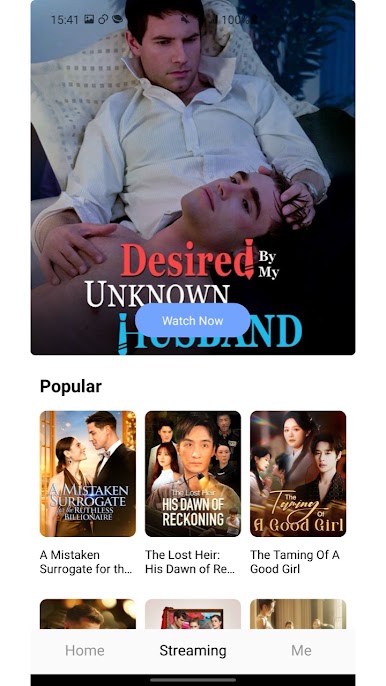
Each episode is short, fast-paced, and easy to watch, allowing you to enjoy complete stories even with limited time.
From romance to mystery, urban life to fantasy — explore a wide range of genres in one app.
Key Features
Fast Updates – New and trending dramas added regularly
Smooth Playback – Smart preloading for seamless viewing
Various Genres – Romance, mystery, fantasy, youth, urban, and more
Personalized Suggestions – Content tailored to your viewing habits
Vertical Full-Screen – Optimized for one-handed use
Easy Search – Quickly find shows, characters, or categories
Lightweight Design – Small app size, fast and efficient
Play ReelWave on PC. It’s easy to get started.
-
Download and install BlueStacks on your PC
-
Complete Google sign-in to access the Play Store, or do it later
-
Look for ReelWave in the search bar at the top right corner
-
Click to install ReelWave from the search results
-
Complete Google sign-in (if you skipped step 2) to install ReelWave
-
Click the ReelWave icon on the home screen to start playing

