


Rift Wars: Merge Arena
Play on PC with BlueStacks – the Android Gaming Platform, trusted by 500M+ gamers.

Page Modified on: Jul 2, 2026
Main Rift Wars: Merge Arena on PC
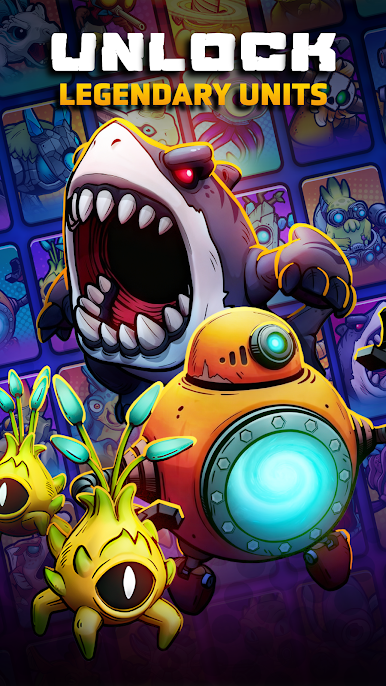
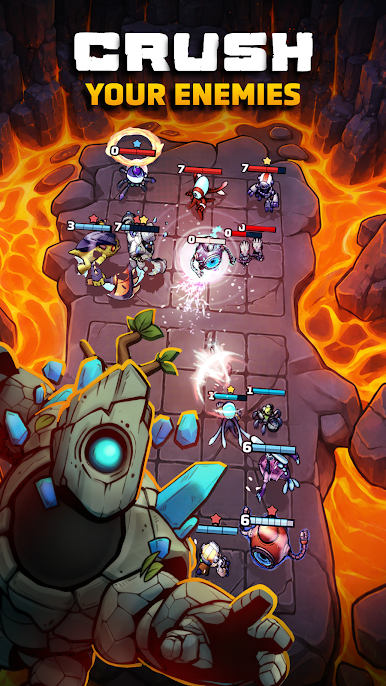
Rift Wars is a fast PvP strategy battler where no two fights are ever the same.
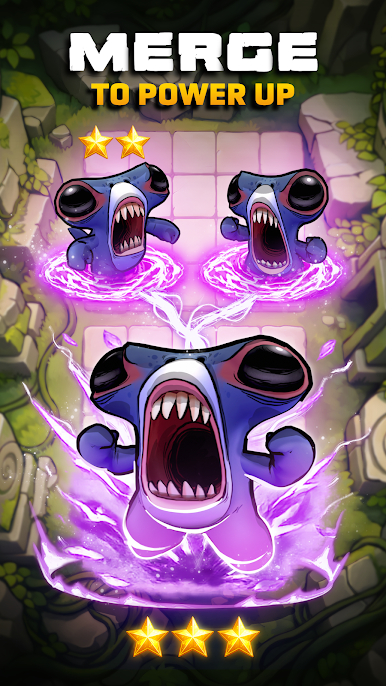
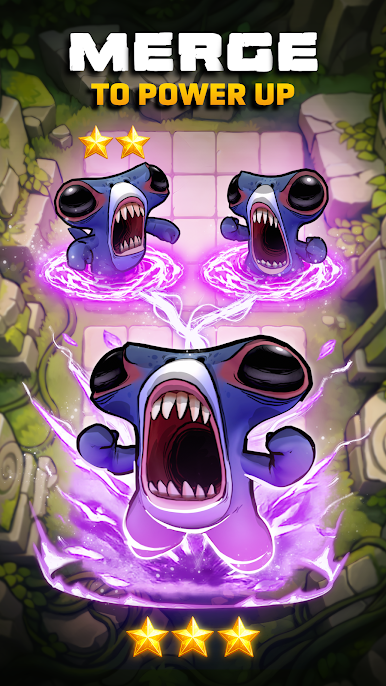
Draft your squad each round, merge identical units to power them up, and discover powerful synergies as you climb the ranks.
Easy to learn. Deep to master. Impossible to put down.
Draft, Merge, Then Battle
Build a brand-new team every game.
Merge identical units during the draft phase to create stronger forms before the fight begins.
Discover Game-Winning Synergies
Combine factions, abilities, and positioning to create unstoppable strategies.
Hundreds of team combinations mean endless ways to win.
Live PvP Auto-Battles
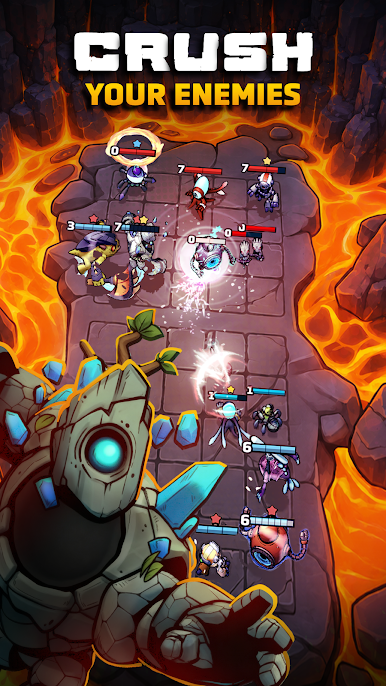
Draft your team and watch your strategy unfold against real players in fast 1v1 matches.
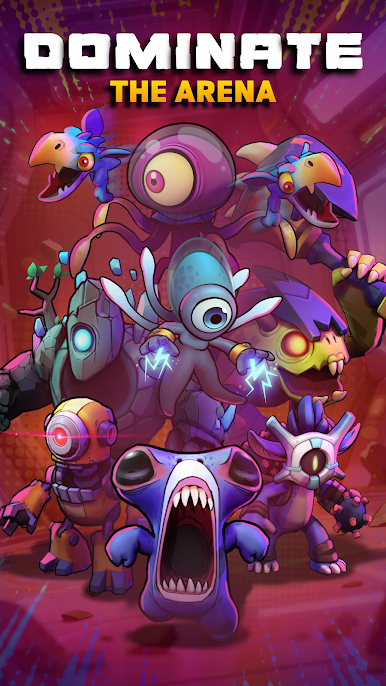
Climb the Competitive Ranks
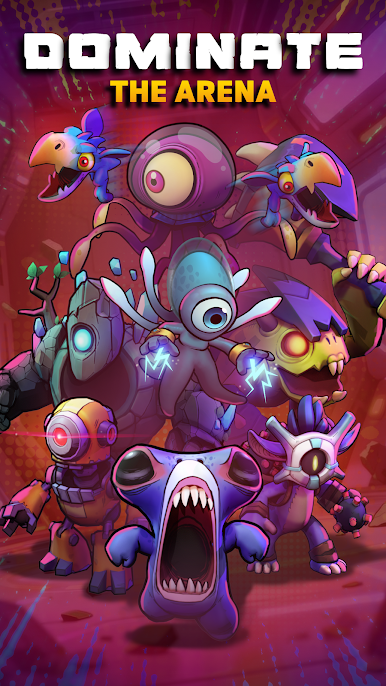
Win matches, rise through leagues, and prove your strategy against players worldwide.
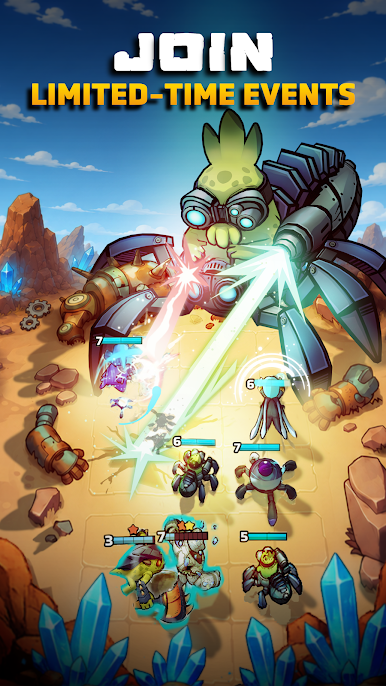
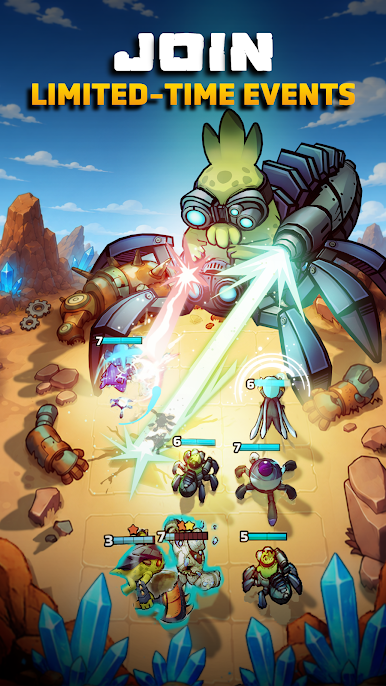
Fresh Updates & Events
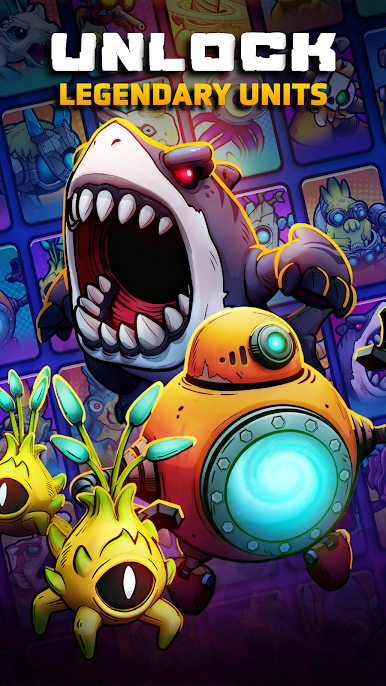
New units, seasonal events, and evolving metas keep Rift Wars constantly changing.
Every match is different
Every choice matters
Can you win the war?

Play Rift Wars: Merge Arena on PC. It’s easy to get started.
-
Download and install BlueStacks on your PC
-
Complete Google sign-in to access the Play Store, or do it later
-
Look for Rift Wars: Merge Arena in the search bar at the top right corner
-
Click to install Rift Wars: Merge Arena from the search results
-
Complete Google sign-in (if you skipped step 2) to install Rift Wars: Merge Arena
-
Click the Rift Wars: Merge Arena icon on the home screen to start playing

