Rally Fury - Extreme Racing
Play on PC with BlueStacks – the Android Gaming Platform, trusted by 500M+ gamers.

Page Modified on: Sep 22, 2026
Play Rally Fury - Extreme Racing on PC or Mac
Play Rally Fury – Extreme Racing by Refuel Games Pty Ltd on PC or Mac with BlueStacks. Use a bigger screen, mouse and keyboard controls, and smoother performance while you play.
About the Game
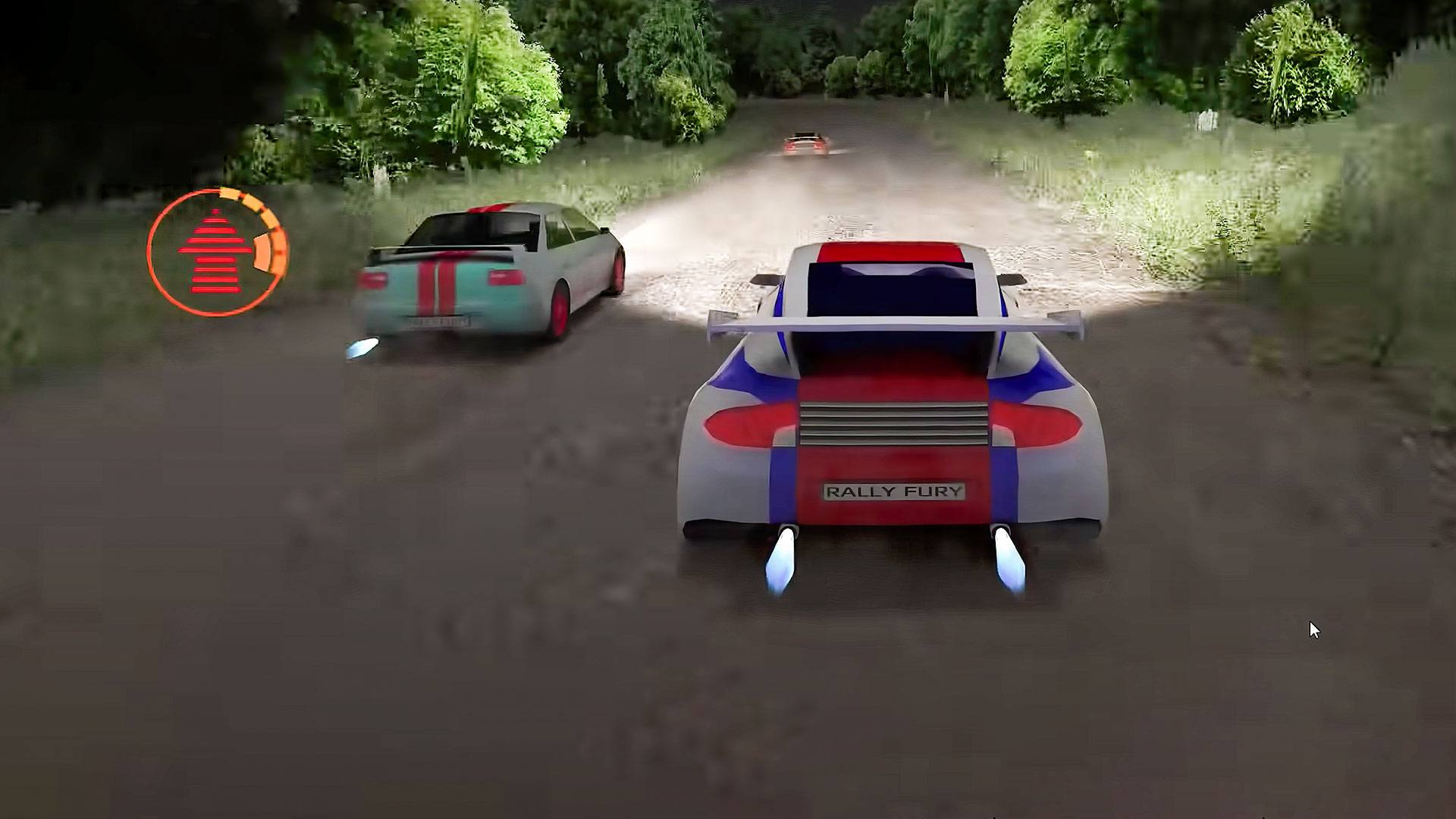
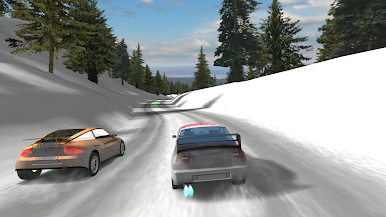
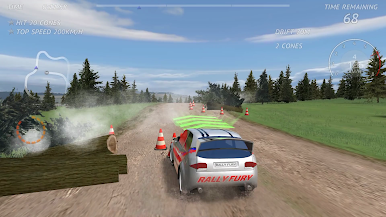
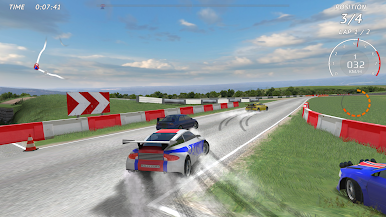
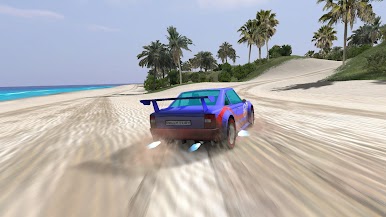
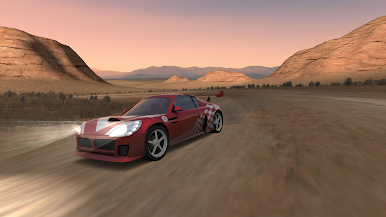
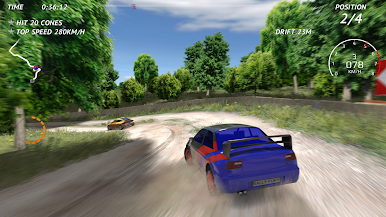
Rally Fury – Extreme Racing throws you into fast, drift-happy runs across gravel, tarmac, sand, and snow. It’s a skill-first Racing experience with sharp physics, punchy visuals, and plenty of ways to chase personal bests or outsmart real opponents. If you prefer a bigger screen, it plays nicely on BlueStacks.
Game Features
- Satisfying handling: Feel weight shift and grip changes as you slide through corners and thread the needle on mixed surfaces, day or night.
- Drift for boost: Kick the rear out to earn extra nitro, then launch down straights and slingshot past the pack.
- Tons of solo content: Tackle 100+ single-player events with varied layouts and conditions that nudge you to master lines and timing.
- Online and private lobbies: Jump into global matchups or spin up a private room to settle scores with friends.
- Mode variety: Face tough AI, chase cones, outrun pursuit, attempt skills tests, hunt checkpoints for new PBs, or just cruise in free drive.
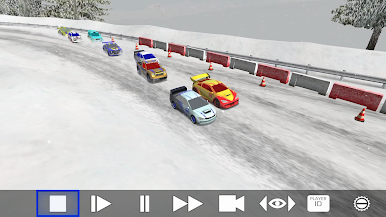
- Instant replays: Rewatch your last run with multiple cameras, slow motion, and fast-forward—compare lines with rivals to see where you gained or lost time.
- Eight-car garage: Choose from 8 high-performance machines with distinct personalities across A, B, and S classes.
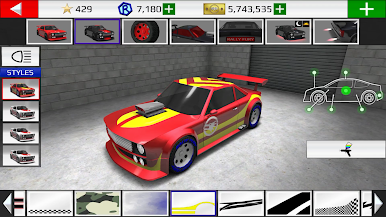
- Deep customization: Paint jobs, decals, custom plates, wheel and tire styles, underglow lighting, and even different boost flames to match your vibe.
- Meaningful upgrades: Improve engine power, acceleration, handling, nitro system, and more to keep shaving seconds.
- Flexible controls: Tilt or touch steering, manual or auto throttle, optional brake and steering assists, plus adjustable layout, sensitivity, and HUD opacity.
- Pick your view: Swap camera angles to suit your style, from tight cockpit views to wider chase cams.
- Gamepad and TV support: Plug in a compatible controller and kick back on Android TV for laid-back sessions.
- Cloud saves: Keep your progress synced so you can continue right where you left off across devices.
Start your journey now. Download the game on BlueStacks, invite your friends, and march on a new adventure.

Play Rally Fury - Extreme Racing on PC. It’s easy to get started.
-
Download and install BlueStacks on your PC
-
Complete Google sign-in to access the Play Store, or do it later
-
Look for Rally Fury - Extreme Racing in the search bar at the top right corner
-
Click to install Rally Fury - Extreme Racing from the search results
-
Complete Google sign-in (if you skipped step 2) to install Rally Fury - Extreme Racing
-
Click the Rally Fury - Extreme Racing icon on the home screen to start playing