


ChokiChoki Kompetisi Upin Ipin
Play on PC with BlueStacks – the Android Gaming Platform, trusted by 500M+ gamers.

Page Modified on: Jul 5, 2022
Overview
Upin & Ipin Competition Choki Choki Game is a traditional game that can now be played in a digital version, this application consists of several games:
1. Penalty Football
2. Paper Ship
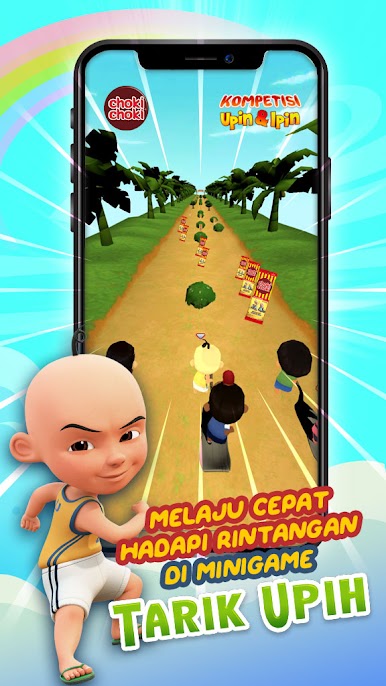
3. Withdraw
4. Marbles
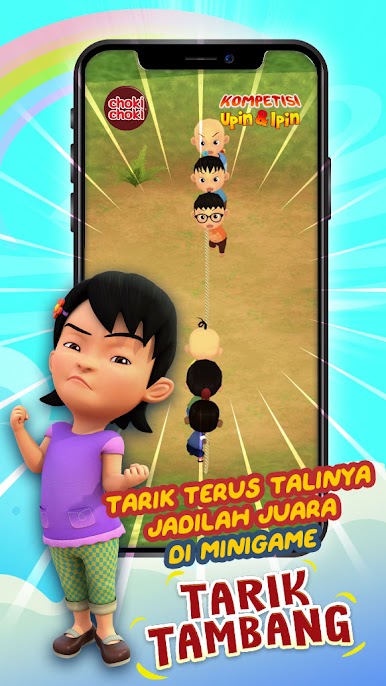
5. Tug of War
6. Jump sap
7. Rembo Trail
Steps to Start the Game
1. Buy and collect Upin & Ipin edition Choki Choki
2. Download the game
3. Scan the card
4. Play 7 fun games
Recommended Smartphone Specifications
- RAM 2GB and above
- Camera 5MP and above
- Android 4.4 (KitKat) operating system and above
Smartphone devices that do not meet the recommended specifications can cause the game to not function optimally, including:
- Scan Packaging and AR effects are hard to detect
- Game display is broken (lag)
- Black screen when camera access or AR is used
- The game application closes unexpectedly at the beginning or in the middle of the game.




Play ChokiChoki Kompetisi Upin Ipin on PC. It’s easy to get started.
-
Download and install BlueStacks on your PC
-
Complete Google sign-in to access the Play Store, or do it later
-
Look for ChokiChoki Kompetisi Upin Ipin in the search bar at the top right corner
-
Click to install ChokiChoki Kompetisi Upin Ipin from the search results
-
Complete Google sign-in (if you skipped step 2) to install ChokiChoki Kompetisi Upin Ipin
-
Click the ChokiChoki Kompetisi Upin Ipin icon on the home screen to start playing

