


Cooking Cafe - Food Chef
Play on PC with BlueStacks – the Android Gaming Platform, trusted by 500M+ gamers.

Page Modified on: Jul 2, 2025
Play Cooking Cafe - Food Chef on PC
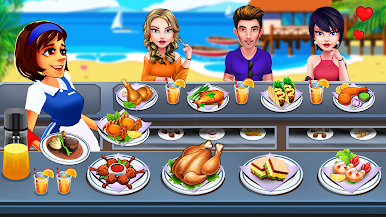
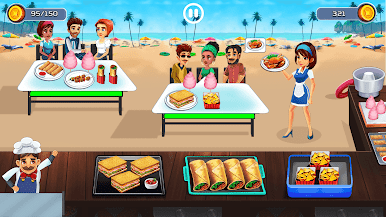
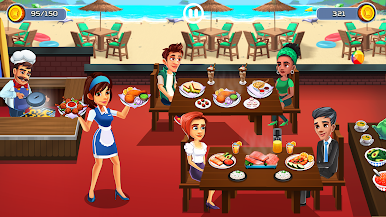
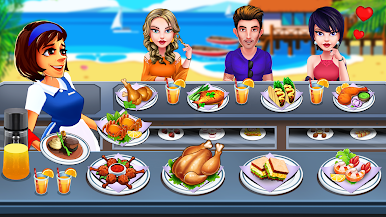
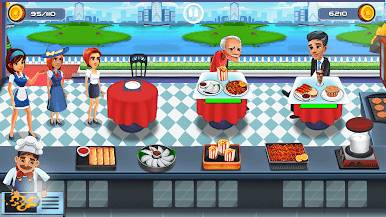
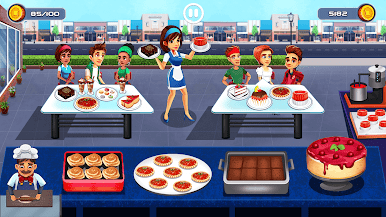
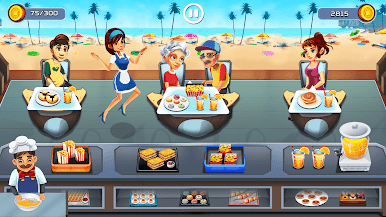
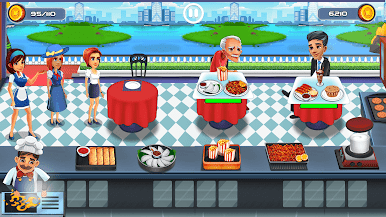
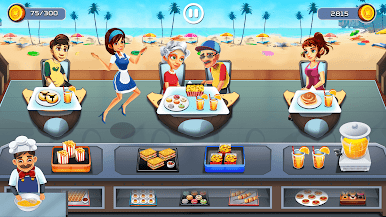
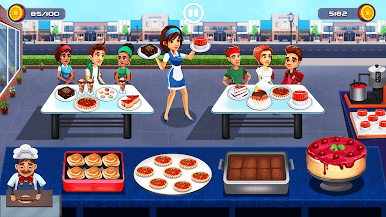
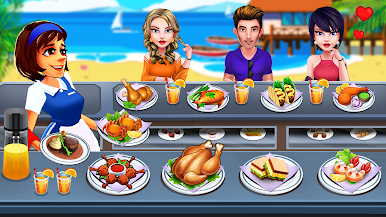
Greet customers, take their orders promptly, and delight them with mouthwatering meals with just a tap!
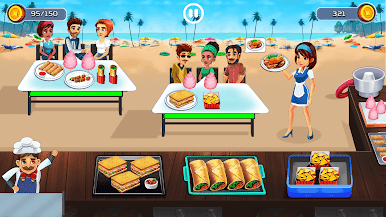
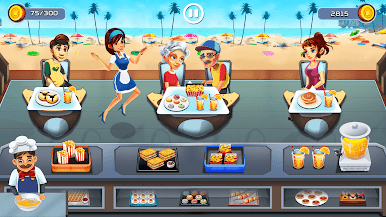
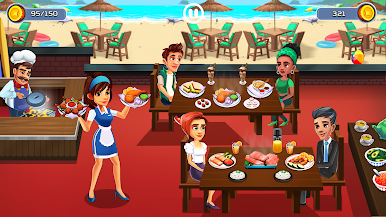
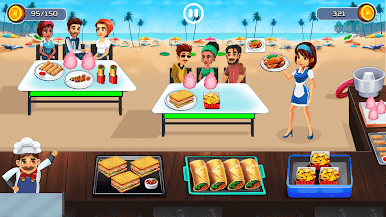
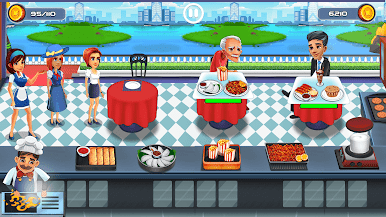
Dash between cafes and restaurants, unlocking numerous locations as you progress on your journey. This cooking game offers endless fun with challenging missions in each level, providing a unique experience!
Features:
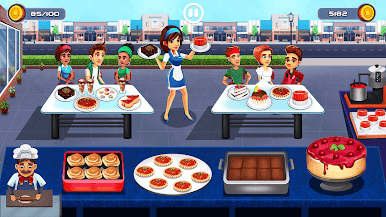
Explore various new restaurants and cafes.
Extensive selection of world-famous dishes.
Stunning, detailed graphics.
Numerous challenging and enjoyable levels.
Addictive cooking gameplay.
Download now and create your own Cooking Cafe Story!
Contact us at support@renderedideas.com if you need assistance!
Follow us for news and updates:
https://www.facebook.com/RenderedIdeas/
https://twitter.com/RenderedIdeas
https://www.instagram.com/renderedideas/
Play Cooking Cafe - Food Chef on PC. It’s easy to get started.
-
Download and install BlueStacks on your PC
-
Complete Google sign-in to access the Play Store, or do it later
-
Look for Cooking Cafe - Food Chef in the search bar at the top right corner
-
Click to install Cooking Cafe - Food Chef from the search results
-
Complete Google sign-in (if you skipped step 2) to install Cooking Cafe - Food Chef
-
Click the Cooking Cafe - Food Chef icon on the home screen to start playing

