


Street Racer - TV
Play on PC with BlueStacks – the Android Gaming Platform, trusted by 500M+ gamers.

Page Modified on: Apr 26, 2026
Play Street Racer - TV on PC
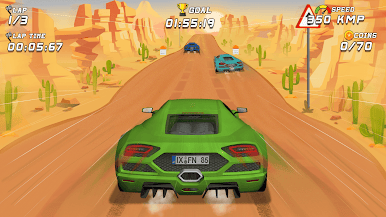
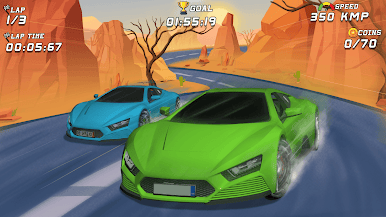
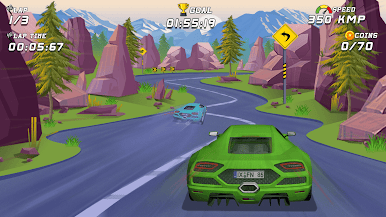
Drive through city streets in a fast-paced arcade racing game focused on timing, control, and continuous movement. Navigate turns, avoid obstacles, and maintain speed while completing races and improving performance over time.
The gameplay uses simple controls and a consistent racing loop, making it suitable for both short sessions and extended play.
Gameplay
Control your vehicle as it moves forward through the track. Adjust direction, manage speed, and react to traffic and obstacles during each run. Each race focuses on maintaining control and staying on track.
Features:
- Responsive driving controls
- Continuous forward racing gameplay
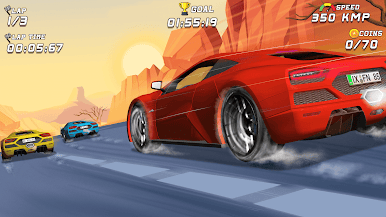
- Race against opponent vehicles
- Score or time-based progression
- Speed boost and drift-based movement
- Offline gameplay support
Play Street Racer - TV on PC. It’s easy to get started.
-
Download and install BlueStacks on your PC
-
Complete Google sign-in to access the Play Store, or do it later
-
Look for Street Racer - TV in the search bar at the top right corner
-
Click to install Street Racer - TV from the search results
-
Complete Google sign-in (if you skipped step 2) to install Street Racer - TV
-
Click the Street Racer - TV icon on the home screen to start playing

