


Neon Pool Charm
Play on PC with BlueStacks – the Android Gaming Platform, trusted by 500M+ gamers.

Page Modified on: Jan 21, 2026
Play Neon Pool Charm on PC
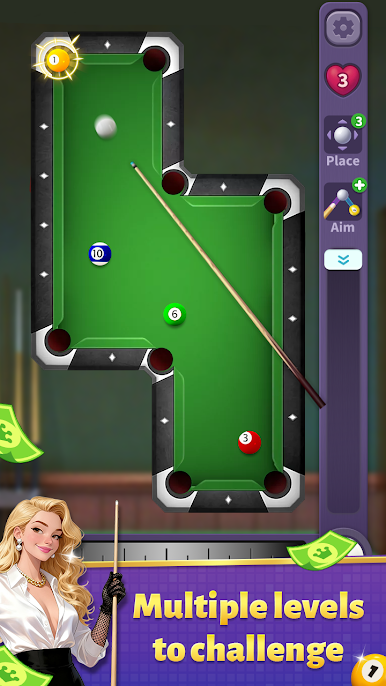
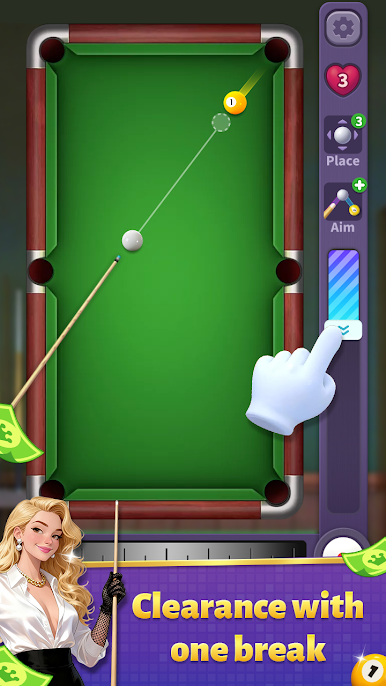
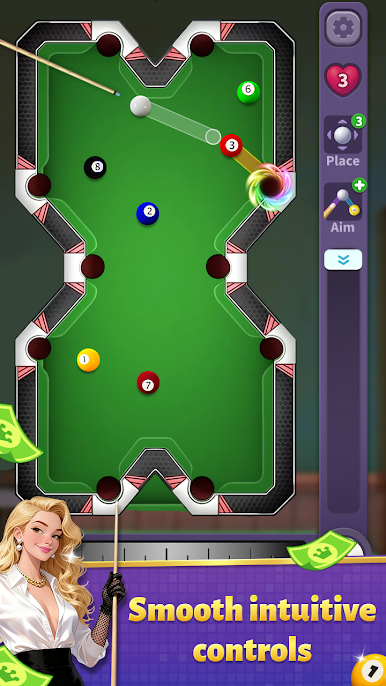
The ultra-simple controls are suitable for everyone. Play a quick round on your commute, during your lunch break, or before bed to cure boredom in an instant.
There are also a variety of vibrant skins to switch freely—sleek cues and dazzling tablecloths—to create your one-of-a-kind personalized pool table. No anxiety about winning or losing; play whenever you want for pure relaxation and comfort.
Whether you want to kill time or let off steam, this game is perfect for you! Download now and hit a shot for a great mood !

Play Neon Pool Charm on PC. It’s easy to get started.
-
Download and install BlueStacks on your PC
-
Complete Google sign-in to access the Play Store, or do it later
-
Look for Neon Pool Charm in the search bar at the top right corner
-
Click to install Neon Pool Charm from the search results
-
Complete Google sign-in (if you skipped step 2) to install Neon Pool Charm
-
Click the Neon Pool Charm icon on the home screen to start playing

