

Drag Rivals: Tuning & Racing
Play on PC with BlueStacks – the Android Gaming Platform, trusted by 500M+ gamers.

Page Modified on: May 16, 2026
Play Drag Rivals: Tuning & Racing on PC or Mac
Explore a whole new adventure with Drag Rivals: Tuning & Racing, a Racing game created by RETROBOT s.r.o.. Experience great gameplay with BlueStacks, the most popular gaming platform to play Android games on your PC or Mac.
About the Game
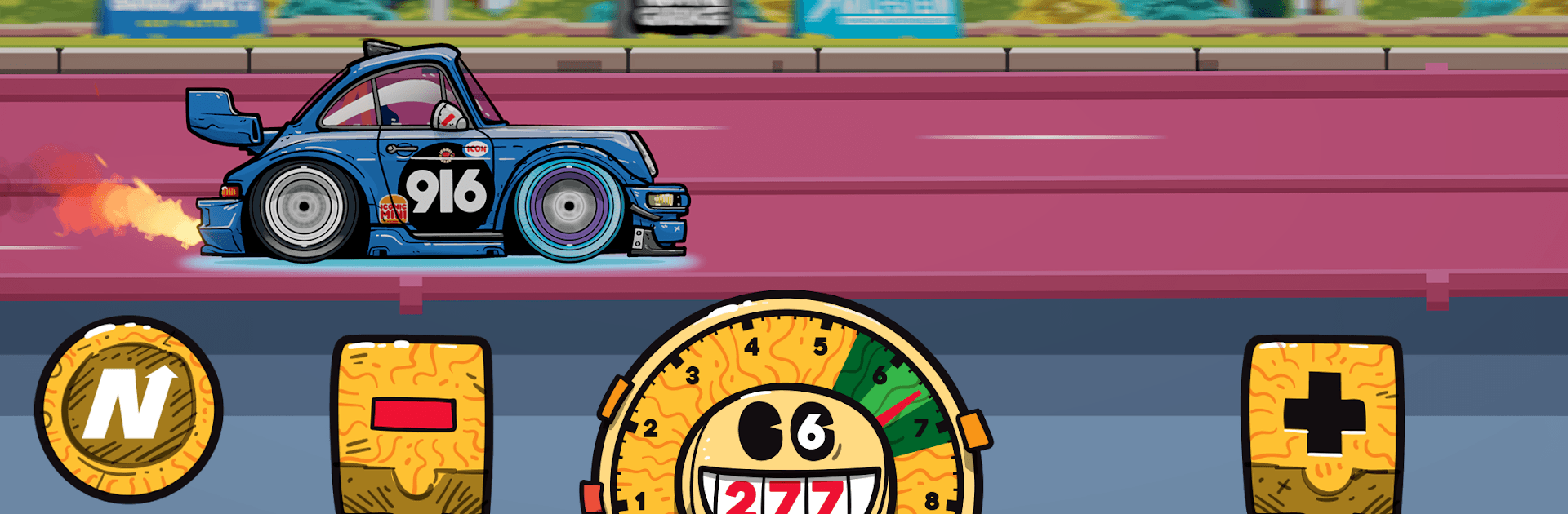
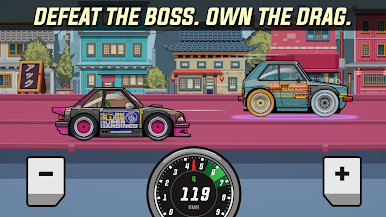
Drag Rivals: Tuning & Racing is all about pure quarter-mile thrills—short, punchy races where launch timing and clean shifts make or break the run. It’s a stylish 2D Racing experience with hand-drawn cars and backdrops, easy to learn controls, and a ton to tweak under the hood. Prefer a bigger screen and sharp inputs? It plays great on BlueStacks too.
Game Features
- Quick drag duels: Jump into rapid head-to-head sprints where every millisecond counts, from the green light to the finish stripe.
- Hand-drawn style: Every car and scene is illustrated by hand, giving the whole garage and street lineup a bold, distinctive look.
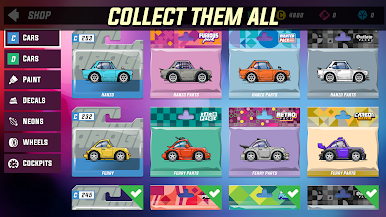
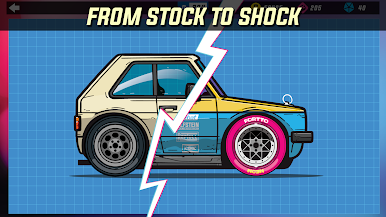
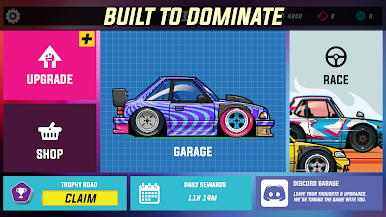
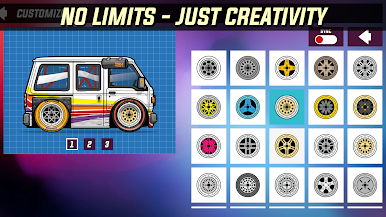
- Build your dream ride: Change paint, wraps, liveries, wheels, and more to make your machine feel truly yours.
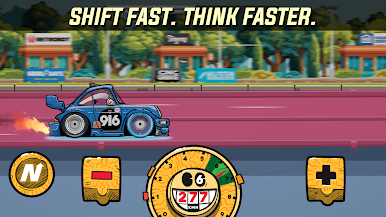
- Tune for speed: Adjust gear ratios, optimize launches, and stack performance upgrades to shave time off each run.
- Simple, skill-focused controls: Easy to pick up—tap to launch, time your shifts right—but mastering consistency is the real challenge.
- Evolving Early Access: The roadmap teases more cars, new races, fresh events, extra parts, a Trophy Road, daily quests, and other additions as development rolls on.
- Shaped by players: Feedback matters here. Share thoughts, test updates, and watch the experience grow with community input.
Start playing Drag Rivals: Tuning & Racing on BlueStacks and get a smoother, more comfortable PC or Mac setup.


Play Drag Rivals: Tuning & Racing on PC. It’s easy to get started.
-
Download and install BlueStacks on your PC
-
Complete Google sign-in to access the Play Store, or do it later
-
Look for Drag Rivals: Tuning & Racing in the search bar at the top right corner
-
Click to install Drag Rivals: Tuning & Racing from the search results
-
Complete Google sign-in (if you skipped step 2) to install Drag Rivals: Tuning & Racing
-
Click the Drag Rivals: Tuning & Racing icon on the home screen to start playing

