


Reverb: Buy & Sell Music Gear
Play on PC with BlueStacks – the Android Gaming Platform, trusted by 500M+ gamers.

Page Modified on: Dec 2, 2025
Play Reverb: Buy & Sell Music Gear on PC
Buy
• Watch listings to get notified when prices drop.
• Save searches (like "Fender electric guitars” or "Korg synths" filtered by Condition, Year, Price and more) to get notified when specific gear you want becomes available.
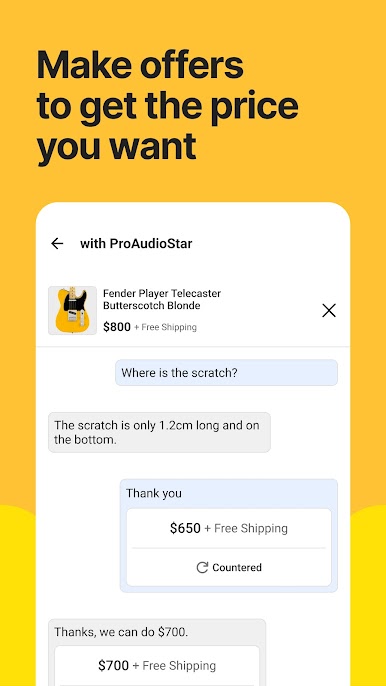
• Make offers to find the best deal.
• Get important offer and deal updates right from your Home tab so you’ll never miss a chance to save.
• Message sellers for more details on any listing.
Sell
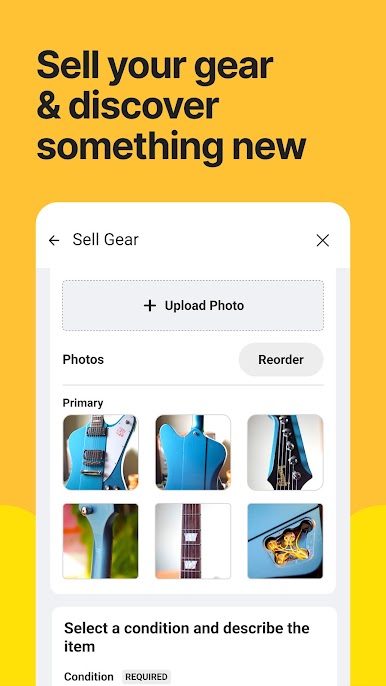
• List gear for free. Create a listing in minutes: simply take photos, write a description, and set your price.
• Respond to offers and messages from anywhere.
• Manage your shop—promote listings with Bump, update prices, and more.
Discover
• Watch gear demos, artist interviews, and how-to videos.
• Read about gear history, recording and production techniques, and more.
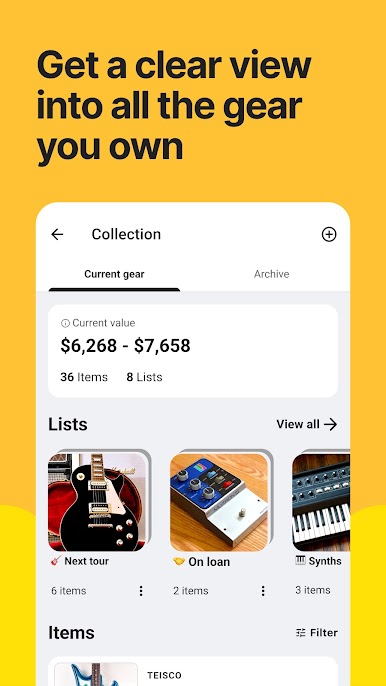
• Browse handpicked collections of gear curated by our expert staff.
• Learn about rare and unique gear and under-the-radar deals and steals.


Play Reverb: Buy & Sell Music Gear on PC. It’s easy to get started.
-
Download and install BlueStacks on your PC
-
Complete Google sign-in to access the Play Store, or do it later
-
Look for Reverb: Buy & Sell Music Gear in the search bar at the top right corner
-
Click to install Reverb: Buy & Sell Music Gear from the search results
-
Complete Google sign-in (if you skipped step 2) to install Reverb: Buy & Sell Music Gear
-
Click the Reverb: Buy & Sell Music Gear icon on the home screen to start playing

