

Task Manager Pro (Task Killer)
Play on PC with BlueStacks – the Android Gaming Platform, trusted by 500M+ gamers.

Page Modified on: Jul 26, 2024
Run Task Manager Pro (Task Killer) on PC or Mac
Upgrade your experience. Try Task Manager Pro (Task Killer), the fantastic Productivity app from Rhythm Software, from the comfort of your laptop, PC, or Mac, only on BlueStacks.
About the App
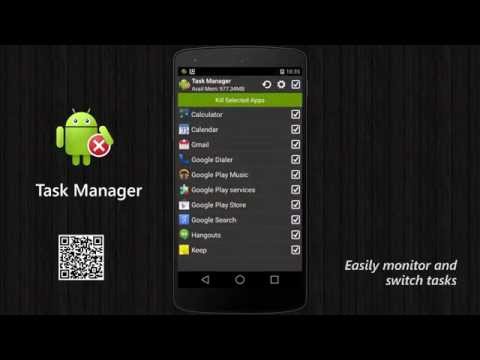
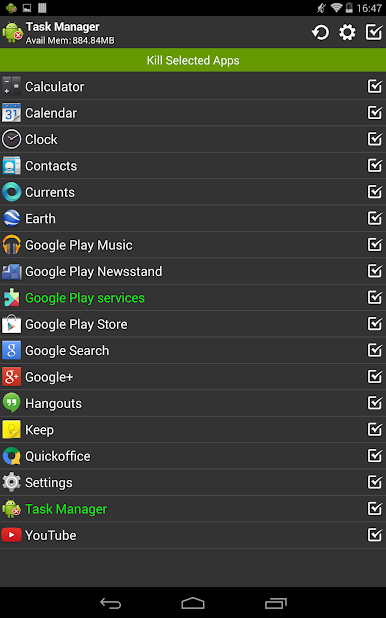
Ever wish your phone just felt snappier and more organized? Task Manager Pro (Task Killer) from Rhythm Software gives you hands-on control over what’s running in the background, so you can keep your device speedy and your battery happy. With this Productivity app, it’s easy to stay on top of all your tasks, tweak settings, or even zap apps you don’t need — all in one spot.
App Features
-
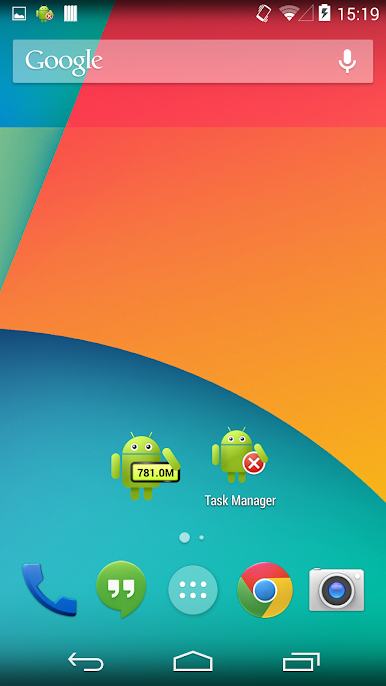
Handy Home Screen Widget
Check your memory stats at a glance or kill off unwanted tasks in one tap. The 1×1 widget also lets you launch any app right from your home screen. -
One-Tap Memory Boost
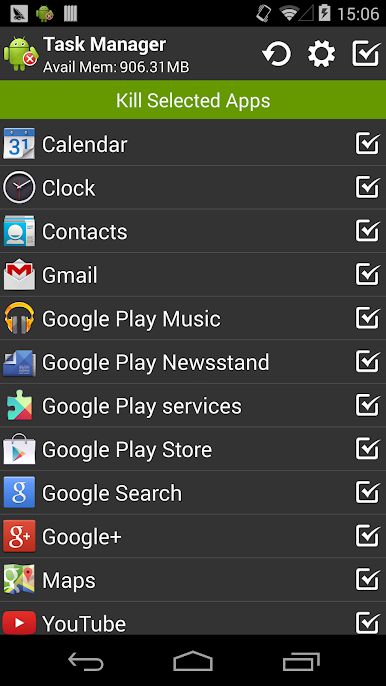
Free up system memory and get your phone running smoother in seconds, just by killing background tasks that hog resources. -
Task Sorting Options
Prefer things alphabetized? Easily sort your running apps by name, making it quick to spot what you’re looking for. -
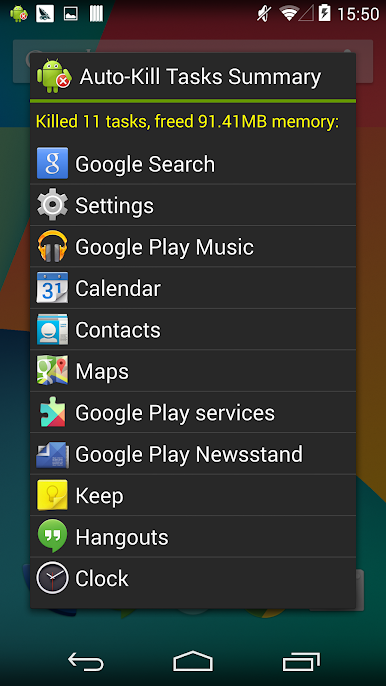
Auto-Kill When Idle
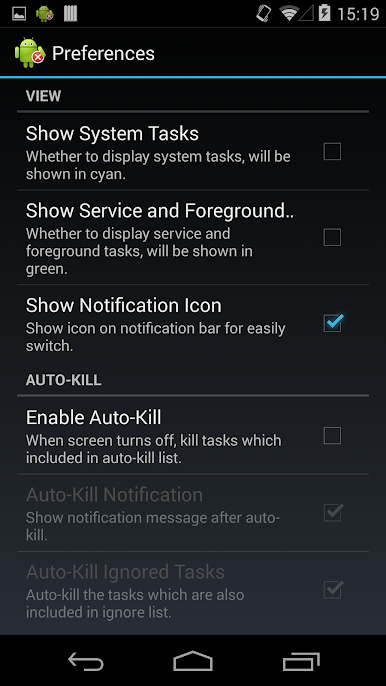
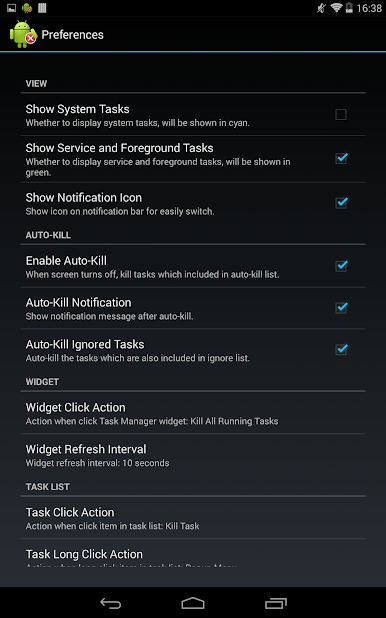
Set it so that your phone automatically cleans up background apps whenever the screen turns off. It’s like giving your device a power nap. -
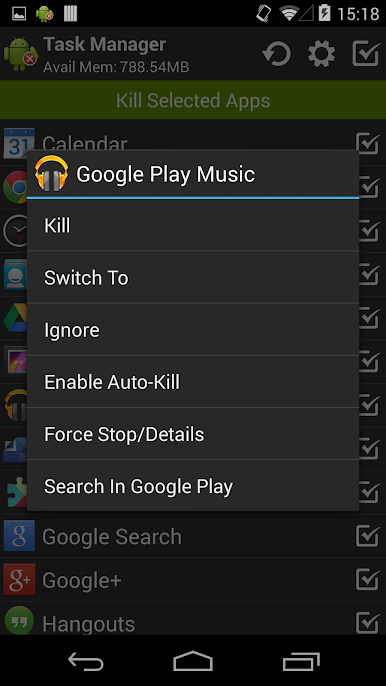
Convenient Context Actions
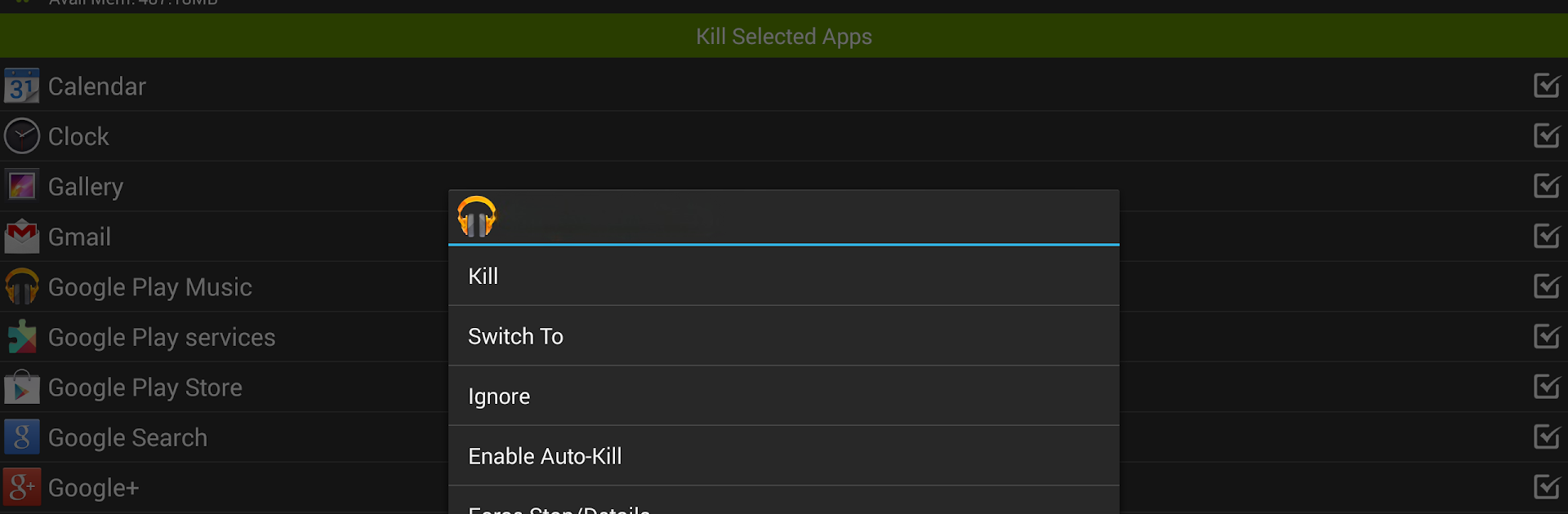
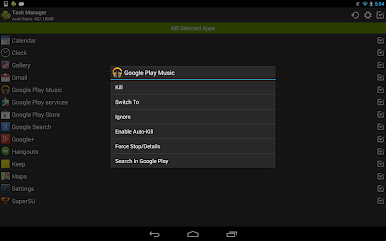
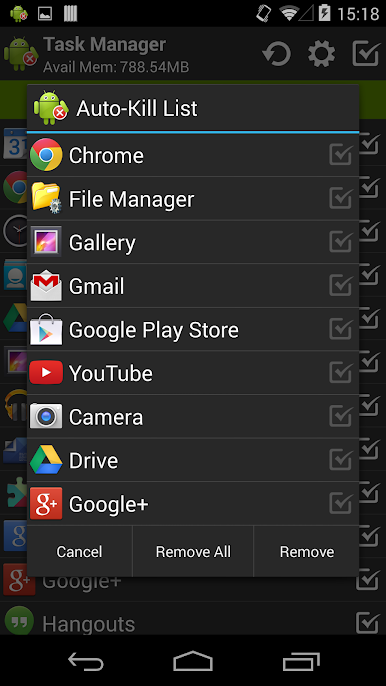
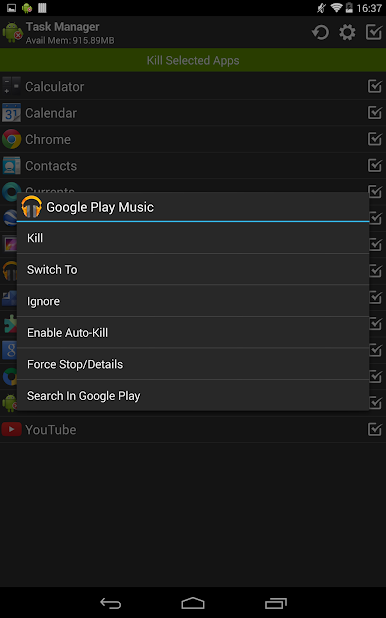
Long-press on items to switch apps, uninstall them, ignore specific ones, set auto-kill, or even jump straight to a search if you’re curious. -
Custom Ignore List
Choose which apps you always want to keep running and Task Manager Pro (Task Killer) will skip them — no worries about accidentally shutting down something essential. -
Bulk Selection & Helpful Notifications
Select multiple tasks at once for batch actions, and receive clear notifications so you’re always in the know about what’s going on. -
Root Features for Advanced Users
Got a rooted device? You can directly force stop stubborn tasks — perfect if you enjoy a little extra tech control. -
No Ads, No Distractions
Enjoy all these features in an ad-free environment, so you can focus on what matters.
You can even run Task Manager Pro (Task Killer) on your PC using BlueStacks, letting you manage your device from a bigger screen if you want.
BlueStacks gives you the much-needed freedom to experience your favorite apps on a bigger screen. Get it now.
Play Task Manager Pro (Task Killer) on PC. It’s easy to get started.
-
Download and install BlueStacks on your PC
-
Complete Google sign-in to access the Play Store, or do it later
-
Look for Task Manager Pro (Task Killer) in the search bar at the top right corner
-
Click to install Task Manager Pro (Task Killer) from the search results
-
Complete Google sign-in (if you skipped step 2) to install Task Manager Pro (Task Killer)
-
Click the Task Manager Pro (Task Killer) icon on the home screen to start playing

