


The Cozy Florist
Play on PC with BlueStacks – the Android Gaming Platform, trusted by 500M+ gamers.

Page Modified on: Mar 10, 2026
Main The Cozy Florist on PC
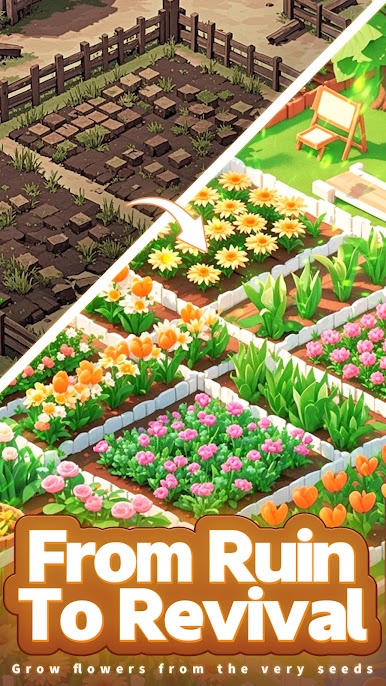
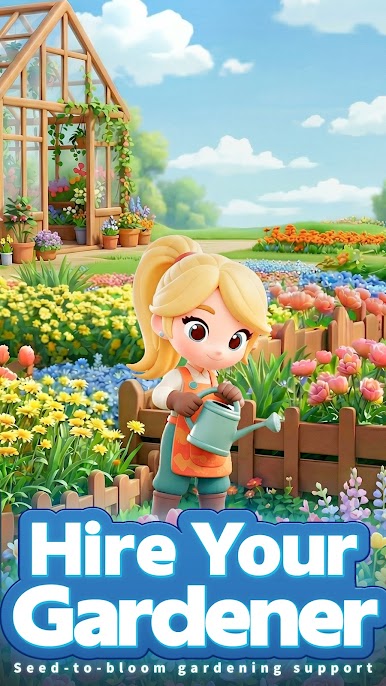
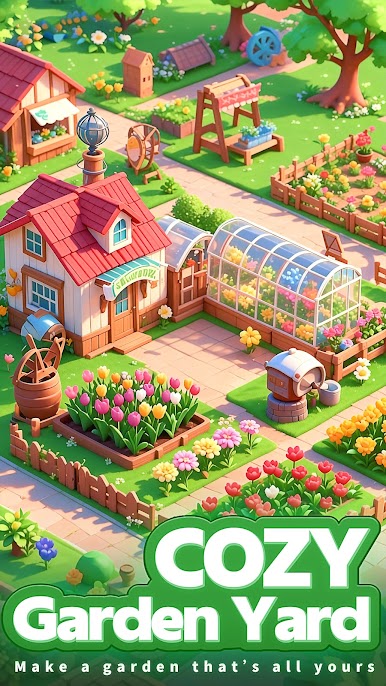
Dual gameplay of managing a garden + flower shop—therapeutic and fun, plus real flower rewards waiting for you to claim!
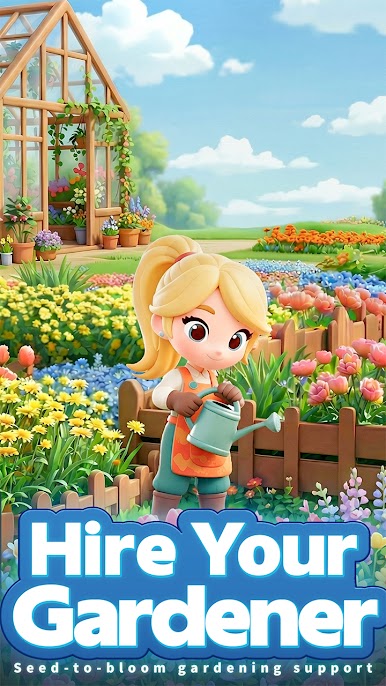
Unlock a World of Blossoms, Manage Your Exclusive Garden & Flower Shop
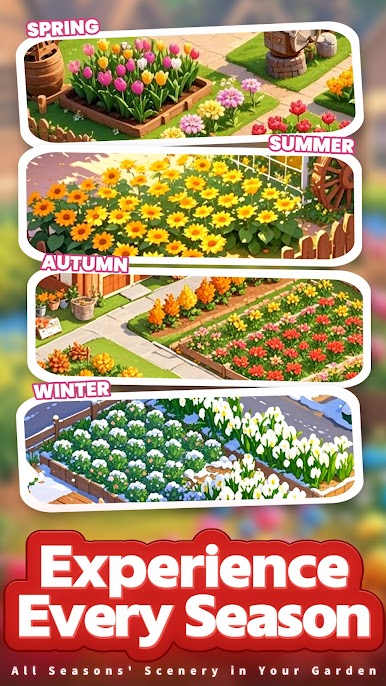
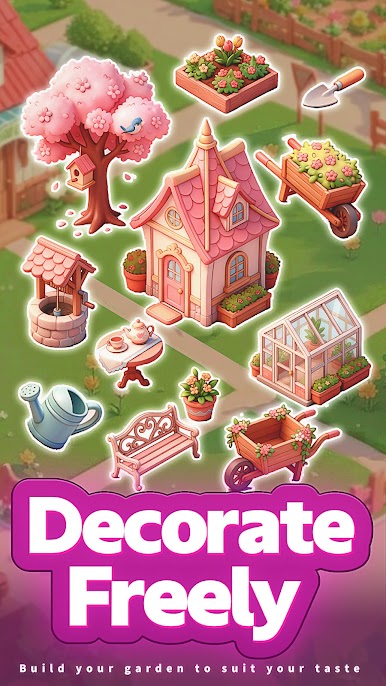
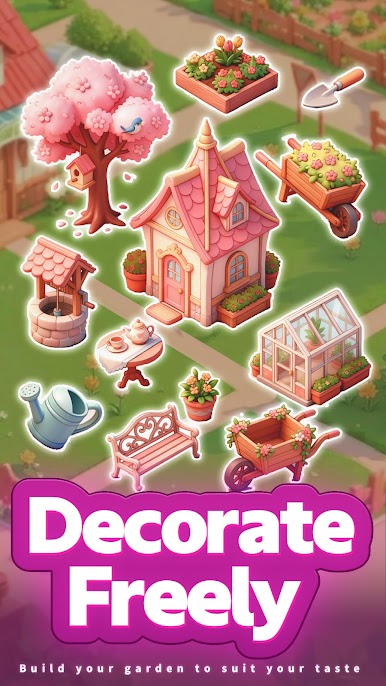
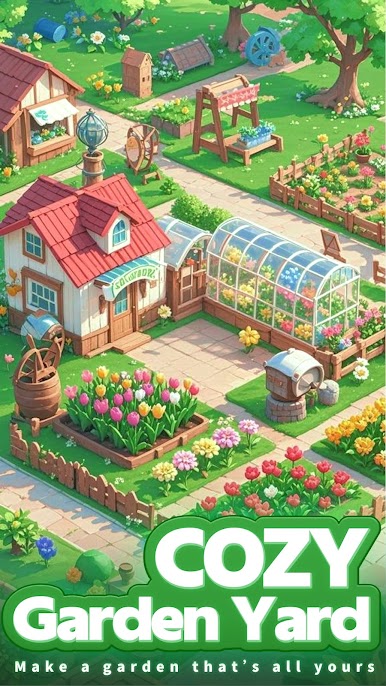
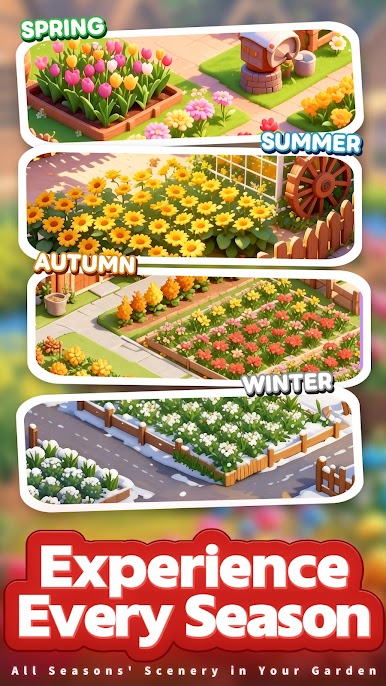
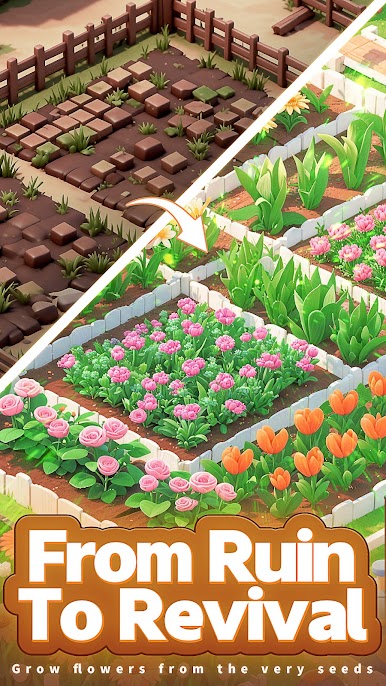
Dive into a diverse world of flowers in The Cozy Florist! From daisies and lilies of the valley to rare tulips, craft your one-of-a-kind garden with your own hands and run a personalized flower shop—pure therapeutic joy!
Flower-Stealing Interaction: Thrilling & Super Stress-Relieving
Spotted vibrant roses blooming in a friend’s garden? Sneak a few blooms, but watch out—don’t get caught! Snagging rare flower seeds brings immense a sense of achievement!
Garden Socializing: Easily Connect with Fellow Flower Lovers
Wander through strangers’ creative gardens and like your favorite designs; join the garden community and effortlessly gain a group of new flower-loving friends—no more feeling lonely while gaming!
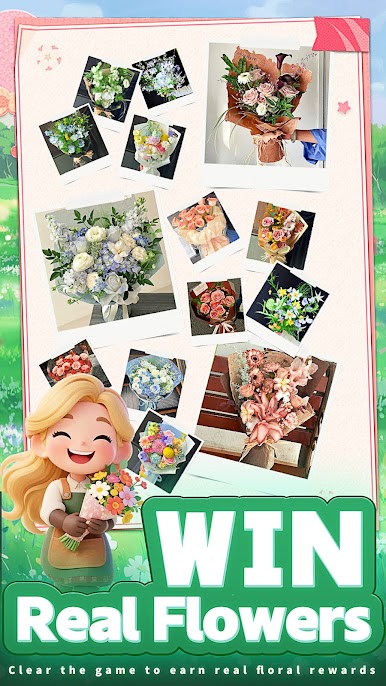
Play the Game, Win Real Flowers!
Here’s the biggest surprise: Lucky players can redeem real flowers—you could be the next lucky one! The romance from the game blooms into reality, full of ritualistic charm!
You can manage a dreamy garden, enjoy flower-stealing interactions, make like-minded friends, and even win real flowers—who wouldn’t love The Cozy Florist?
Click the link below to download! Register now to get the 「Newbie Flower Seed Mega Pack」 and unlock your garden and flower adventure! Real bouquets are ready—waiting for you to win them~
Play The Cozy Florist on PC. It’s easy to get started.
-
Download and install BlueStacks on your PC
-
Complete Google sign-in to access the Play Store, or do it later
-
Look for The Cozy Florist in the search bar at the top right corner
-
Click to install The Cozy Florist from the search results
-
Complete Google sign-in (if you skipped step 2) to install The Cozy Florist
-
Click the The Cozy Florist icon on the home screen to start playing

