


Loklok:HD Movie&TV
Play on PC with BlueStacks – the Android Gaming Platform, trusted by 500M+ gamers.

Page Modified on: Sep 29, 2025
Main Loklok:HD Movie&TV on PC
Key Features
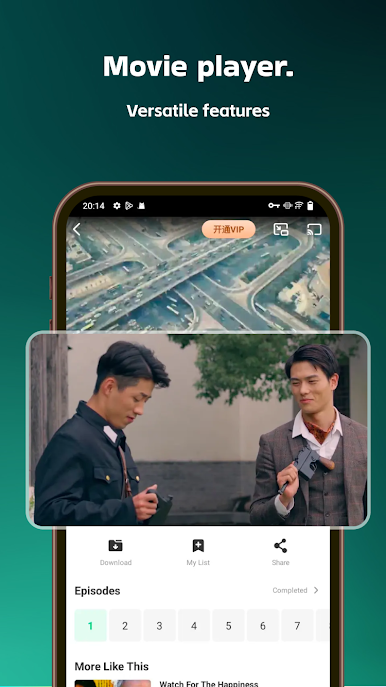
Watch Online or Download for Later
Stream instantly in the app or download your favorite movies, episodes, and short dramas to enjoy offline—perfect for travel or times without internet access.
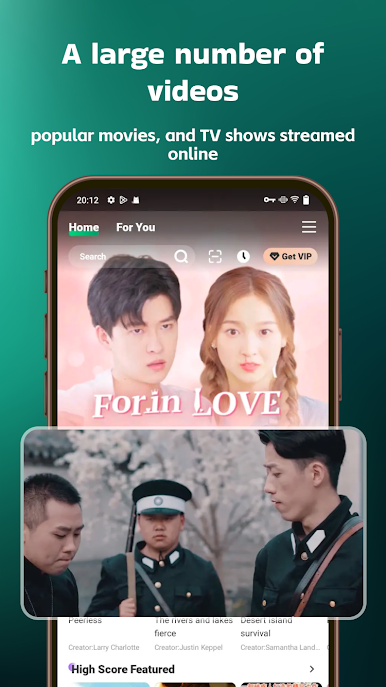
Movies, Series & Short Dramas in One Place
Explore a wide variety of content, from popular films to trending shows and quick short dramas that fit your schedule.
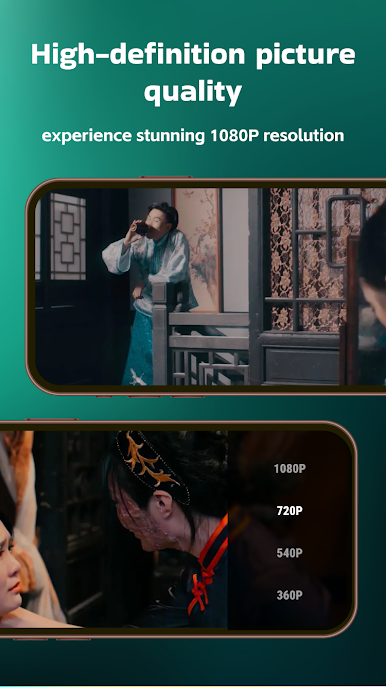
1080P HD Playback
Enjoy high-definition quality for a more immersive viewing experience. Adjust the resolution based on your device and network speed.
Smart Search & Categories
Find what you want quickly with genre-based filters, tags, and keyword search. Spend less time browsing and more time watching.
Personalized Experience
Build your own watchlist, mark favorites, and resume from where you left off across multiple sessions.
Simple & User-Friendly
A clean and intuitive interface makes it easy to explore, download, and watch content without hassle.
Why Choose This App?
Whether you want to binge an entire series, enjoy a movie night, or watch quick short dramas during a break, this app adapts to your needs. With both streaming and offline download options, entertainment is always at your fingertips.
Download now and enjoy movies, series, and short dramas in full HD—anytime, anywhere.

Play Loklok:HD Movie&TV on PC. It’s easy to get started.
-
Download and install BlueStacks on your PC
-
Complete Google sign-in to access the Play Store, or do it later
-
Look for Loklok:HD Movie&TV in the search bar at the top right corner
-
Click to install Loklok:HD Movie&TV from the search results
-
Complete Google sign-in (if you skipped step 2) to install Loklok:HD Movie&TV
-
Click the Loklok:HD Movie&TV icon on the home screen to start playing

