


Auto Clicker : Click Assistant
Play on PC with BlueStacks – the Android Gaming Platform, trusted by 500M+ gamers.

Page Modified on: Apr 20, 2026
Main Auto Clicker : Click Assistant on PC
It helps you do repetitive work so you can have extra time to do other things! 💯
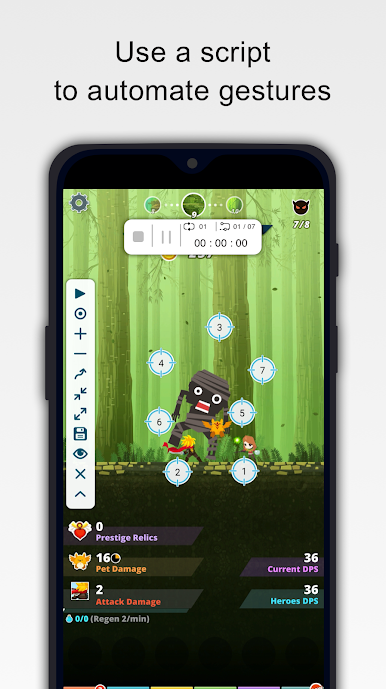
Any click point can be added to the screen via the floating control panel.
Features:
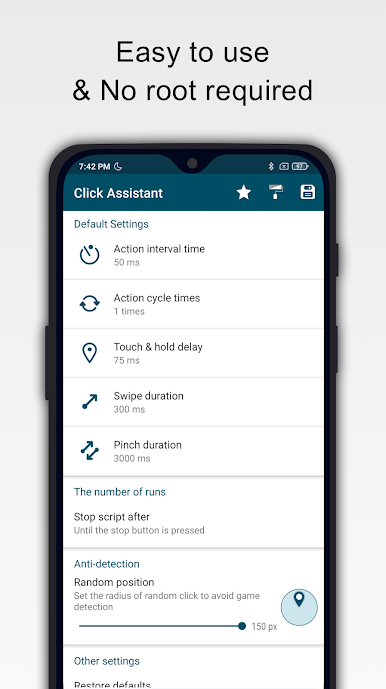
✓ Easy to use
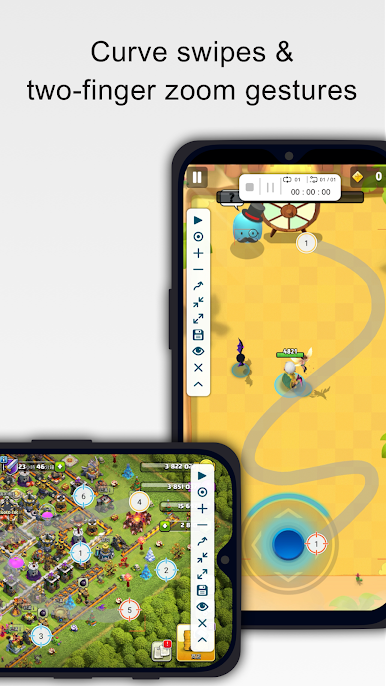
✓ Multi-Touch gestures - You can tap, swipe, pinch, or spread one or more fingers to perform useful actions
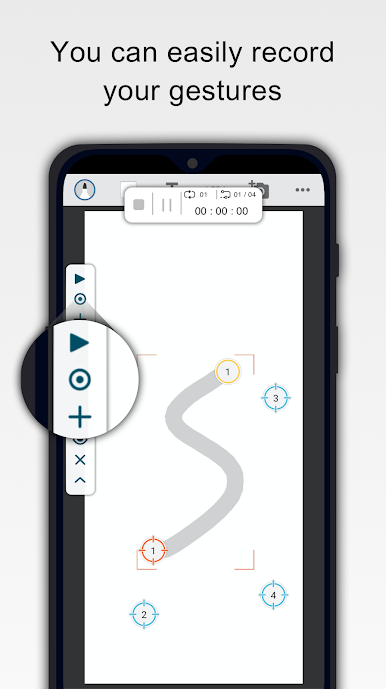
✓ Recording gestures - You can easily record your gestures
✓ The new interface allows you to stop, pause or resume the script at any time
✓ Innovative curve swipes and two-finger zoom gestures
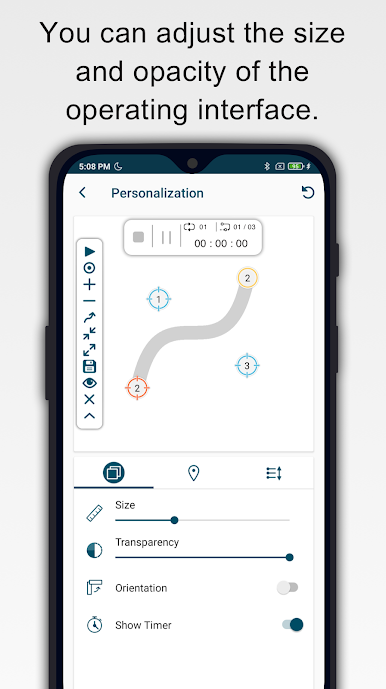
✓ Personalization - You can adjust the size and opacity of the operating interface
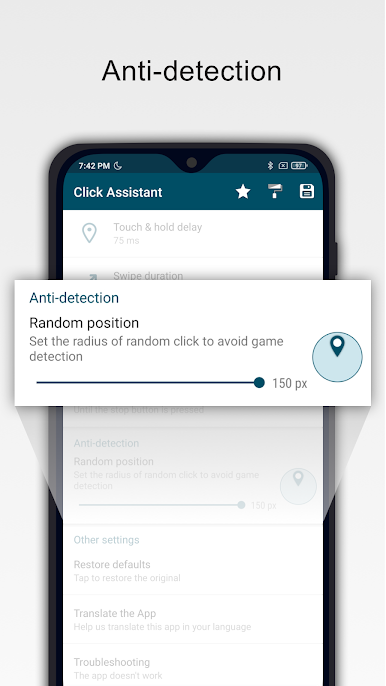
✓ Separately set the parameters of the clicks, such as delay, touch duration and number of repetitions
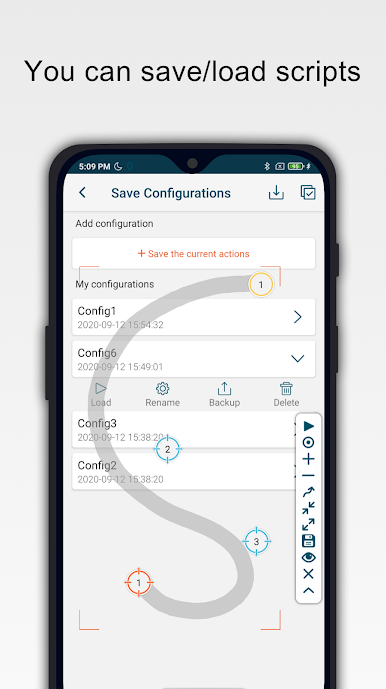
✓ It can save/load scripts
✓ Countdown timer
✓ No Root
System requirement
✓ Android 7.0 or above
Download and start saving your time today!
User guide
https://youtu.be/urKPZxfEvo8&t=10s
Accessibility services declaration:
- This application requires the Accessibility Services API to implement its core functions, such as performing clicks, swipes, and other core functions.
- The accessibility permission is required for Android 12 and above.
- We do not collect and/or share personal or sensitive data using the accessibility capabilities.
Play Auto Clicker : Click Assistant on PC. It’s easy to get started.
-
Download and install BlueStacks on your PC
-
Complete Google sign-in to access the Play Store, or do it later
-
Look for Auto Clicker : Click Assistant in the search bar at the top right corner
-
Click to install Auto Clicker : Click Assistant from the search results
-
Complete Google sign-in (if you skipped step 2) to install Auto Clicker : Click Assistant
-
Click the Auto Clicker : Click Assistant icon on the home screen to start playing

