


Plite: PDF Viewer, PDF Utility
Play on PC with BlueStacks – the Android Gaming Platform, trusted by 500M+ gamers.

Page Modified on: Nov 19, 2025
Play Plite: PDF Viewer, PDF Utility on PC
Plite is a powerful, fast, and lightweight PDF reader and editor that allows you to view, manage, and convert your PDF files with ease. Whether you need a simple PDF viewer, a secure PDF locker, or advanced tools to merge, split, rotate, and convert PDFs, Plite has you covered — all in one free app.
🔍 Key Features:
✅ PDF Viewer & Reader
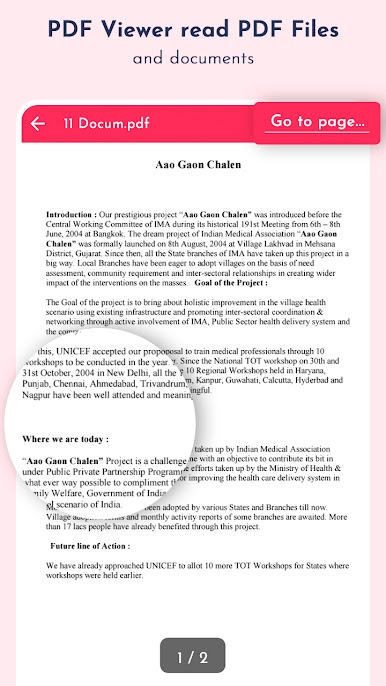
Smooth and fast PDF file reader to easily view and read PDF documents on your Android device. Automatically scans and lists all PDF files available on your phone.
✅ PDF Utilities & Tools
Unlock the full potential of your PDF files with these powerful tools:
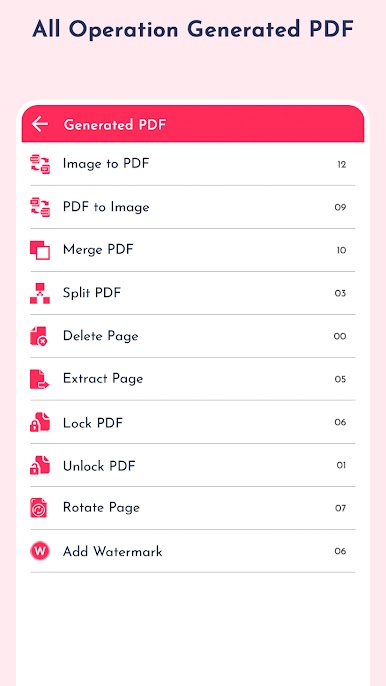
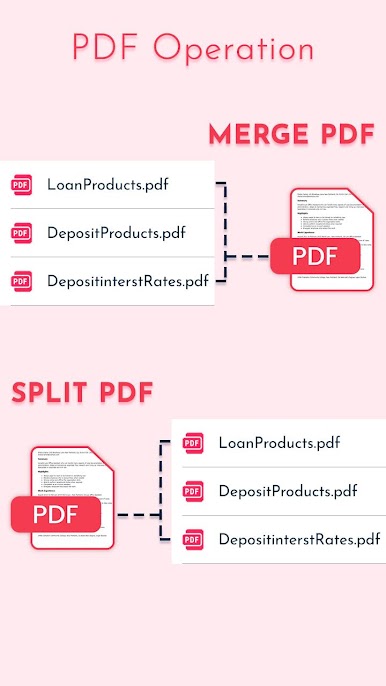
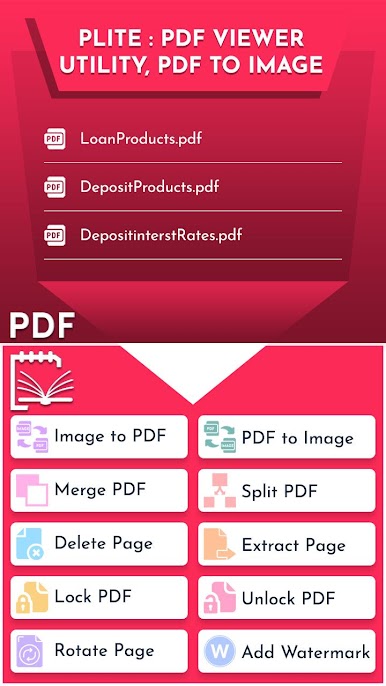
🔗 Merge PDF – Combine multiple PDFs into a single document
✂️ Split PDF – Extract pages or split files by custom page ranges
🧹 Delete Pages – Remove unwanted pages from your PDF
📤 Extract Pages – Create a new file with selected pages only
🔐 Lock PDF – Add password protection to secure your files
🔓 Unlock PDF – Remove password from protected PDF files
🔄 Rotate Pages – Rotate specific pages by 90°, 180°, or 270°
✅ PDF to Image Converter
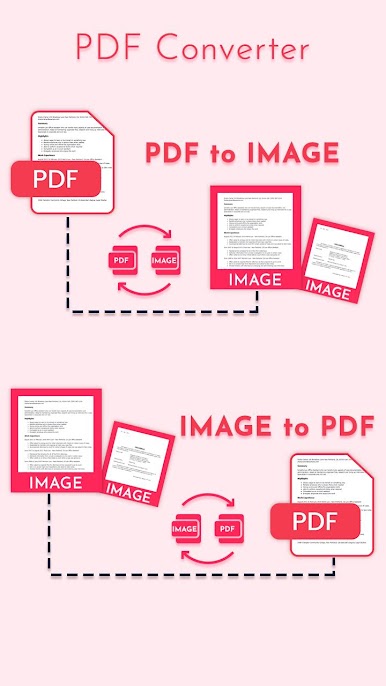
Easily convert PDF pages to images in JPEG or PNG format for sharing or use in other apps.
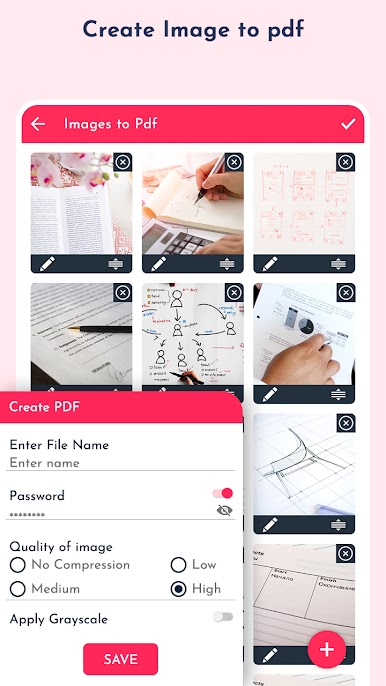
✅ Image to PDF Creator
Select one or multiple images and convert them into a PDF file instantly. Ideal for document scanning, receipts, photos, etc.
✅ File Management
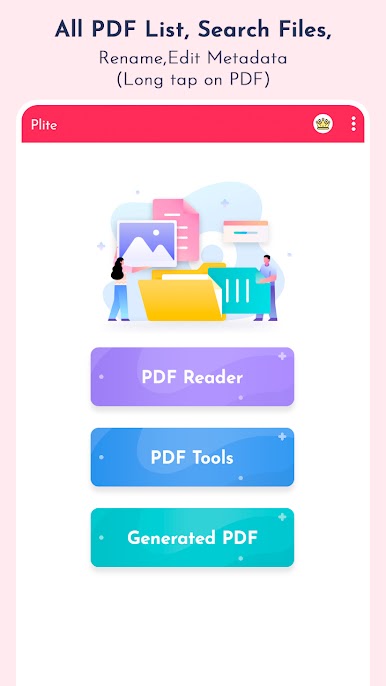
View, rename, delete, and share your PDF files
Edit PDF metadata (title, author, keywords)
Quick access to all your documents in one place
📂 Why Choose Plite?
Lightweight and easy to use
Fast PDF rendering engine
No internet required – 100% offline functionality
Works with all PDF files stored on your device
Completely free PDF editor and converter
Download Plite: PDF Viewer, PDF Utility now and manage your PDFs like a pro – free, fast, and secure!
Play Plite: PDF Viewer, PDF Utility on PC. It’s easy to get started.
-
Download and install BlueStacks on your PC
-
Complete Google sign-in to access the Play Store, or do it later
-
Look for Plite: PDF Viewer, PDF Utility in the search bar at the top right corner
-
Click to install Plite: PDF Viewer, PDF Utility from the search results
-
Complete Google sign-in (if you skipped step 2) to install Plite: PDF Viewer, PDF Utility
-
Click the Plite: PDF Viewer, PDF Utility icon on the home screen to start playing

