


Rising Star Football
Play on PC with BlueStacks – the Android Gaming Platform, trusted by 500M+ gamers.

Page Modified on: Apr 10, 2026
Play Rising Star Football on PC
Live the dream of becoming a football legend.
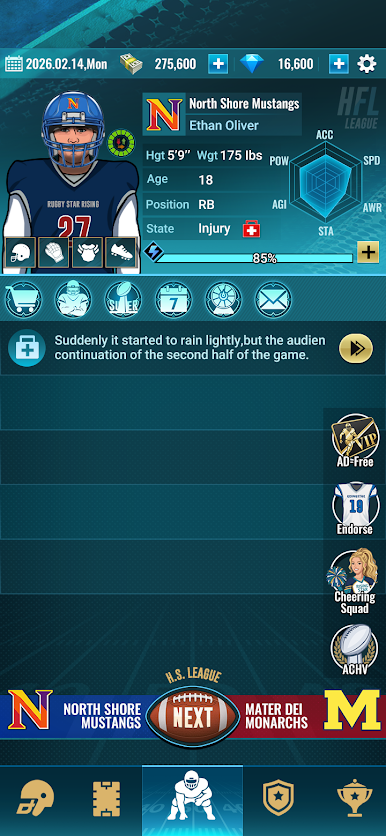
Step into the role of an 18-year-old football prodigy and begin your rise from the HFL high school league. Prove yourself in the CFL college league, then fight your way to the biggest stage in the sport — the NPFL.
Train hard, build your skills, upgrade your gear, and learn the right tactics to outplay the competition. Every decision you make will shape your journey from promising rookie to all-time great.
This isn’t just another numbers-based sports game.
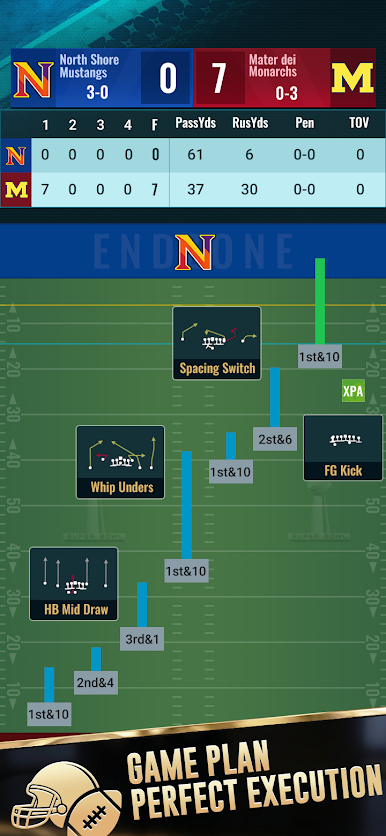
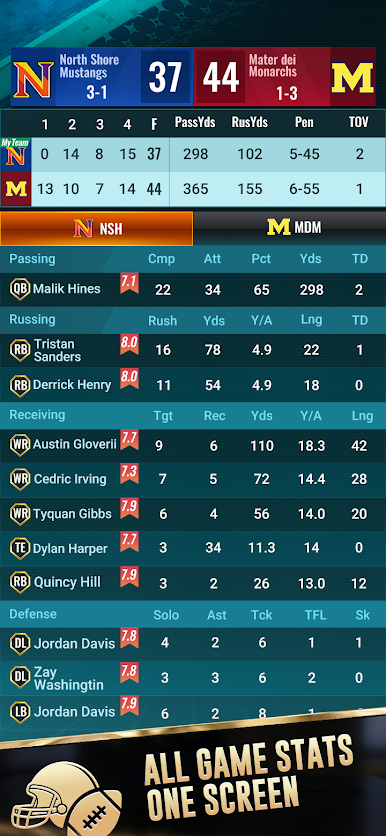
Experience a realistic football simulation where every matchup is driven by strategy, player condition, team development, and performance on the field.
From grinding out crucial yards to scoring clutch touchdowns, from locking down opponents on defense to pulling off unforgettable comebacks, every game delivers the tension and excitement of real football.
Features:
1. Realistic football game simulation
2. Fast progression and satisfying player growth
3. A full career path from HFL → CFL → NPFL
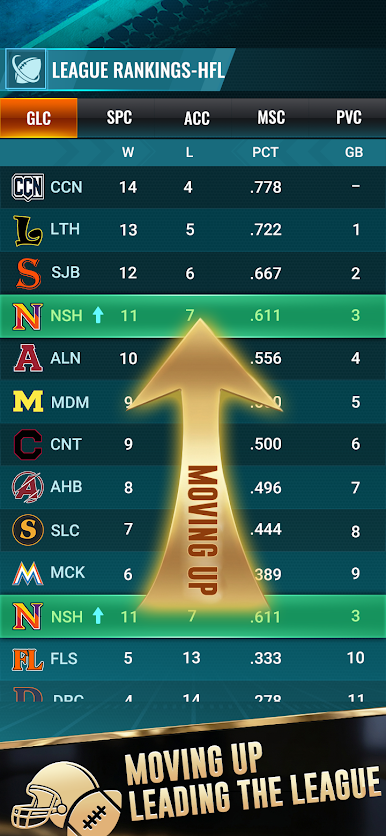
4. Trophies, achievements, and glory to unlock
5. Dynamic events and league action throughout your career
6. Chase Super Bowl glory and become a true superstar
The road to greatness starts now.
Take the field, win championships, and build your football legacy!


Play Rising Star Football on PC. It’s easy to get started.
-
Download and install BlueStacks on your PC
-
Complete Google sign-in to access the Play Store, or do it later
-
Look for Rising Star Football in the search bar at the top right corner
-
Click to install Rising Star Football from the search results
-
Complete Google sign-in (if you skipped step 2) to install Rising Star Football
-
Click the Rising Star Football icon on the home screen to start playing

