


Storage Analyzer
Play on PC with BlueStacks – the Android Gaming Platform, trusted by 500M+ gamers.

Page Modified on: Jan 9, 2025
Play Storage Analyzer on PC
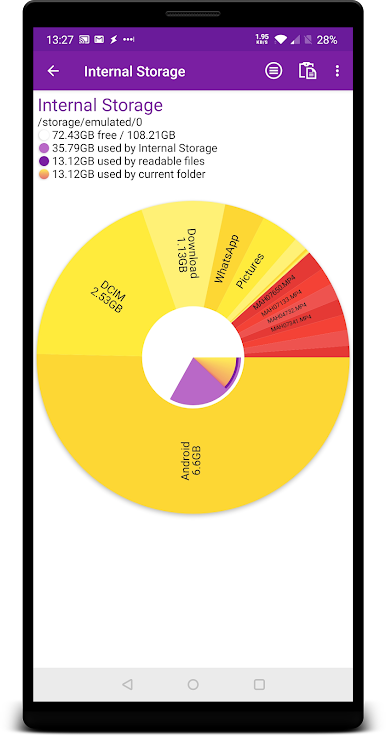
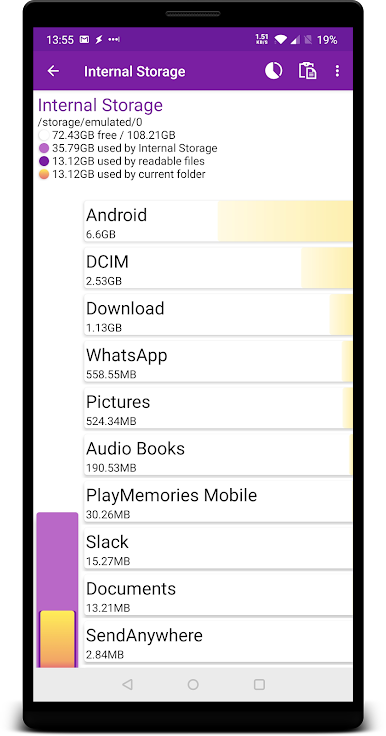
Storage Analyzer is a tool to help visualise and manage the space used on your phone, tablet, or Chromebook. The information is presented in a simple manner to make it easy to understand where your space has gone.
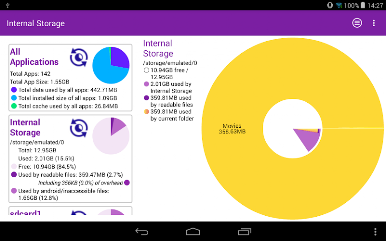
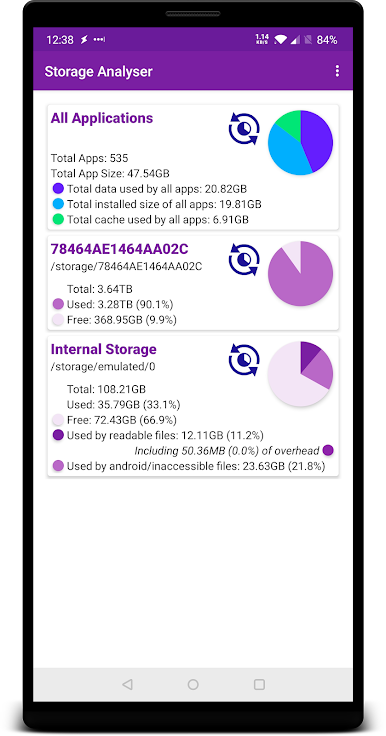
It lists the storage areas and devices available on your phone or tablet including internal storage, SD cards and attached devices such as hard drives, and shows the total and used space on each. You can then scan each one and view them in detail, and delete files which are no longer needed or move files around to manage your free space.
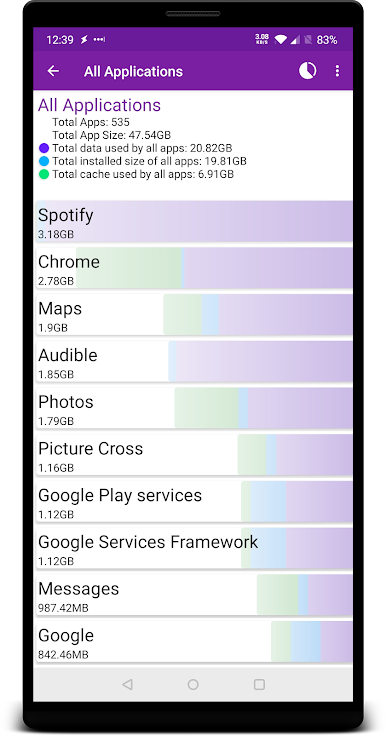
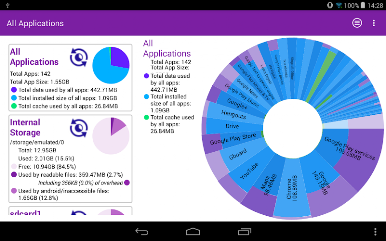
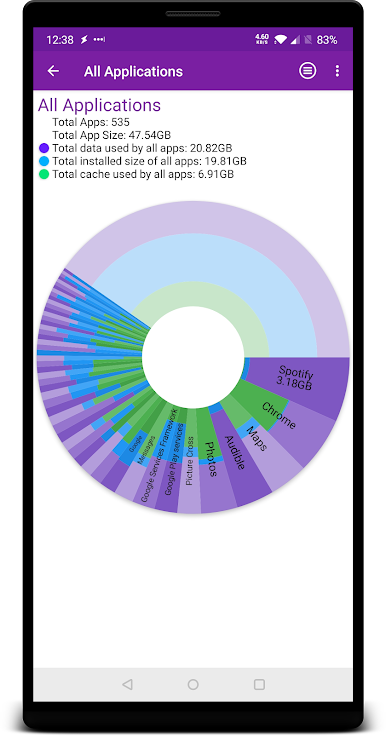
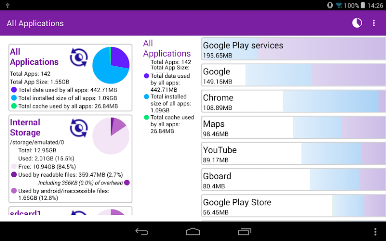
Pro users can also now scan their installed apps to see which are taking up lots of space, and can then go straight to the app's settings to clear data or uninstall the app (where possible).
Storage analyzer has no popup or full screen ads, and is easy to use.
Coming Soon
• Wear OS Support
• View your images and videos within the app
Play Storage Analyzer on PC. It’s easy to get started.
-
Download and install BlueStacks on your PC
-
Complete Google sign-in to access the Play Store, or do it later
-
Look for Storage Analyzer in the search bar at the top right corner
-
Click to install Storage Analyzer from the search results
-
Complete Google sign-in (if you skipped step 2) to install Storage Analyzer
-
Click the Storage Analyzer icon on the home screen to start playing

