


Bus Game Driver City Bus 3D
Play on PC with BlueStacks – the Android Gaming Platform, trusted by 500M+ gamers.

Page Modified on: Feb 22, 2026
Main Bus Game Driver City Bus 3D on PC
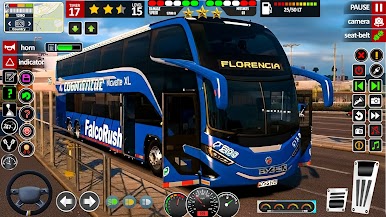
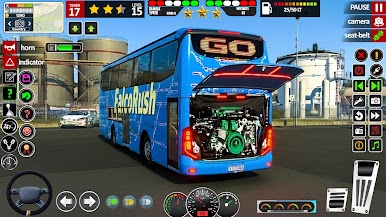
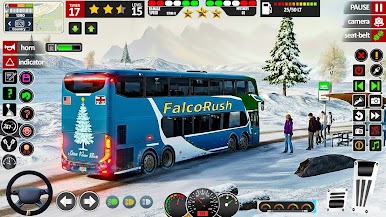
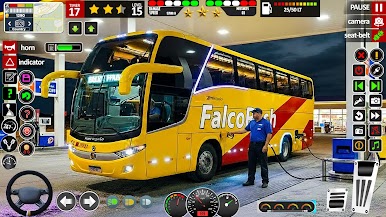
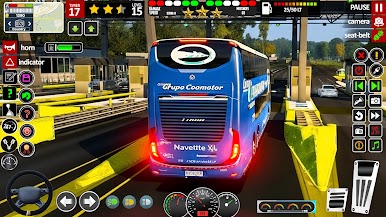
In this game, you will pick up passengers, follow traffic rules, and take everyone safely to their destination. Drive through busy streets, sunny highways, and challenging turns. You can choose your favorite bus, enjoy realistic sounds, and unlock new levels as you improve your driving skills.
Features:
🚍 Easy and Smooth Controls
Steering wheel, tilt, and button controls for all players.
🌆 Beautiful 3D City Environment
Drive through detailed roads, traffic signals, and realistic city life.
🚌 Different Buses to Drive
City buses, long buses, and more to unlock.
🎮 Multiple Game Modes.
Play Bus Game Driver City Bus 3D on PC. It’s easy to get started.
-
Download and install BlueStacks on your PC
-
Complete Google sign-in to access the Play Store, or do it later
-
Look for Bus Game Driver City Bus 3D in the search bar at the top right corner
-
Click to install Bus Game Driver City Bus 3D from the search results
-
Complete Google sign-in (if you skipped step 2) to install Bus Game Driver City Bus 3D
-
Click the Bus Game Driver City Bus 3D icon on the home screen to start playing

