


Roar Music Player
Play on PC with BlueStacks – the Android Gaming Platform, trusted by 500M+ gamers.

Page Modified on: Dec 26, 2024
Play Roar Music Player on PC
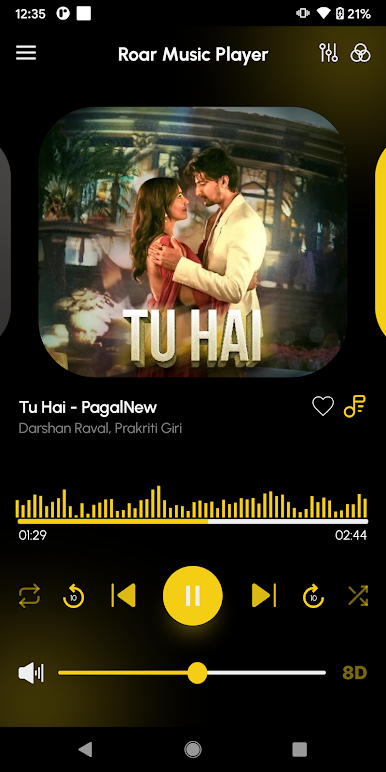
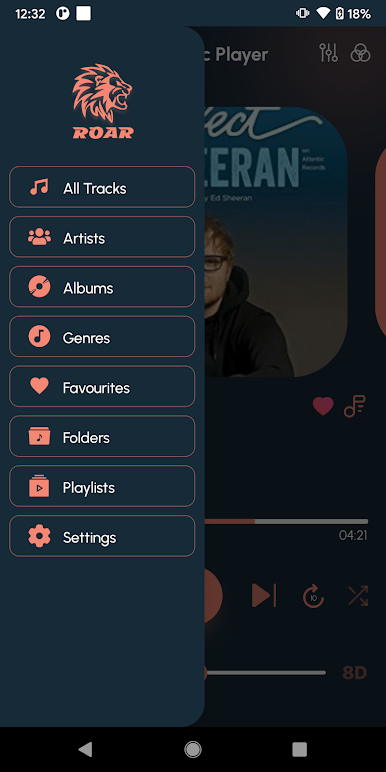
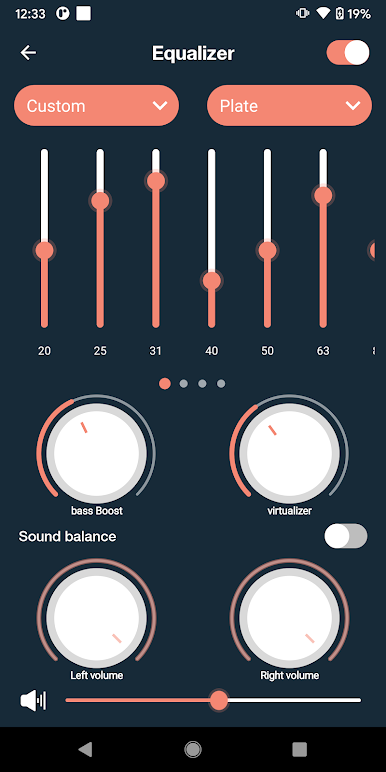
The application has also Equalizer, Preset, Visualizer and Bass boost effects.
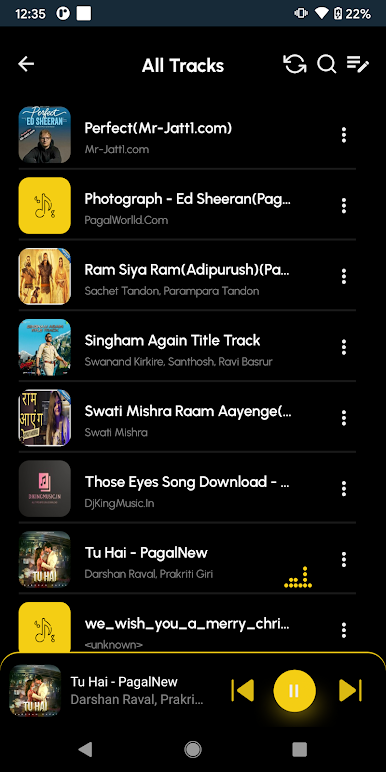
The application has also shuffled and Repeat functionality
It also features a widget, which can be easily accessed by your Smartphone.
Also implemented Lock screen widget and Notification widget so that you can access it even your phone is locked.
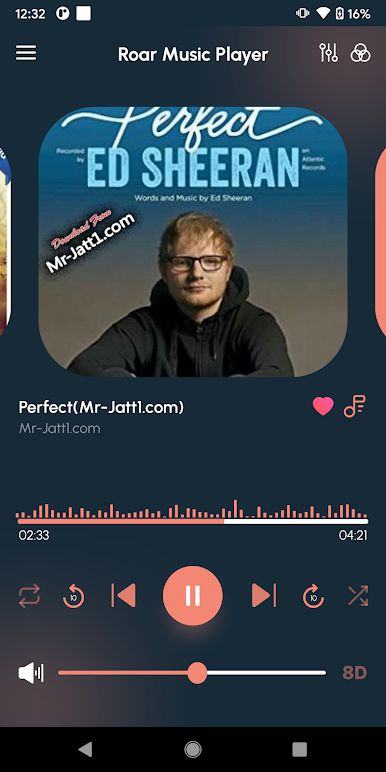
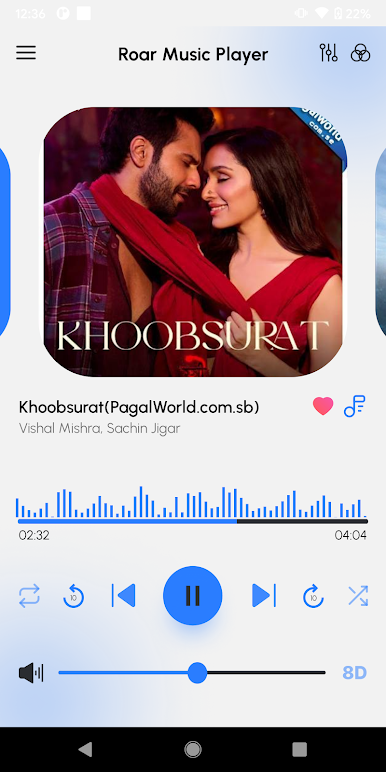
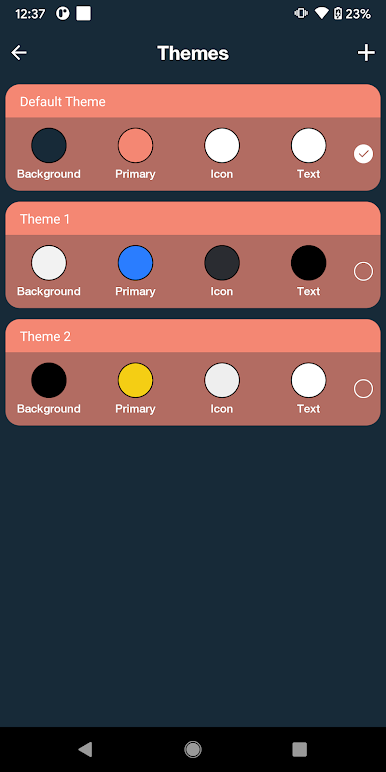
The application also provide you different Themes so you can set as per your choice.

Play Roar Music Player on PC. It’s easy to get started.
-
Download and install BlueStacks on your PC
-
Complete Google sign-in to access the Play Store, or do it later
-
Look for Roar Music Player in the search bar at the top right corner
-
Click to install Roar Music Player from the search results
-
Complete Google sign-in (if you skipped step 2) to install Roar Music Player
-
Click the Roar Music Player icon on the home screen to start playing

