


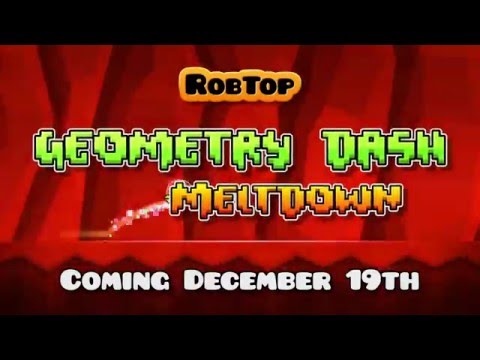
Geometry Dash Meltdown
Play on PC with BlueStacks – the Android Gaming Platform, trusted by 500M+ gamers.

Page Modified on: Jan 29, 2026
Main Geometry Dash Meltdown on PC
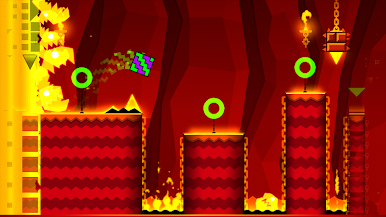
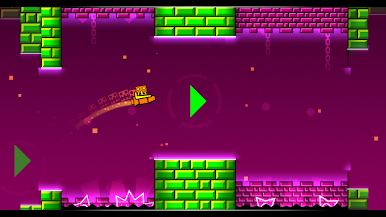
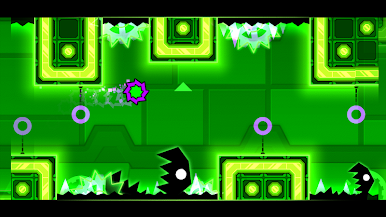
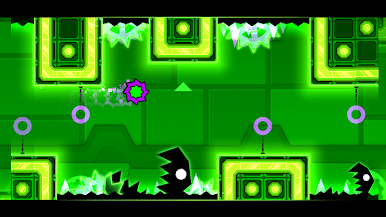
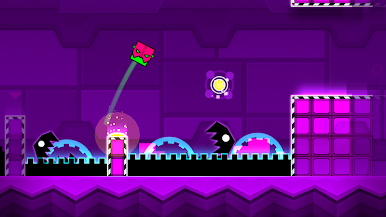
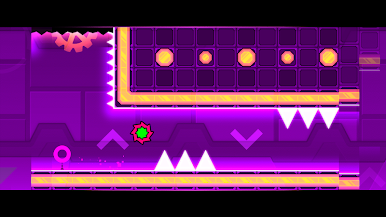
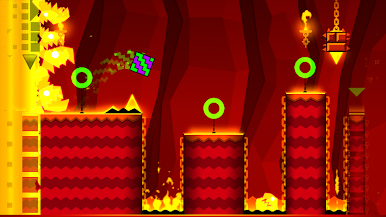
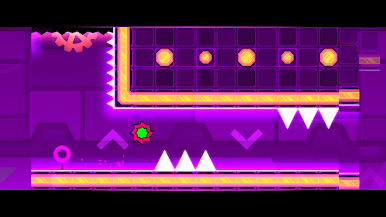
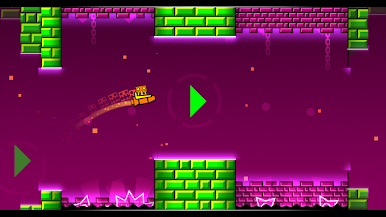
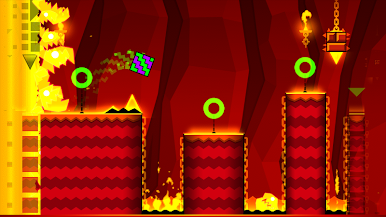
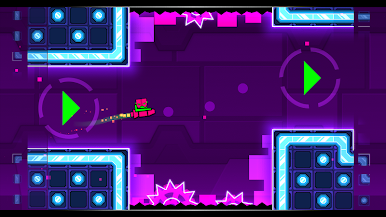
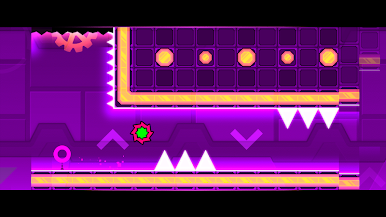
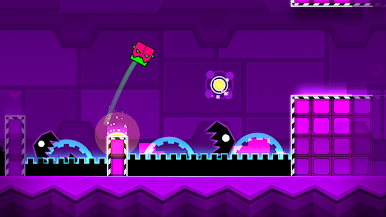
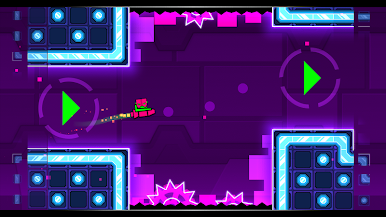
Flex your clicky finger as you jump, fly and flip your way through dark caverns and spiky obstacles.
Game Features
• Rhythm-based Action Platforming!
• Three unique levels with music from F-777!
• Unlock unique Meltdown icons and colors to customize your character!
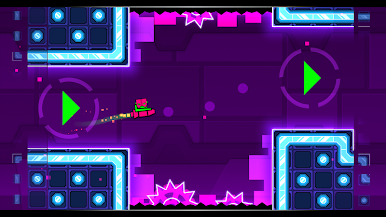
• Fly rockets, flip gravity and much more!
• Use practice mode to sharpen your skills!
• Challenge yourself with the near impossible!
Geometry Dash answers the age old question: "What do you get when you mix techno, dubstep, spikes and a rainbow?" Download and find out...
Approved by RubRub ( ͡° ͜ʖ ͡°)
Play Geometry Dash Meltdown on PC. It’s easy to get started.
-
Download and install BlueStacks on your PC
-
Complete Google sign-in to access the Play Store, or do it later
-
Look for Geometry Dash Meltdown in the search bar at the top right corner
-
Click to install Geometry Dash Meltdown from the search results
-
Complete Google sign-in (if you skipped step 2) to install Geometry Dash Meltdown
-
Click the Geometry Dash Meltdown icon on the home screen to start playing

