


Geometry Dash World
Play on PC with BlueStacks – the Android Gaming Platform, trusted by 500M+ gamers.

Page Modified on: Jan 31, 2025
Main Geometry Dash World on PC
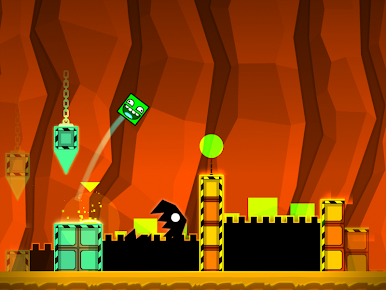
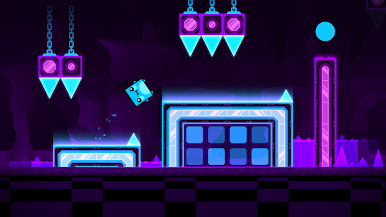
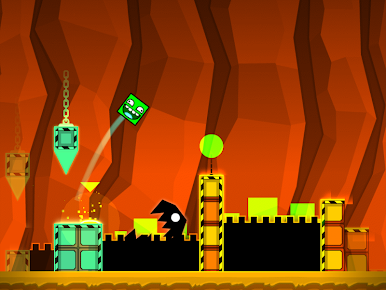
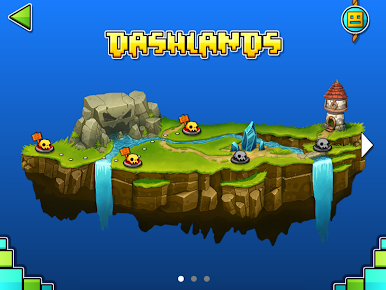
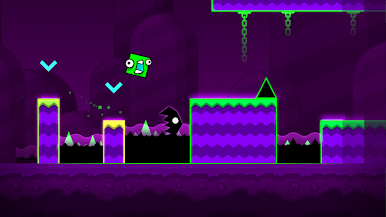
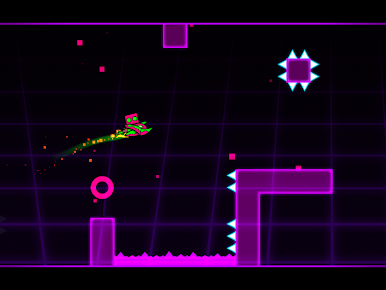
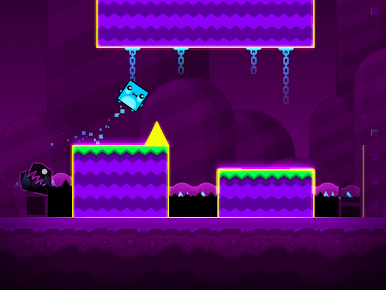
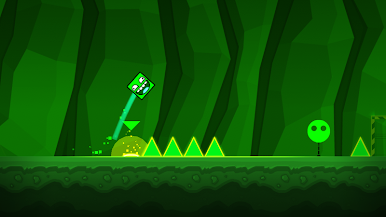
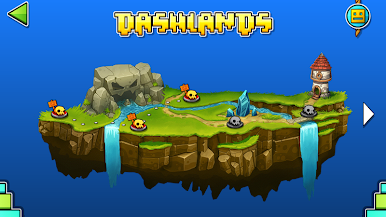
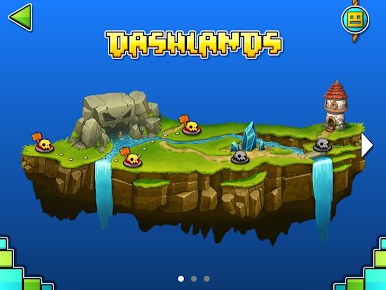
Flex your clicky finger as you jump, fly and flip your way through dark caves and spiky obstacles. Discover the lands, play online levels and find the secrets hidden within the World of Geometry Dash!
• Rhythm-based Action Platforming!
• Ten unique levels with music from Dex Arson, Waterflame and F-777!
• Play daily quests and earn rewards!
• Play online levels created by the Geometry Dash community!
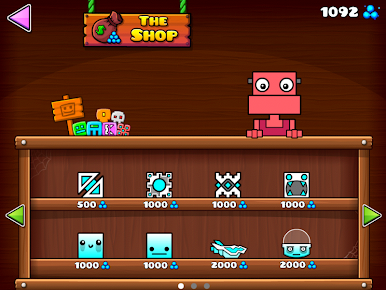
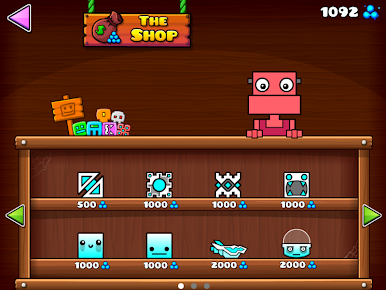
• Unlock unique icons and colors to customize your character!
• Fly rockets, flip gravity and much more!
• Use practice mode to sharpen your skills!
• Challenge yourself with the near impossible!
Approved by RubRub \ (•◡•) /

Play Geometry Dash World on PC. It’s easy to get started.
-
Download and install BlueStacks on your PC
-
Complete Google sign-in to access the Play Store, or do it later
-
Look for Geometry Dash World in the search bar at the top right corner
-
Click to install Geometry Dash World from the search results
-
Complete Google sign-in (if you skipped step 2) to install Geometry Dash World
-
Click the Geometry Dash World icon on the home screen to start playing

