

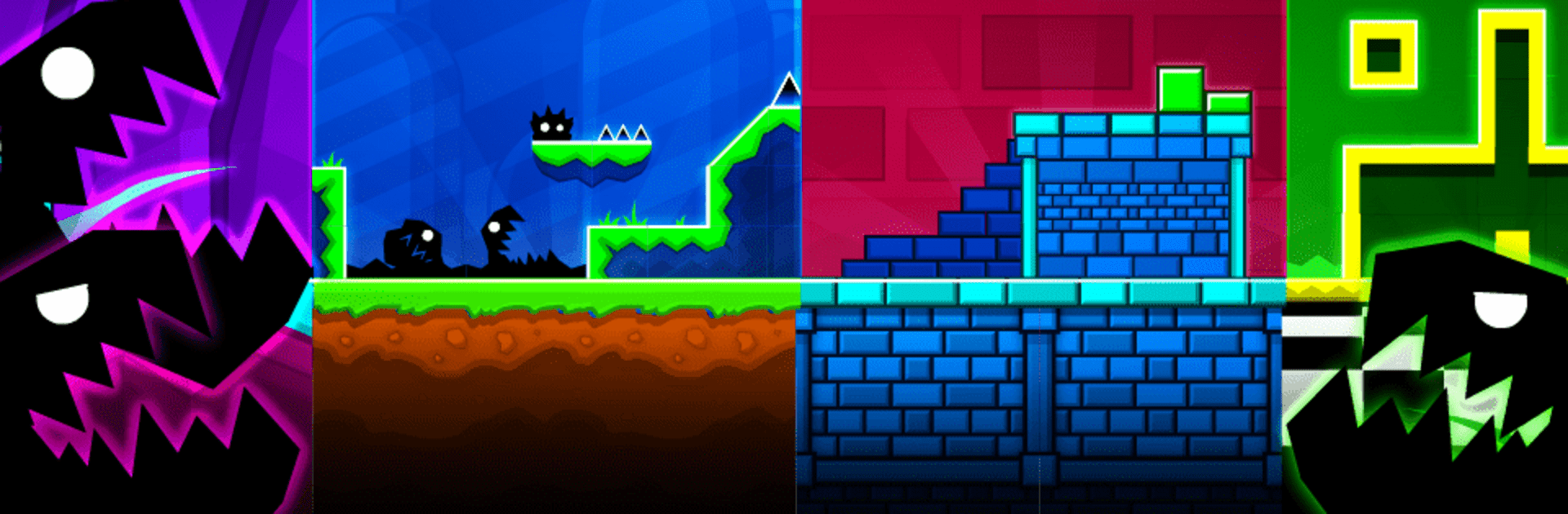
Geometry Dash
Play on PC with BlueStacks – the Android Gaming Platform, trusted by 500M+ gamers.

Page Modified on: Jan 27, 2026
Play Geometry Dash on PC or Mac
Geometry Dash by RobTop Games has plenty to keep you busy. BlueStacks lets you play it on PC or Mac with more screen space, better control, and fewer mobile limits.
About the Game
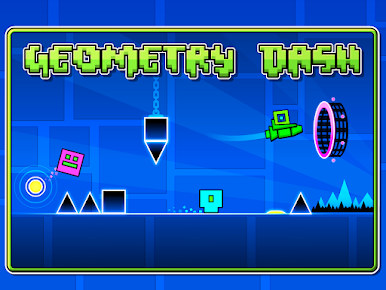
Geometry Dash is a fast, unforgiving Arcade rhythm platformer where your timing is everything. Each level is a music-fueled obstacle course packed with spikes, portals, and speed changes that test your reflexes and patience in the best way. You’ll crash, you’ll retry, and you’ll swear you were a millisecond off—then hit restart for “just one more” run. It’s loud, stylish, and wildly satisfying when you finally nail that perfect attempt. You can also play it on BlueStacks if you like tapping away on a bigger screen.
Game Features
- Rhythm-driven runs: Every jump, flip, and rocket burst lines up with the soundtrack, so learning the beat helps you survive the chaos.
- Simple controls, serious skill: One-touch input keeps things clean; the challenge comes from razor-sharp timing and reading what’s ahead.
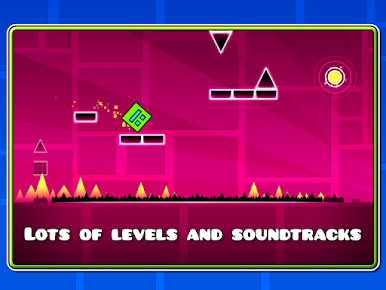
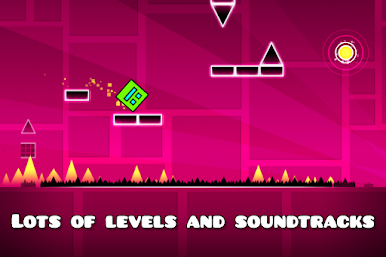
- Loads of handcrafted stages: Tackle a stack of levels, each paired with its own track and layout ideas that keep things fresh.
- Wild level mechanics: Pilot rockets, reverse gravity, hop through portals, and handle speed shifts that keep you guessing.
- Practice made painless: Drop checkpoints in Practice Mode to master nasty sections without the stress of a full run.
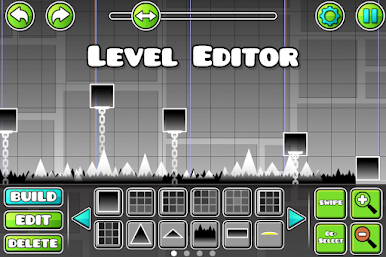
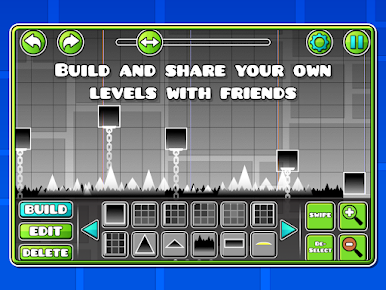
- Build and share: Use the level editor to craft your own gauntlets and share them with the community.
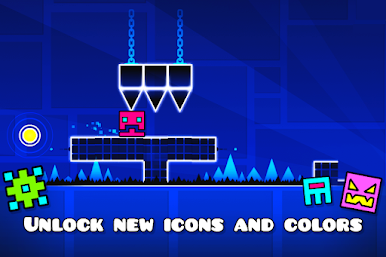
- Make it yours: Unlock icons and colors to customize your cube and show off your hard-won progress.
- Achievements to chase: Rack up goals and collect rewards as you improve.
- No IAPs: What you see is what you get—focus on skill, not spending.
- PC-friendly option: Prefer a bigger display and easy tapping? Geometry Dash runs smoothly on BlueStacks.
Get ready for a buttery smooth, high-performance gaming action only on BlueStacks.
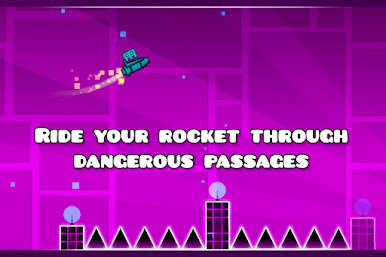
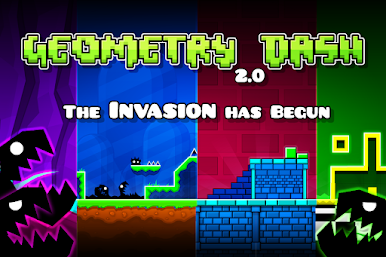
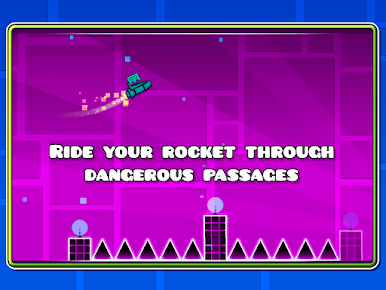
Play Geometry Dash on PC. It’s easy to get started.
-
Download and install BlueStacks on your PC
-
Complete Google sign-in to access the Play Store, or do it later
-
Look for Geometry Dash in the search bar at the top right corner
-
Click to install Geometry Dash from the search results
-
Complete Google sign-in (if you skipped step 2) to install Geometry Dash
-
Click the Geometry Dash icon on the home screen to start playing

