


Root Rush
Play on PC with BlueStacks – the Android Gaming Platform, trusted by 500M+ gamers.

Page Modified on: Jul 3, 2026
Play Root Rush on PC
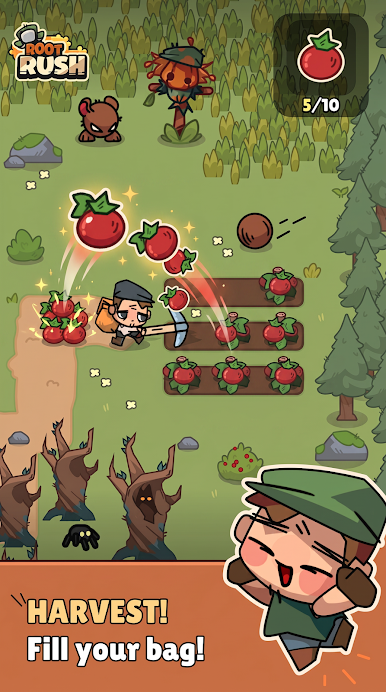
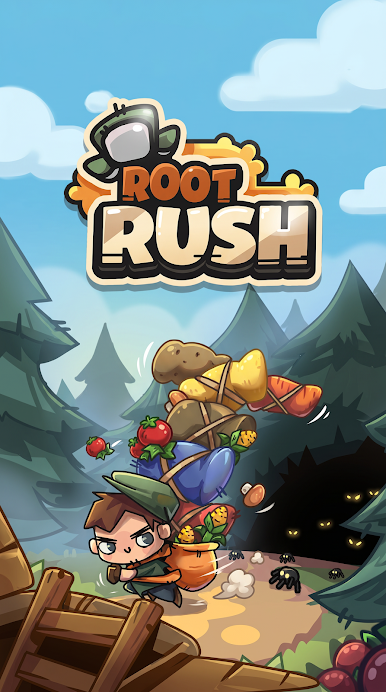
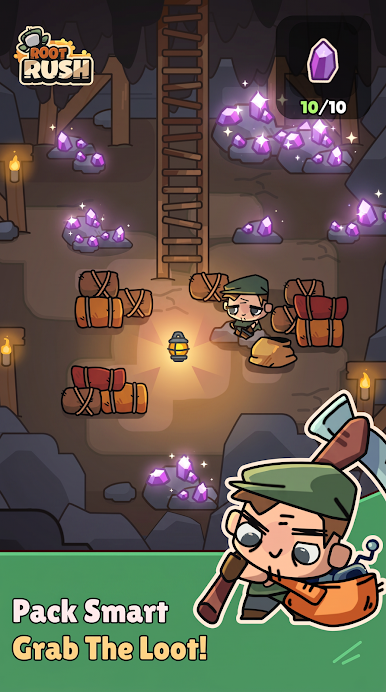
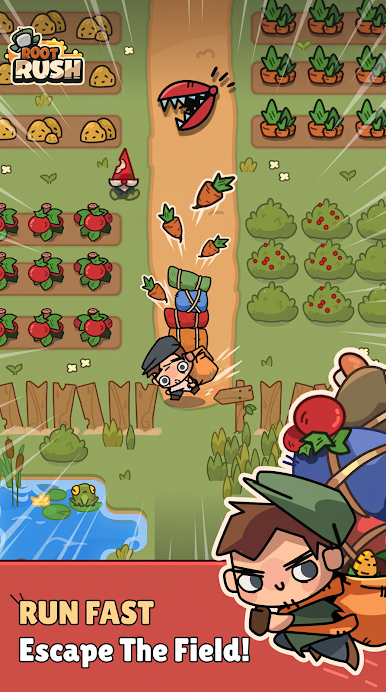
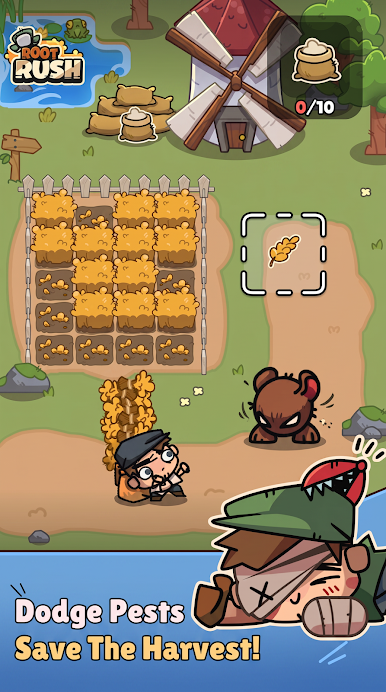
Collect resources, complete objectives, and reach the portal before time runs out.
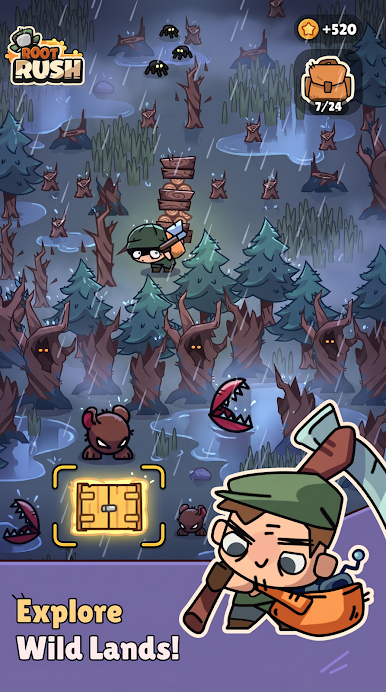
Each level challenges you to gather specific items such as carrots and other resources while exploring underground environments.
Watch out for dangerous enemies. Spiders and other creatures will attack you and make you lose your collected resources. Stay alert, avoid danger, and keep moving if you want to survive.
Features:
- Fast-paced arcade gameplay
- Resource collection objectives
- Challenging enemies and obstacles
- Time-based levels
- Simple controls
- Increasing difficulty as you progress
Can you collect everything and escape before time runs out?
Download Root Rush and start your adventure today.
Play Root Rush on PC. It’s easy to get started.
-
Download and install BlueStacks on your PC
-
Complete Google sign-in to access the Play Store, or do it later
-
Look for Root Rush in the search bar at the top right corner
-
Click to install Root Rush from the search results
-
Complete Google sign-in (if you skipped step 2) to install Root Rush
-
Click the Root Rush icon on the home screen to start playing

