

Music Player-MP3, Audio Player
Play on PC with BlueStacks – the Android Gaming Platform, trusted by 500M+ gamers.

Page Modified on: Feb 27, 2026
Run Music Player, Video Player for all format on PC or Mac
Multitask effortlessly on your PC or Mac as you try out Music Player, Video Player for all format, a Music & Audio app by ASD Dev Video Player for All Format on BlueStacks.
About the App
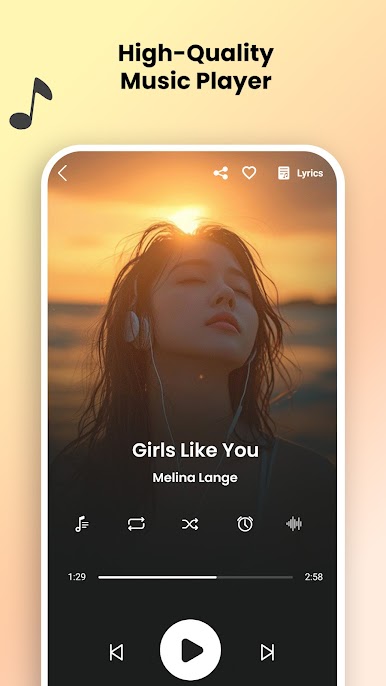
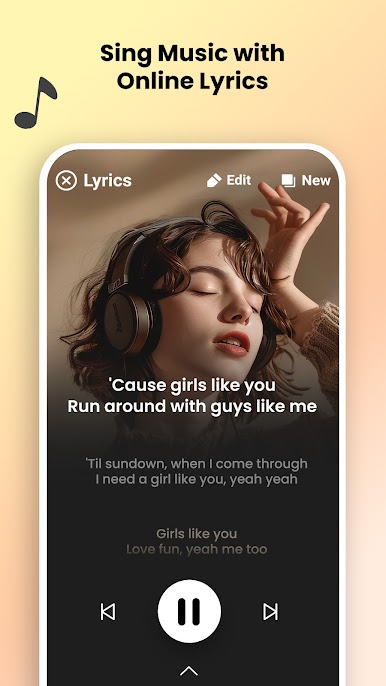
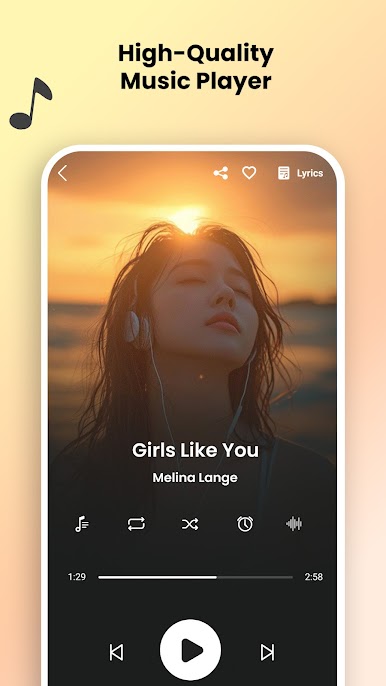
Looking to keep all your music and videos in one spot while enjoying a fresh look and loads of handy features? Music Player, Video Player for all format, from ASD Dev Video Player for All Format, is a solid pick if you like having your playlists, albums, and favorite tracks in one tidy package. Whether you’re a casual listener or one of those people who can’t go anywhere without their tunes, this Music & Audio app makes organizing and playing your collection super easy.
App Features
-
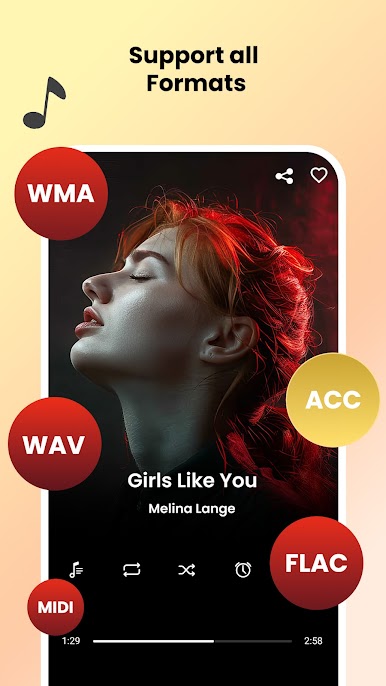
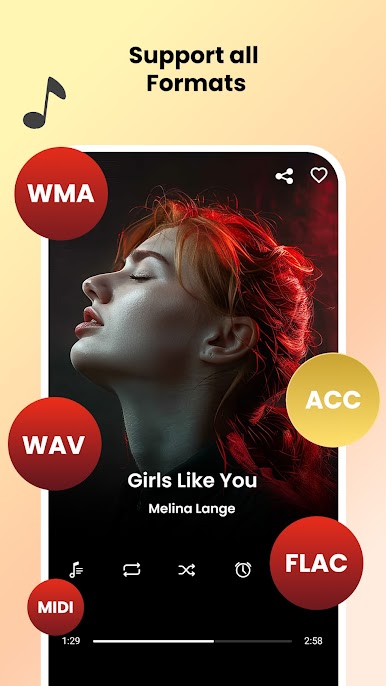
Support for Tons of Formats
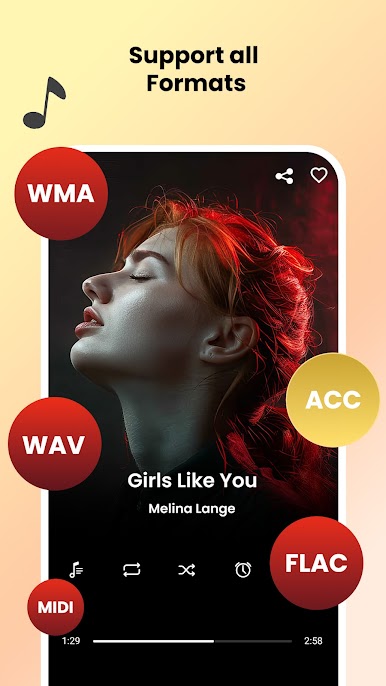
From mp3 and midi to flac, wav, and aac, this player doesn’t leave anyone out. You can play just about any song or audio file without having to jump through hoops or convert things. -
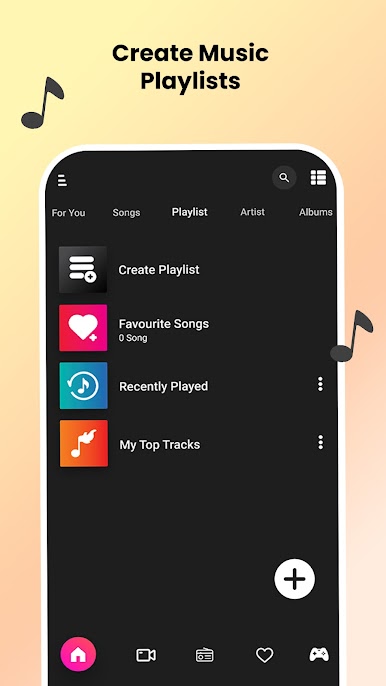
Playlist and Library Organization
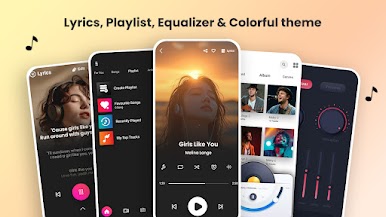
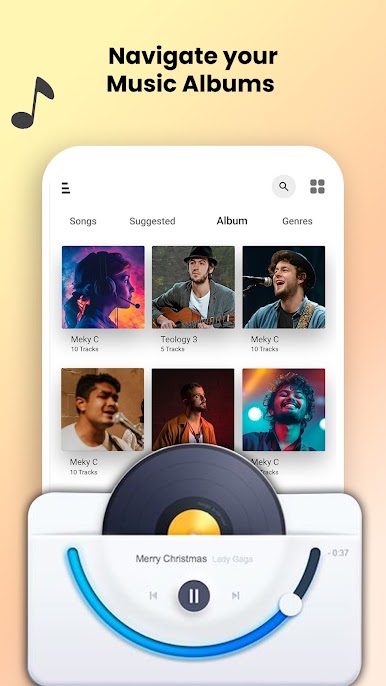
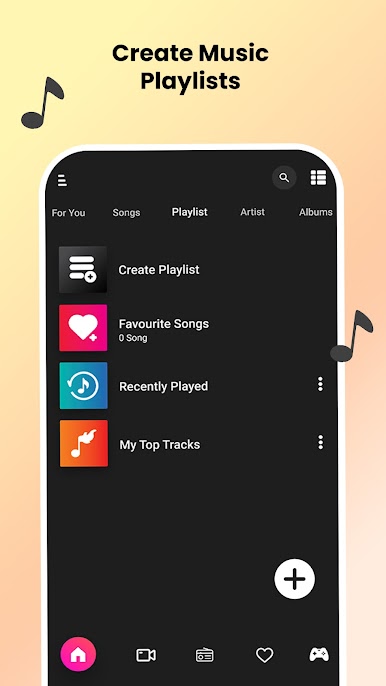
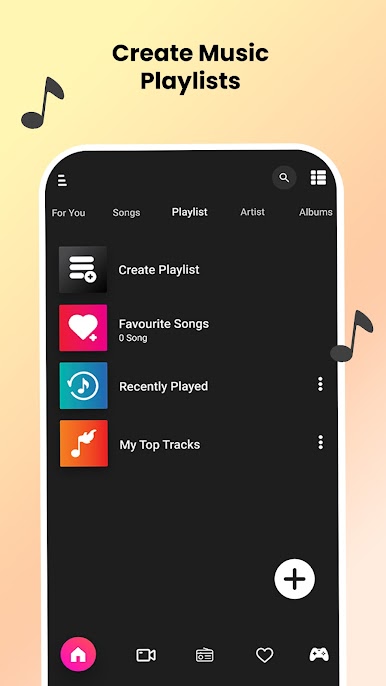
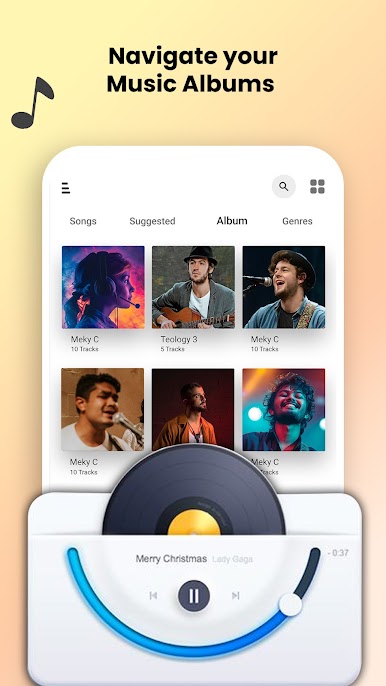
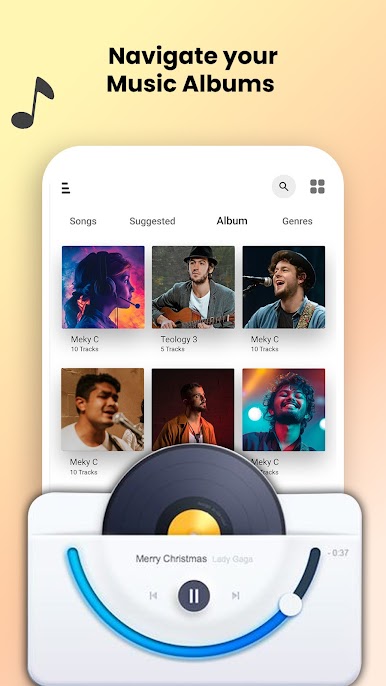
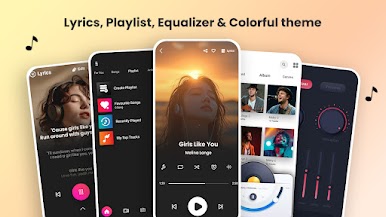
Browse music by song, album, artist, folder, or even by playlist. Like to create custom playlists for every mood? Piece of cake with this app—you can mix and match tracks however you want. -
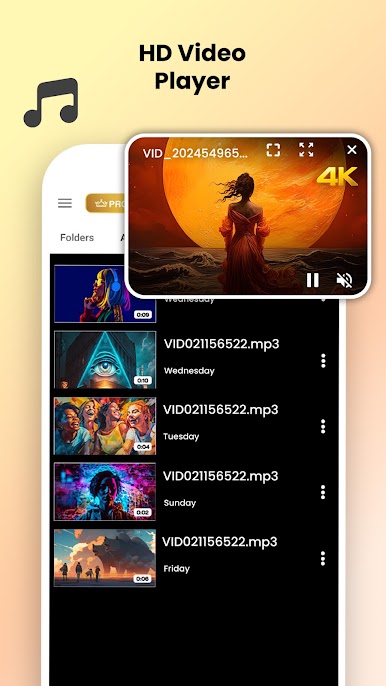
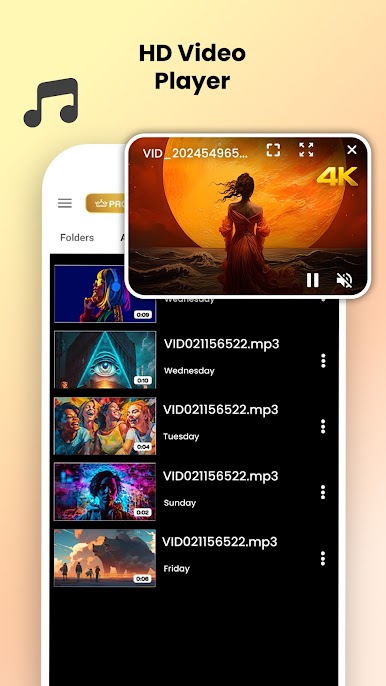
Video Player Included
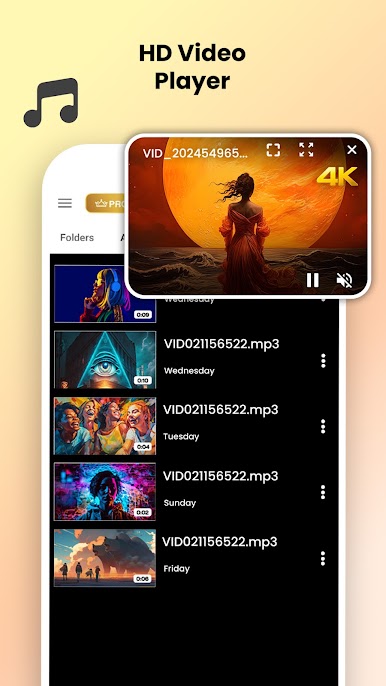
Not just about music—play video files too. It’s convenient if you want everything entertainment-related in one place. -
Vivid Auto Backgrounds
No more boring screens. The player updates its backgrounds automatically to match the vibe of your tunes, so things always feel a little fresh. -
Handy Search & Quick Access
Got a massive library? With the search bar, you can find that one song stuck in your head in seconds—by track, album, artist, or even folder. -
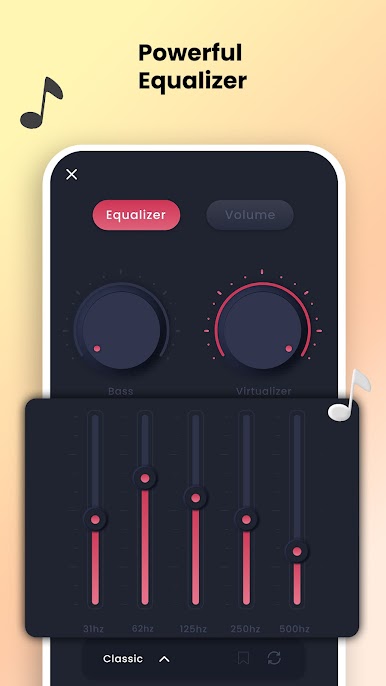
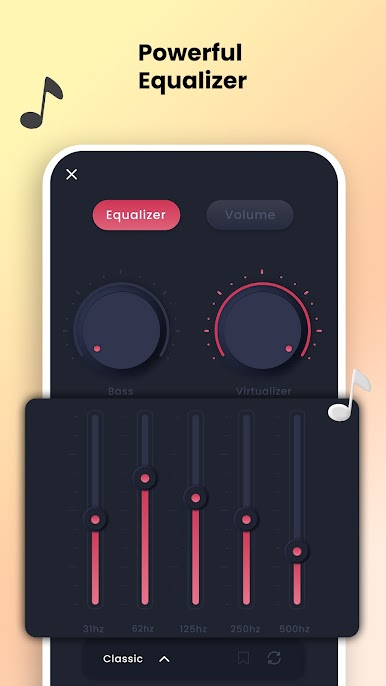
Equalizer with Bass Boost
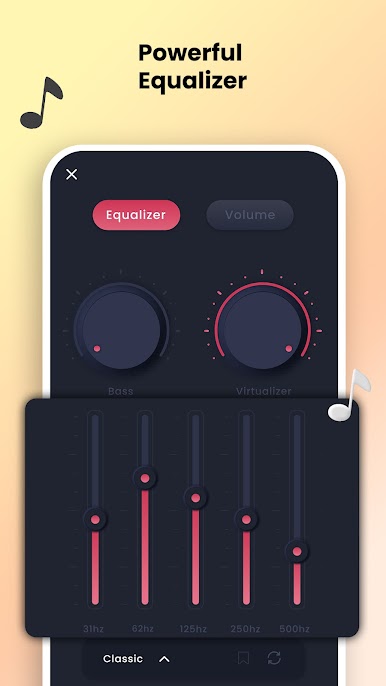
Fine-tune your listening experience. Bump up the bass, play around with the virtualizer, and tweak things until the music really hits. -
Set Ringtones and Customize
Easily set your current jam as your ringtone or alarm without leaving the app. Perfect for when you want to freshen up your notifications. -
Wearable Device Access
Got a wearable? You can control music directly from your wrist, which makes things pretty convenient if your phone is buried in your bag. -
Headset Controls and Auto Play
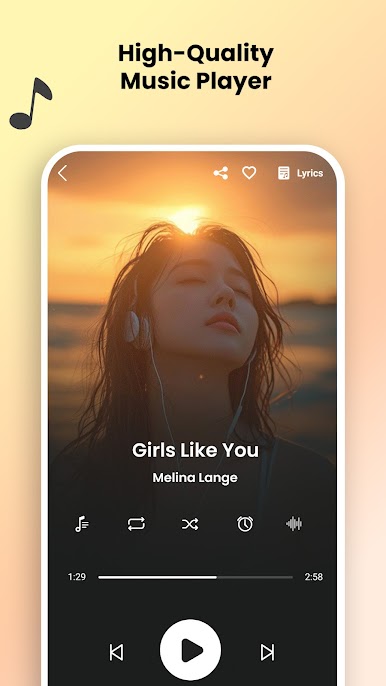
Plug in your headphones and the app starts up your music automatically. Play/pause and skip tracks without fumbling with your phone. -
Easy Video & Audio Switching
Whether you want to listen or watch, it’s all right there in the same spot—no separate apps needed. -
Built-in Share Feature
Found a song you love? Share it quickly with friends straight from the app. -
Handy with BlueStacks
Want to manage your tracks or watch videos on a bigger screen? You’ll find using Music Player, Video Player for all format works pretty smoothly on BlueStacks, giving you a nice desktop feel with all the same features.
Ready to experience Music Player, Video Player for all format on a bigger screen, in all its glory? Download BlueStacks now.

Play Music Player-MP3, Audio Player on PC. It’s easy to get started.
-
Download and install BlueStacks on your PC
-
Complete Google sign-in to access the Play Store, or do it later
-
Look for Music Player-MP3, Audio Player in the search bar at the top right corner
-
Click to install Music Player-MP3, Audio Player from the search results
-
Complete Google sign-in (if you skipped step 2) to install Music Player-MP3, Audio Player
-
Click the Music Player-MP3, Audio Player icon on the home screen to start playing

