

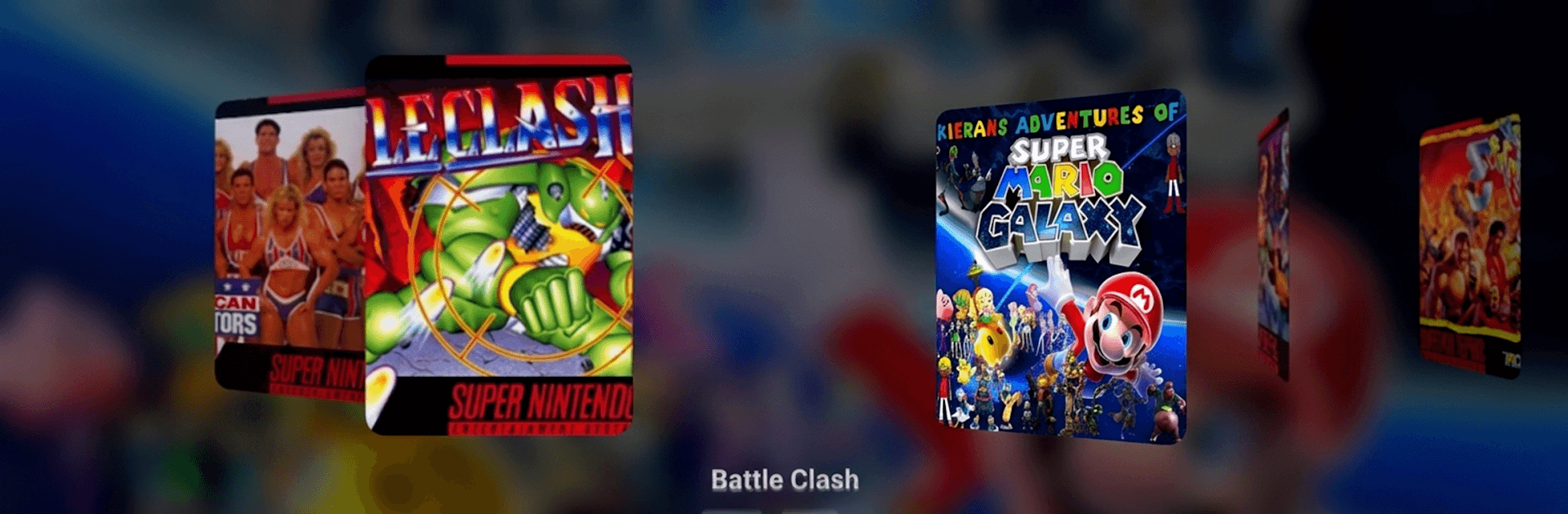
EmulAItor – Retro emulator
Play on PC with BlueStacks – the Android Gaming Platform, trusted by 500M+ gamers.

Page Modified on: Aug 21, 2026
Play Emulaitor – Retro emulator on PC or Mac
Explore a whole new adventure with Emulaitor – Retro emulator, a Arcade game created by ABAFE. Experience great gameplay with BlueStacks, the most popular gaming platform to play Android games on your PC or Mac.
About the Game
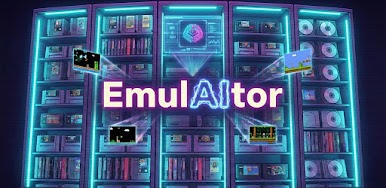
Emulaitor – Retro emulator turns your Android device into a comfy home for classic games, blending old-school vibes with modern convenience. It’s built for smooth, reliable play whether you’re on a phone, tablet, or TV, and it handles the Arcade spirit with care. Prefer a PC setup? It also runs nicely through BlueStacks.
Game Features
- Cloud sync that just works: Save to the cloud and jump between phone, tablet, and Android TV without losing progress.
- TV-first navigation: A clean, native TV interface you can fully drive with a controller—no awkward touch menus from a phone UI on your big screen.
- Controller and touch support: Plug in or pair PS4/PS5, Xbox, 8BitDo, or generic Bluetooth/USB pads; on mobile, precise touch controls have your back.
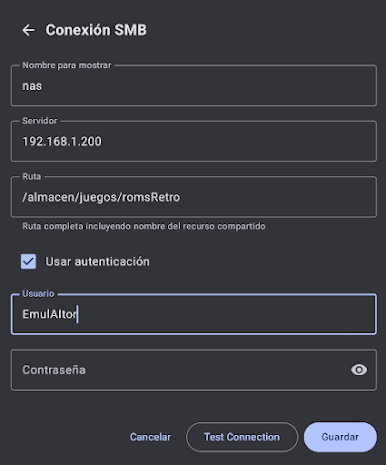
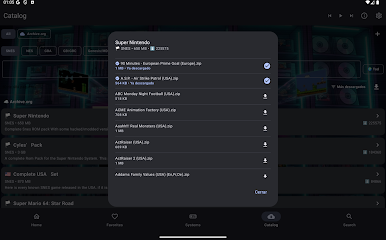
- Play from your network: Browse games stored on a NAS or shared drive over SMB and stream them over Wi‑Fi, so your device storage stays free.
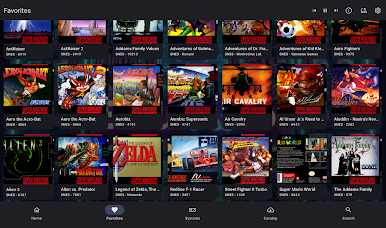
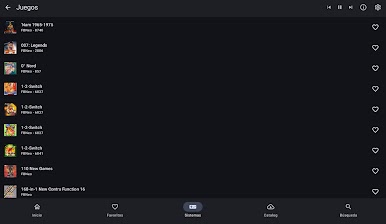
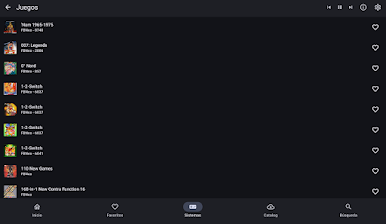
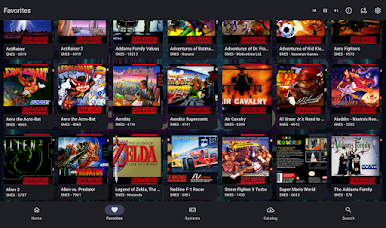
- Auto library building: Scan your collection and let the app fetch cover art, descriptions, and metadata for a tidy, browsable shelf.
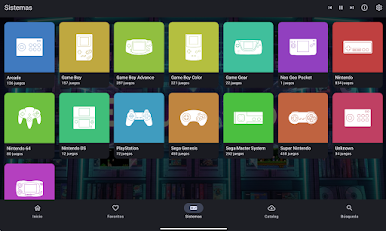
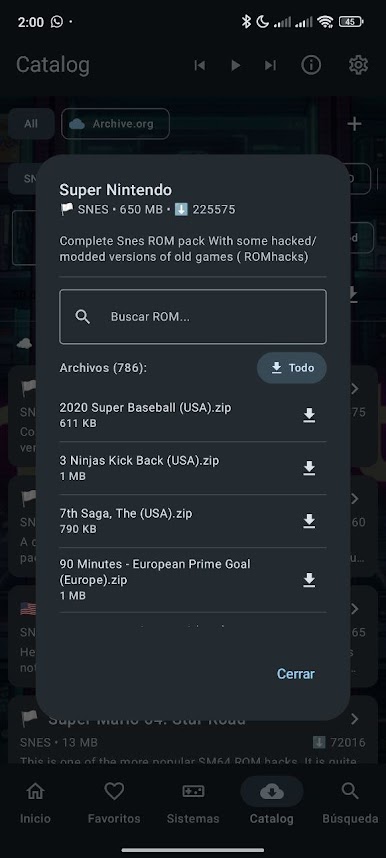
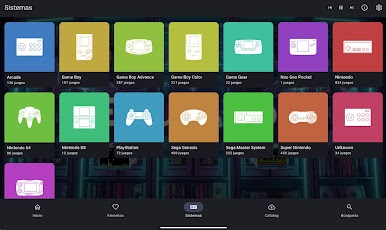
- Many systems, one app: NES, SNES, Genesis, N64, PSX, PSP, GBA, Arcade, and more—switch between classics without juggling different tools.
- Rewind button: Missed a jump or took a bad hit? Roll back a few seconds and try again.
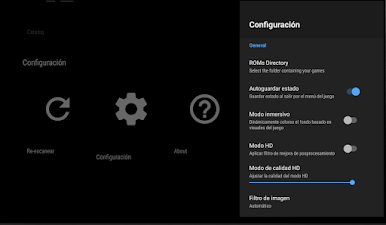
- Retro visuals, upgraded: CRT and LCD-style shaders plus high‑quality filters for a look that’s nostalgic without the eye strain.
- Couch co-op ready: Connect multiple controllers for local multiplayer on the same device.
- Ad-free and polished: Zero ads, stable performance, and full support up to Android 15; try it first, unlock if it fits your setup.
- Respect for your data: Open-source under GPLv3 with no tracking or data selling—your library stays yours.
- Legal note: Games and BIOS files aren’t included. Use your own backups of titles you legally own.
Start your journey now. Download the game on BlueStacks, invite your friends, and march on a new adventure.


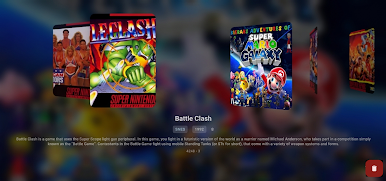
Play EmulAItor – Retro emulator on PC. It’s easy to get started.
-
Download and install BlueStacks on your PC
-
Complete Google sign-in to access the Play Store, or do it later
-
Look for EmulAItor – Retro emulator in the search bar at the top right corner
-
Click to install EmulAItor – Retro emulator from the search results
-
Complete Google sign-in (if you skipped step 2) to install EmulAItor – Retro emulator
-
Click the EmulAItor – Retro emulator icon on the home screen to start playing

