


Emulaitor – Retro emulator
Play on PC with BlueStacks – the Android Gaming Platform, trusted by 500M+ gamers.

Page Modified on: Jun 5, 2026
Play Emulaitor – Retro emulator on PC
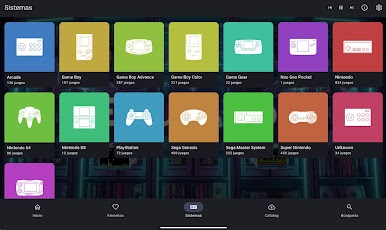
Turn your Android device (TV, tablet or smartphone) into the ultimate console. EmulAItor is not just another emulator; is a polished, powerful, retro entertainment center 100% optimized for impeccable performance, including full support for Android 15.
🎮 WHY CHOOSE EMULAITOR?
✨ Try it for free, without obligation:
Download EmulAItor and try it for free on your device. Make sure performance is perfect and everything works to your liking. If you love the experience, you can unlock the full version without limits. Zero ads, always. A professional, stable and interruption-free experience.
☁️ Cloud Sync (Cloud Save):
Are you playing on the bus? Pick up exactly where you left off when you get home on your Android TV. Automatically sync your saved games through Google Drive without wasting a single second.
📺 Multi-Device and Controls Support:
Native user interfaces (UIs) designed specifically to adapt to each screen. Forget about uncomfortable touch menus on your TV: our TV interface is 100% designed to navigate with a controller (compatible with PS4/PS5, Xbox, 8BitDo and generic Bluetooth/USB). If you play on mobile, you will enjoy highly precise touch controls.
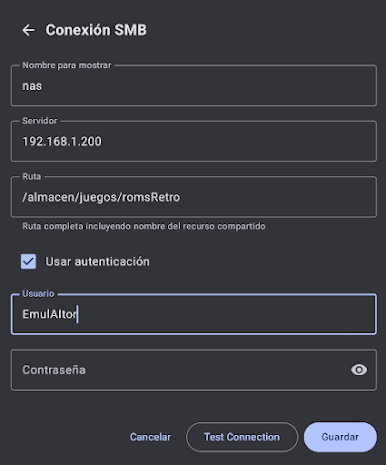
🏠 NAS and SMB Support:
Do you have your collection on a server or hard drive on a local network? Don't fill your phone's memory. Play directly over your Wi-Fi connection at maximum speed and without interruptions.
🌟 KEY FEATURES:
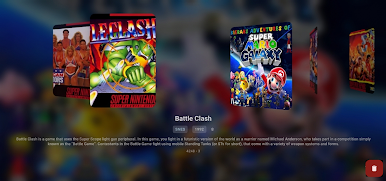
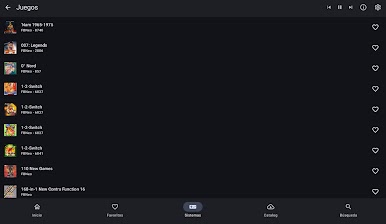
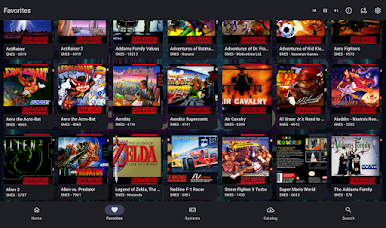
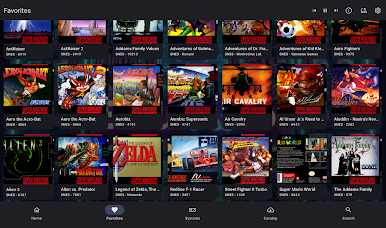
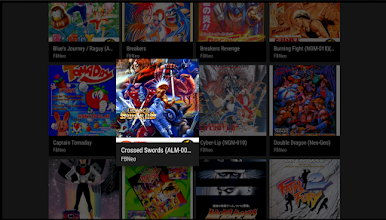
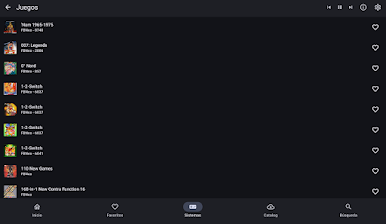
Automatic Online Search: Scan your device, identify your games and automatically download covers, descriptions and metadata for a perfect library.
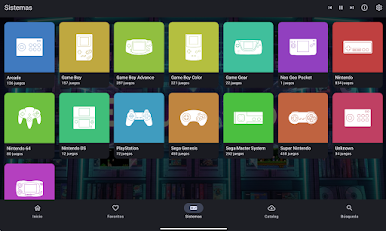
Multi-System: Full compatibility with the most beloved classic consoles: NES, SNES, GBA, PSX, PSP, N64, Genesis, Arcade, and many more.
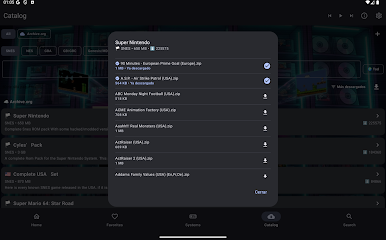
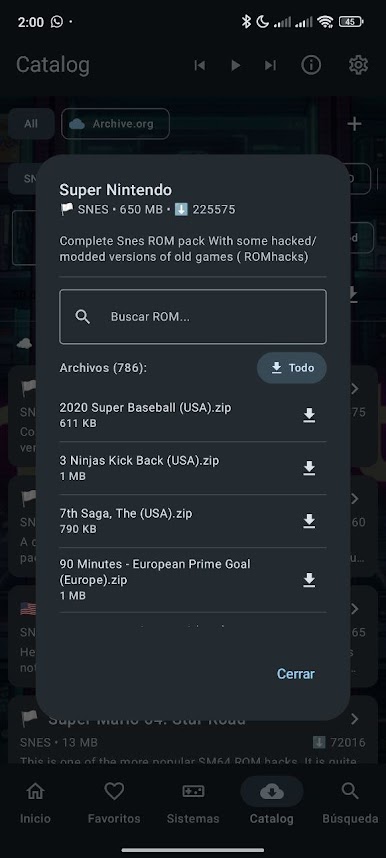
Digital Preservation: Connect to public libraries (archive.org) to legally download homebrew and public domain titles directly from the app.
Rewind: Did you die on that impossible jump? Rewind time in the middle of the game and try again instantly.
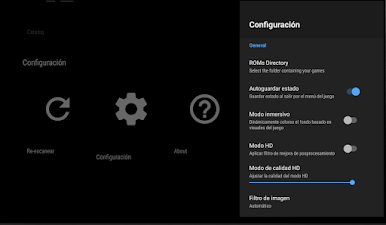
Nostalgic Shaders: Simulate vintage CRT displays, classic portable LCDs, and enhance visual quality with high-resolution (HQ) filters.
Local Multiplayer: Connect multiple controllers and enjoy multiplayer games with friends on the same device.
🔒 PRIVACY AND SECURITY
Open source (GPLv3) and completely transparent. Your privacy belongs to you: we don't track, we don't collect, and we don't sell your data.
Legal note: Emulaitor does not include games or BIOS files. External downloads are the responsibility of the user, who must provide their own backup copies of legally purchased games.

Play Emulaitor – Retro emulator on PC. It’s easy to get started.
-
Download and install BlueStacks on your PC
-
Complete Google sign-in to access the Play Store, or do it later
-
Look for Emulaitor – Retro emulator in the search bar at the top right corner
-
Click to install Emulaitor – Retro emulator from the search results
-
Complete Google sign-in (if you skipped step 2) to install Emulaitor – Retro emulator
-
Click the Emulaitor – Retro emulator icon on the home screen to start playing

