


Drawmaster
Play on PC with BlueStacks – the Android Gaming Platform, trusted by 500M+ gamers.

Page Modified on: Dec 17, 2025
Main Drawmaster on PC
Game Features:
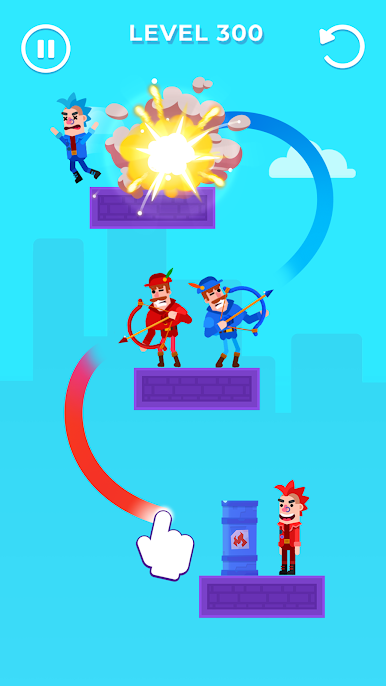
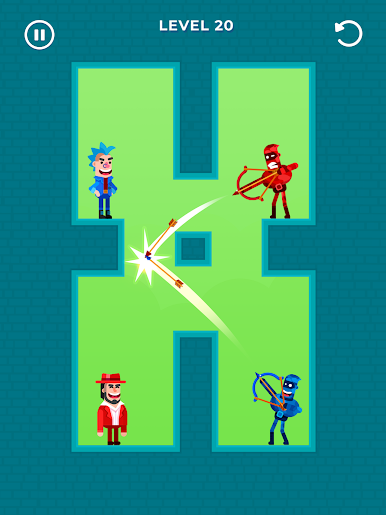
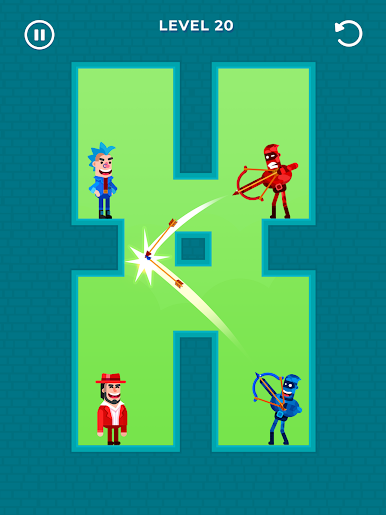
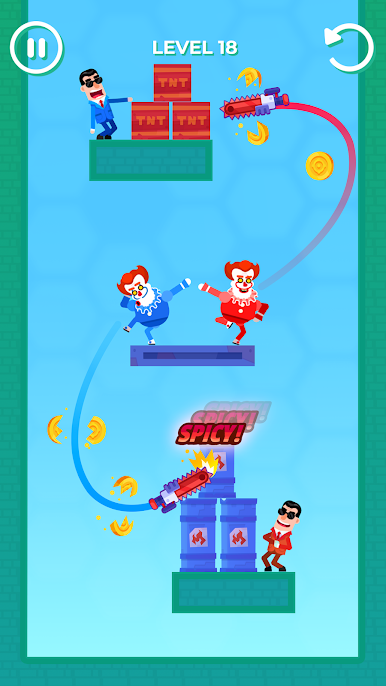
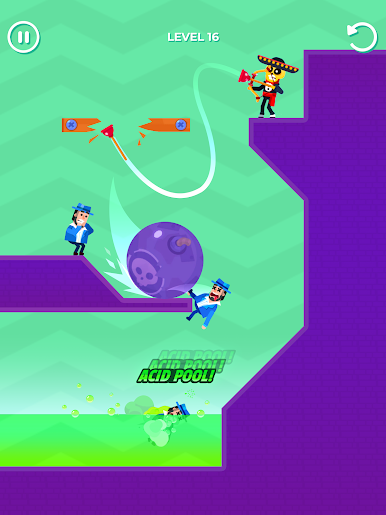
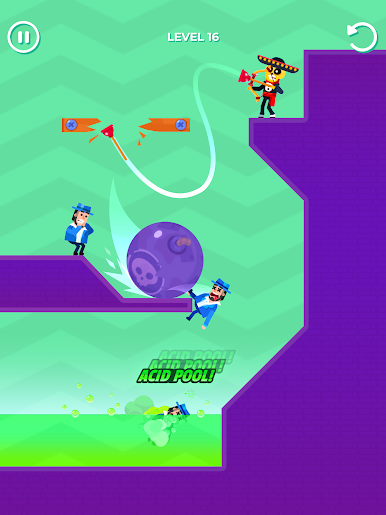
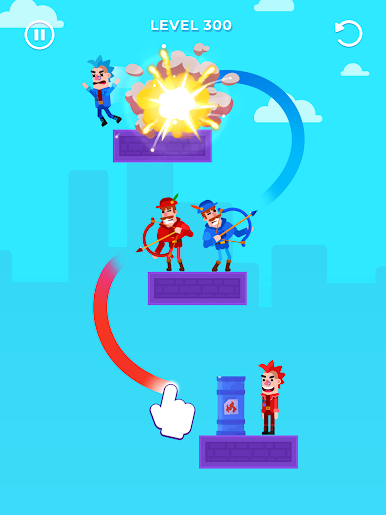
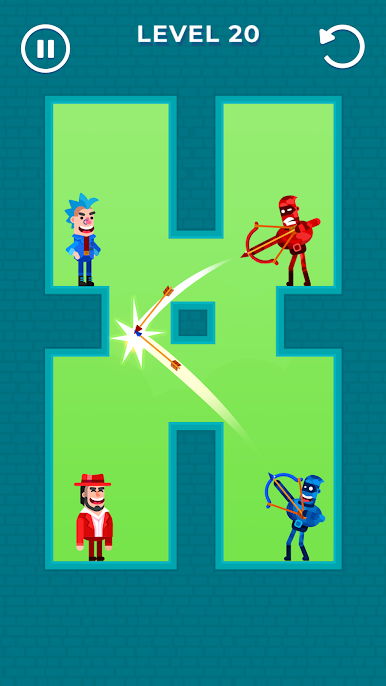
- Drawing game: draw the perfect arrow trajectory and shoot to destroy your rivals!
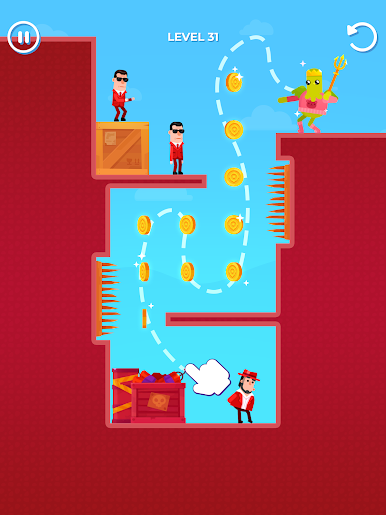
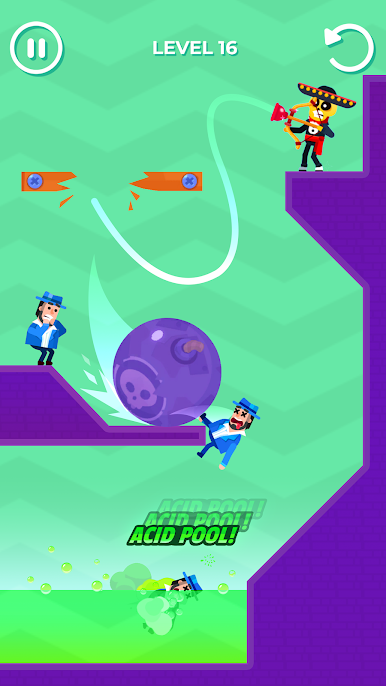
- Each level is a new war puzzle with many battle mechanics: blow up enemies, throw them on bayonets, send them to lava!
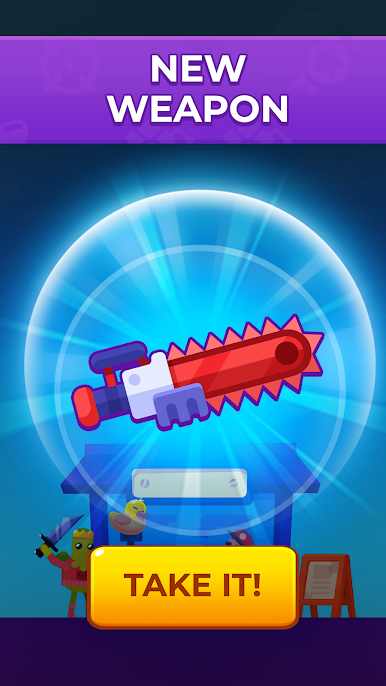
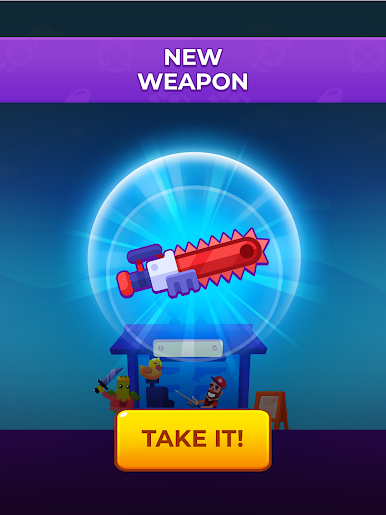
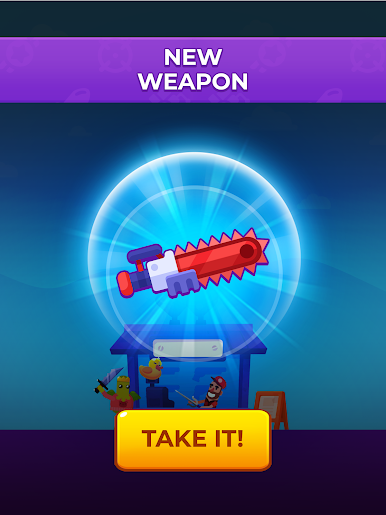
- Lots of weapons: do you want to be a bowmaster or mr bullet? Make a banana your weapon or choose something else? The choice is yours!
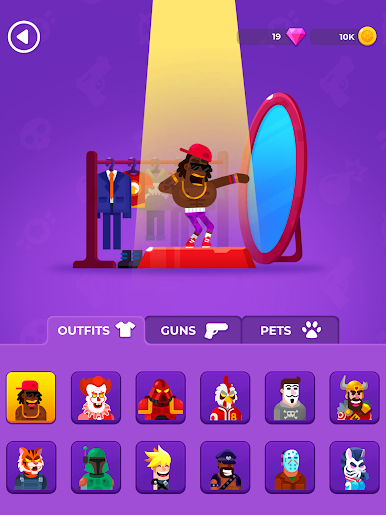
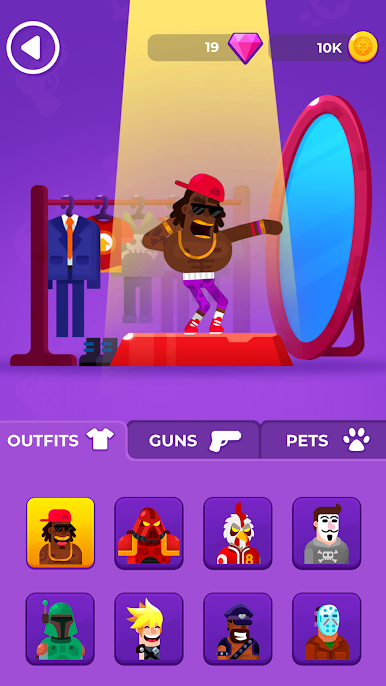
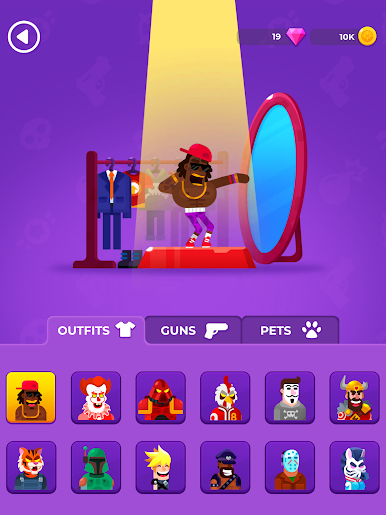
- Various skins: customize any bowman!
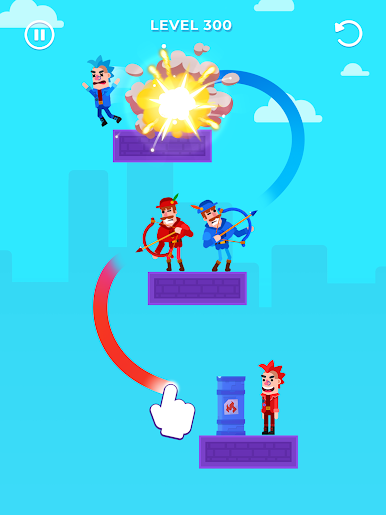
- Play for two archers: shoot from two bows at once and destroy every opponent in your way! Don't forget to avoid the collisions and make sure your arrow reaches the bull's-eye.
- Helpful pets: unlock cute pets to help you in battle!
- League of shooters: take part and conquer the top ranks!
- Build a house: equip your house with the best arsenal: bullets, knife, gun.
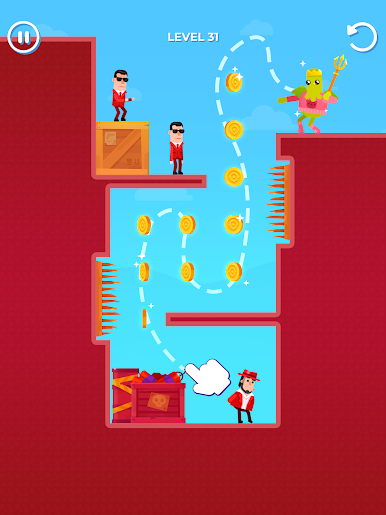
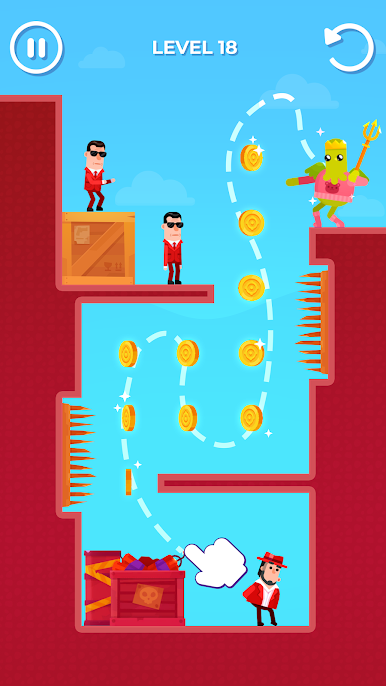
- Bonus levels: knock down chests and jewels with one shot like the best achero and earn tons of gold!
Also you can play this at your own pace if you want to relax after a stressy day.
Drawmaster – it's funnier and harder than you think. Try it yourself and become a hit master! Ready. Aim. Fire!


Play Drawmaster on PC. It’s easy to get started.
-
Download and install BlueStacks on your PC
-
Complete Google sign-in to access the Play Store, or do it later
-
Look for Drawmaster in the search bar at the top right corner
-
Click to install Drawmaster from the search results
-
Complete Google sign-in (if you skipped step 2) to install Drawmaster
-
Click the Drawmaster icon on the home screen to start playing

