


Wobble Jam: Balance Match 3D
Play on PC with BlueStacks – the Android Gaming Platform, trusted by 500M+ gamers.

Page Modified on: Sep 4, 2026
Play Wobble Jam: Balance Match 3D on PC
from a wobbling board, collect them in triples on your tray, and clear the
board without tipping it over.
HOW TO PLAY
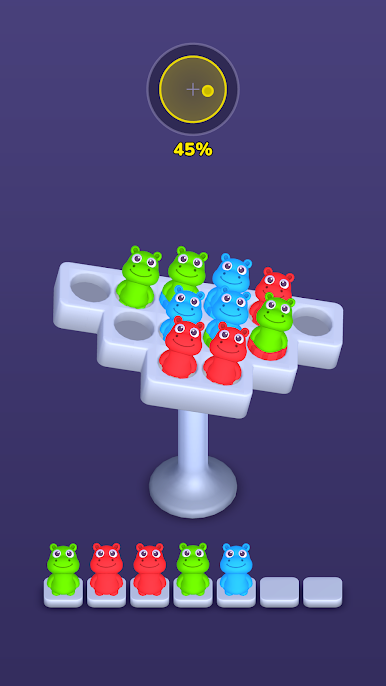
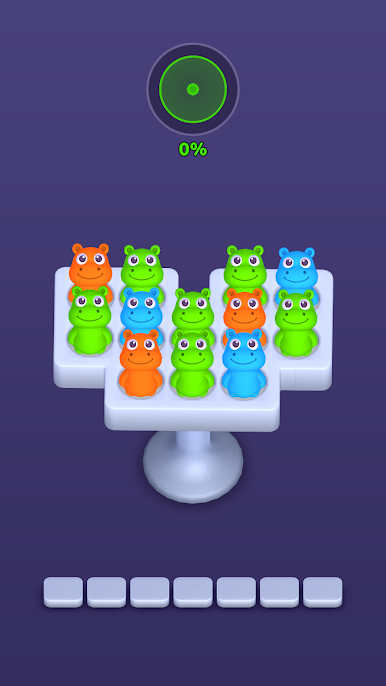
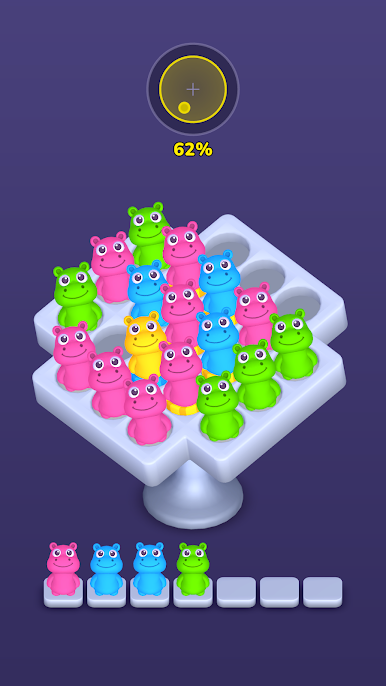
- Tap a hippo to send it to the tray
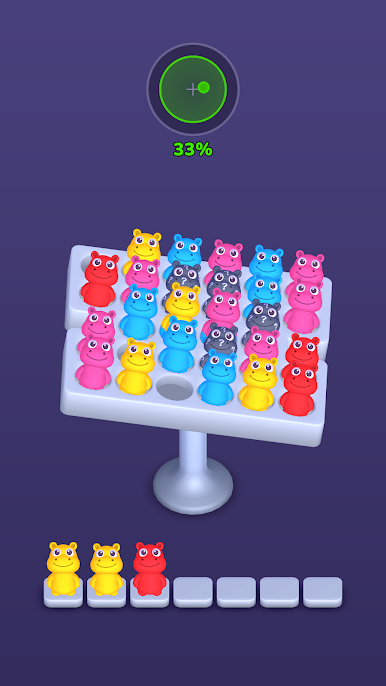
- Collect 3 of the same color to match and clear them
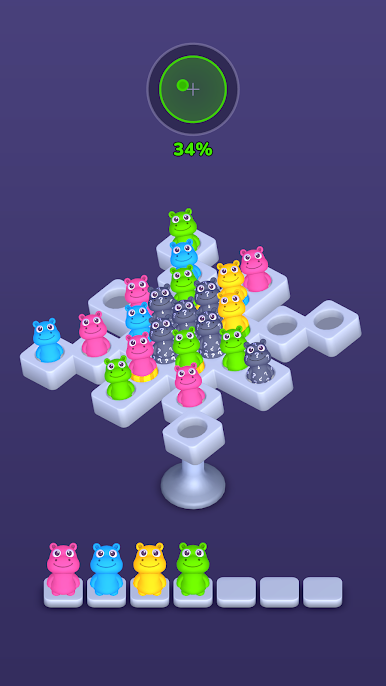
- Watch the balance — every hippo you remove shifts the weight!
- Clear the whole board to win
TWO WAYS TO FAIL, ONE WAY TO WIN
Fill up all 7 tray slots and it's game over. Let the board tilt too far and
everything slides off. Every tap is a small decision: which hippo, which
side, which color first?
DISCOVER NEW HIPPOS
- Double Hippos — someone's hiding inside! The colored ring shows who
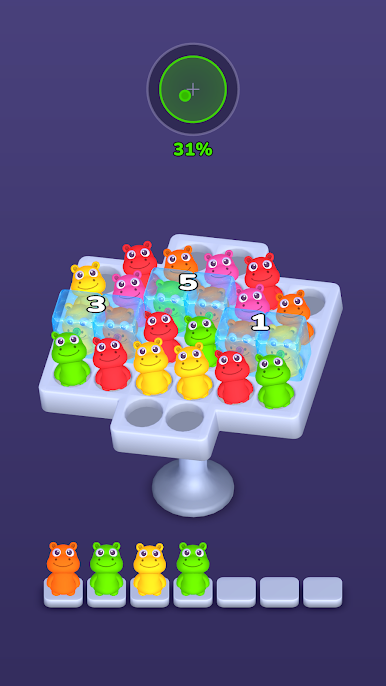
- Mystery Hippos — clear a neighbor to reveal their color
- Frozen Hippos — match 3 to melt the ice
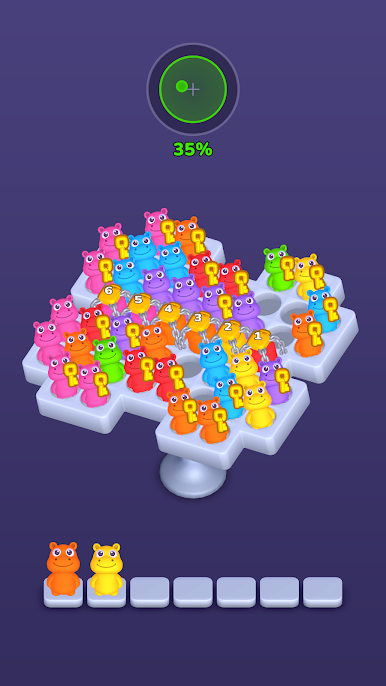
- Locked Hippos — collect keys to set them free
WHY YOU'LL LOVE IT
- Easy to learn: one finger, no timers, no pressure
- Satisfying jelly physics — every hippo wobbles, squishes and pops
- Levels that make you think, not just tap
- Cute chubby hippos with big purple eyes. That's it. That's the feature.
Can you keep your cool when the board starts to wobble?
Play Wobble Jam: Balance Match 3D on PC. It’s easy to get started.
-
Download and install BlueStacks on your PC
-
Complete Google sign-in to access the Play Store, or do it later
-
Look for Wobble Jam: Balance Match 3D in the search bar at the top right corner
-
Click to install Wobble Jam: Balance Match 3D from the search results
-
Complete Google sign-in (if you skipped step 2) to install Wobble Jam: Balance Match 3D
-
Click the Wobble Jam: Balance Match 3D icon on the home screen to start playing

