

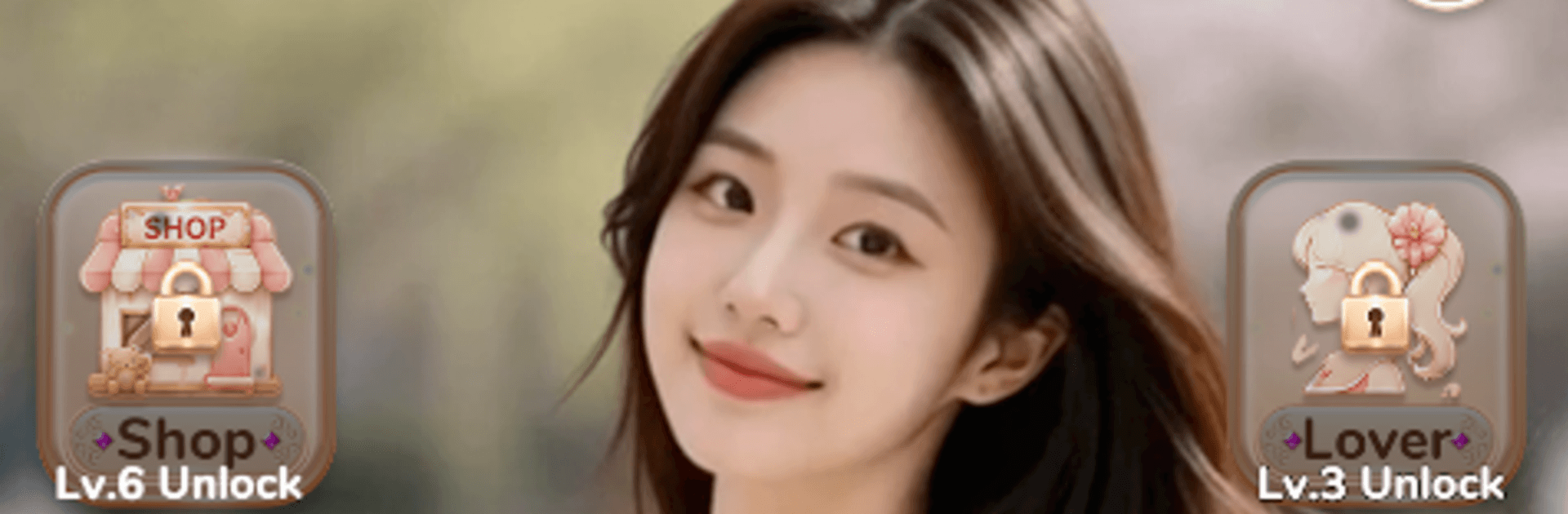
Rose Girl Match
Play on PC with BlueStacks – the Android Gaming Platform, trusted by 500M+ gamers.

Page Modified on: Jul 30, 2026
Play Rose Girl Match on PC or Mac
Play Rose Girl Match by luisi on PC or Mac with BlueStacks. Use a bigger screen, mouse and keyboard controls, and smoother performance while you play.
About the Game
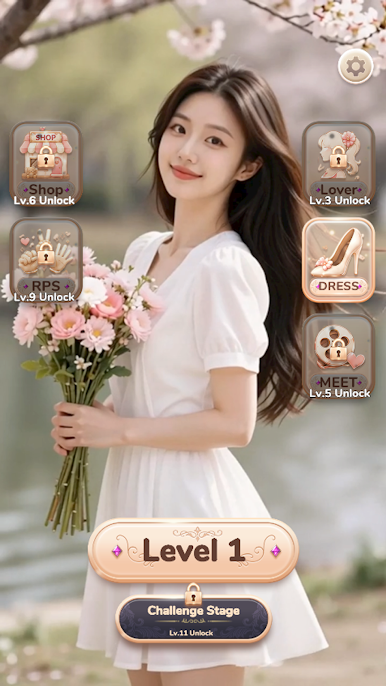
Rose Girl Match is a Casual puzzle blend that keeps your brain engaged without the stress. It mixes cozy triple-tile matching with quick Rock Paper Scissors face-offs, so you’re always switching between calm planning and bold guesses. Expect bite-sized levels, clever twists, and a growing lineup of charming companions to collect as you play.
Game Features
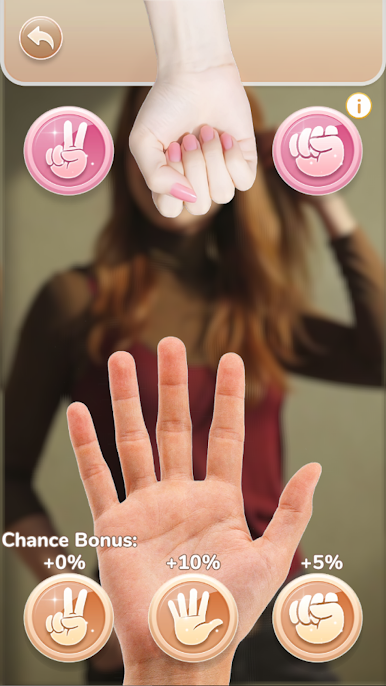
- Rock, Paper, Scissors Strategy: Square off in fast bouts where timing and a bit of intuition matter. Spot patterns, read your opponent, and throw rock, paper, or scissors at just the right moment to swing the outcome.
- Triple-Tile Matching That Feels Good: Snap three of a kind, tidy the board, and work through layouts that reward a few smart moves ahead. It starts simple, then gently turns up the challenge.
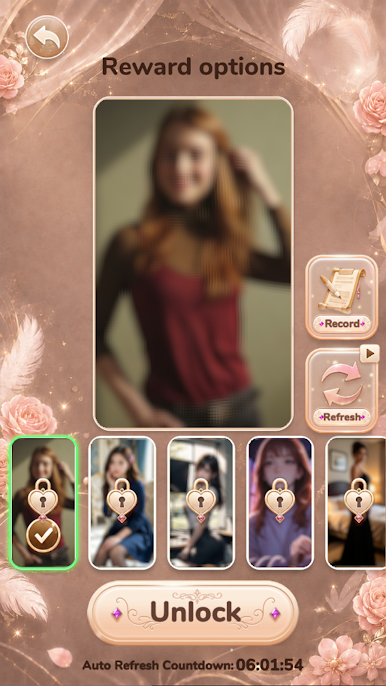
- Charming Companions to Collect: Clear stages and win showdowns to meet new Rose Girls. Building your collection adds personality to your progress and makes each win feel extra satisfying.
- Special Challenge Stages: Want more bite? Tackle optional levels with unique goals and tougher setups that push your puzzle skills further.
- Smooth, Snackable Play: Quick stages and clean controls make it easy to jump in for a minute—or stay for a longer run—while still feeling thoughtful and rewarding.
- A Comfy Way to Play on PC: Prefer a bigger view and steady clicks? You can play Rose Girl Match on PC with BlueStacks for a relaxed setup that suits longer sessions.
BlueStacks gives you more room to focus on the game and less time adjusting around mobile limitations.

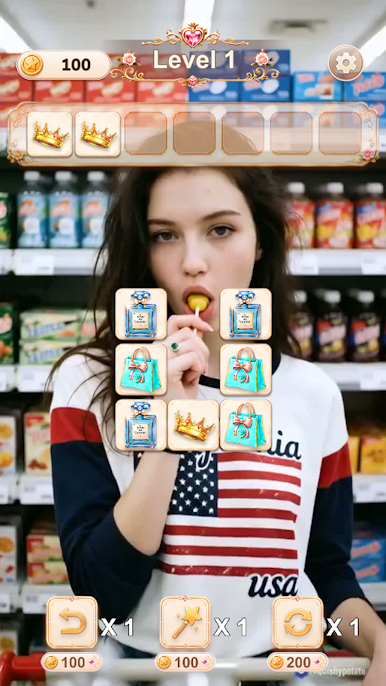
Play Rose Girl Match on PC. It’s easy to get started.
-
Download and install BlueStacks on your PC
-
Complete Google sign-in to access the Play Store, or do it later
-
Look for Rose Girl Match in the search bar at the top right corner
-
Click to install Rose Girl Match from the search results
-
Complete Google sign-in (if you skipped step 2) to install Rose Girl Match
-
Click the Rose Girl Match icon on the home screen to start playing

