


RosikBall
Play on PC with BlueStacks – the Android Gaming Platform, trusted by 500M+ gamers.

Page Modified on: Nov 9, 2026
Play RosikBall on PC
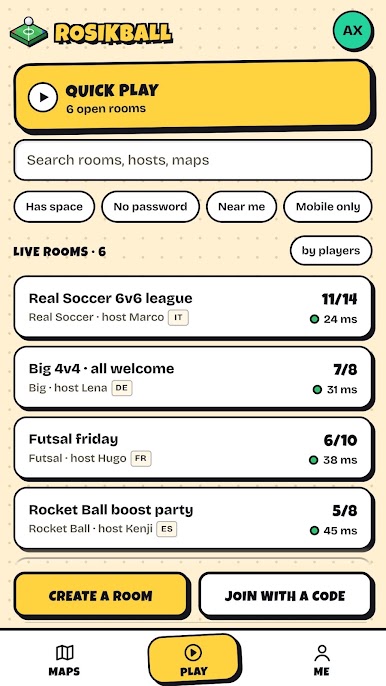
Play online in seconds
• Quick play puts you in the best open room near you
• Create your own room, pick the field and the limits, invite friends with a link
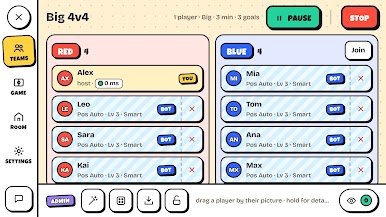
• Rooms for up to 24 players, from 1 v 1 duels to big team matches
• Play with people on computers, or in rooms just for phones: you choose
Made for touch
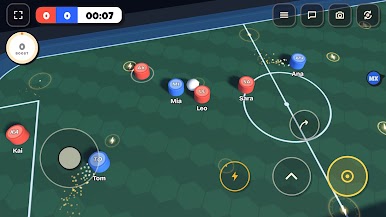
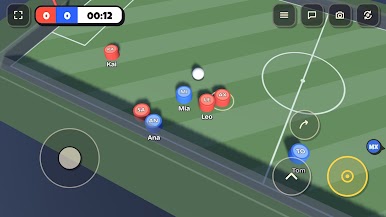
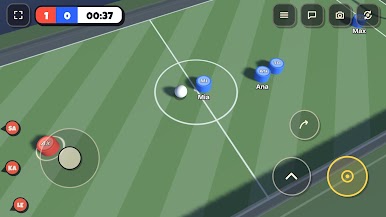
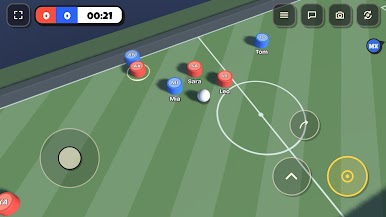
• A stick under your left thumb; Kick, Jump and Lob under your right
• Presets and a layout editor: move and resize every control
• Vibration on your kicks and on goals
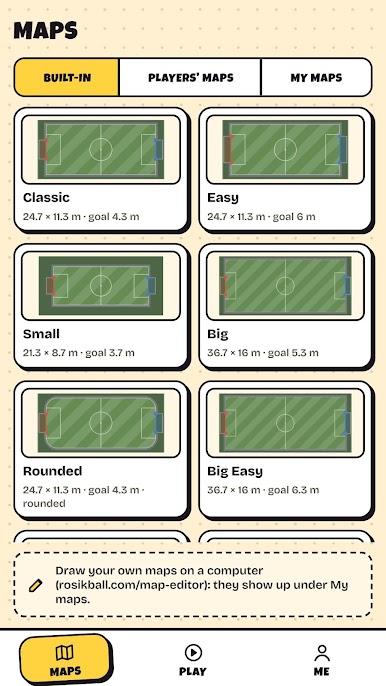
Many fields
• Classic, Big, Futsal and more
• Real Soccer, with throw-ins, corners, free kicks and offside
• Rocket Ball, with boost pads and a double jump
• Fields drawn by players, ready to try
Fair and free
• No pay-to-win: everyone plays with the same discs and the same physics
• An optional account keeps your nickname, saves your maps and opens members-only rooms
• Report and mute tools in every room
RosikBall is free to play.

Play RosikBall on PC. It’s easy to get started.
-
Download and install BlueStacks on your PC
-
Complete Google sign-in to access the Play Store, or do it later
-
Look for RosikBall in the search bar at the top right corner
-
Click to install RosikBall from the search results
-
Complete Google sign-in (if you skipped step 2) to install RosikBall
-
Click the RosikBall icon on the home screen to start playing

