


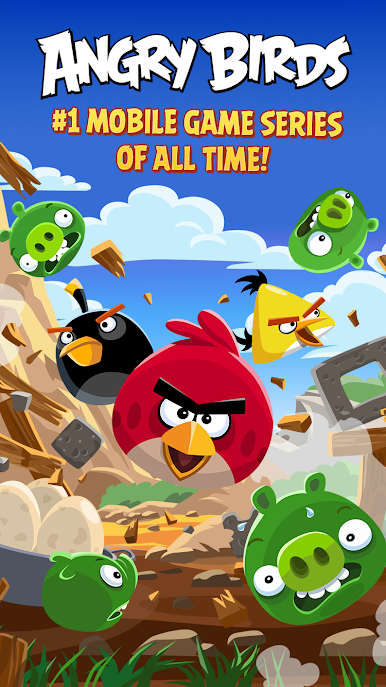
Angry Birds Classic
Play on PC with BlueStacks – the Android Gaming Platform, trusted by 500M+ gamers.

Page Modified on: Apr 11, 2019
Overview
FEATURES:
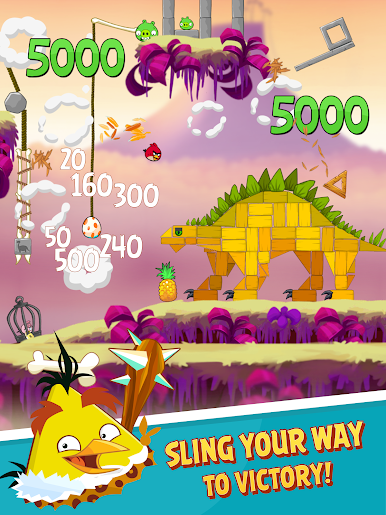
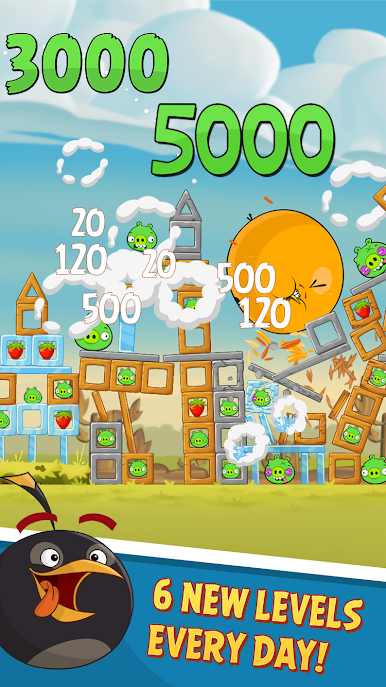
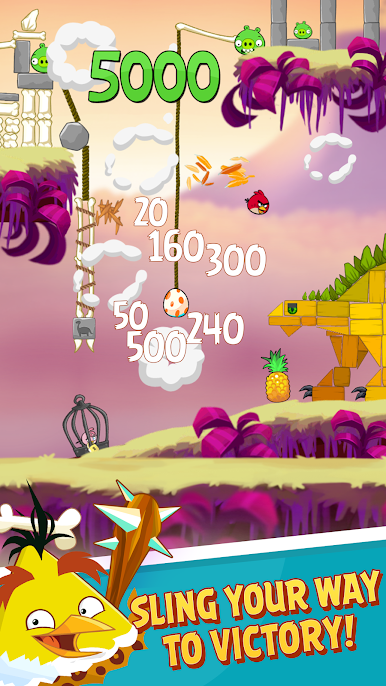
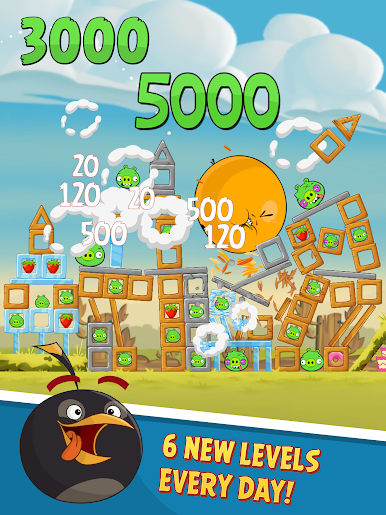
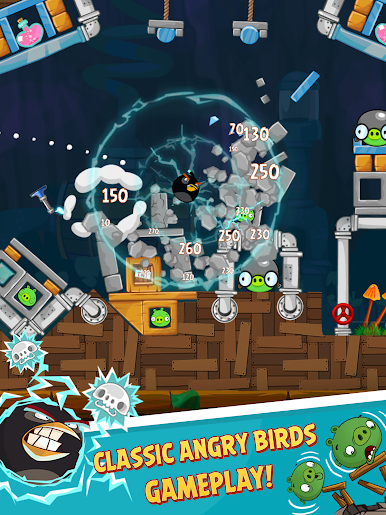
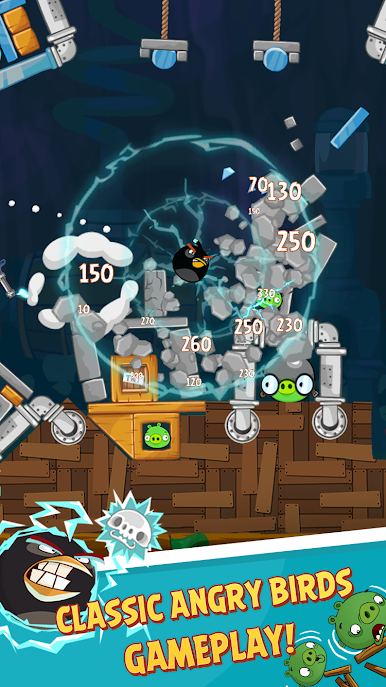
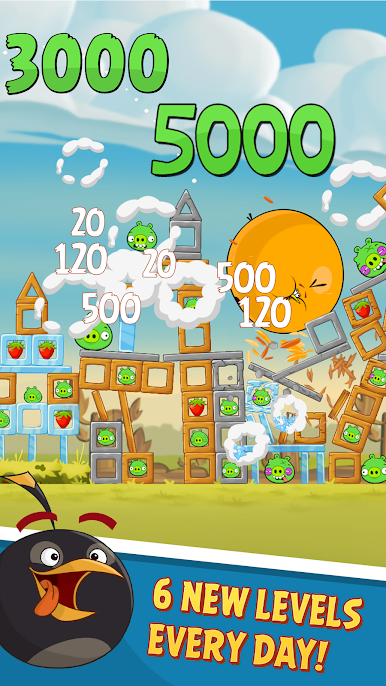
– Enjoy fun and satisfying slingshot gameplay.
– Play all 15 original Angry Birds episodes – over 680 levels!
– Compete against other players in the Mighty League.
– Boost your birds’ destructive strength with powerups.
– Download and play for free!
– Play offline!
------
HAVING TROUBLE? Head over to https://support.rovio.com where you can browse FAQs or submit a request to our support flock!
-----
Terms of Use: http://www.rovio.com/eula
Privacy Policy: http://www.rovio.com/privacy
This application may require internet connectivity and subsequent data transfer charges may apply.
This game may include:
- Direct links to social networking websites that are intended for an audience over the age of 13.
- Direct links to the internet that can take players away from the game with the potential to browse any web page.
- Advertising of Rovio products and also products from select partners.
- The option to make in-app purchases. The bill payer should always be consulted beforehand.




Play Angry Birds Classic on PC. It’s easy to get started.
-
Download and install BlueStacks on your PC
-
Complete Google sign-in to access the Play Store, or do it later
-
Look for Angry Birds Classic in the search bar at the top right corner
-
Click to install Angry Birds Classic from the search results
-
Complete Google sign-in (if you skipped step 2) to install Angry Birds Classic
-
Click the Angry Birds Classic icon on the home screen to start playing

