


Angry Birds Rio
Play on PC with BlueStacks – the Android Gaming Platform, trusted by 500M+ gamers.

Page Modified on: Jul 11, 2026
Overview
What happens when everyone's favorite fierce fowl get caged and shipped to Rio? They get very angry!
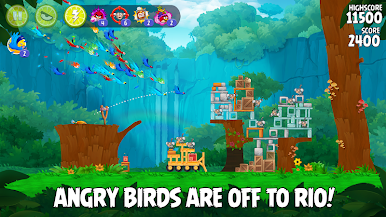
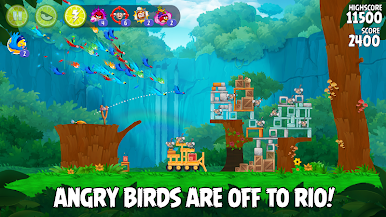
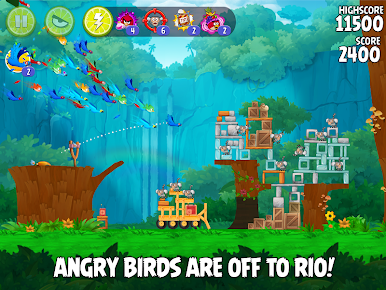
The original Angry Birds have been kidnapped and taken to the magical city of Rio de Janeiro! They’ve managed to escape, but now they must save their friends Blu and Jewel – two rare macaws and the stars of the hit movies, Rio and Rio 2.
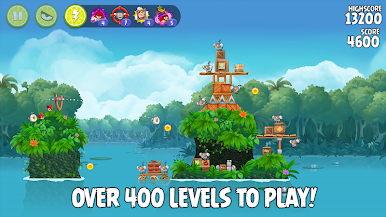
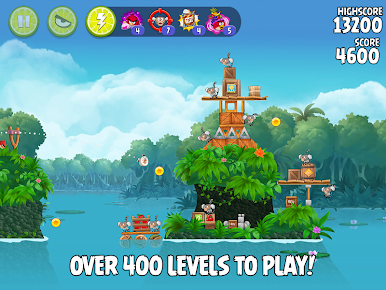
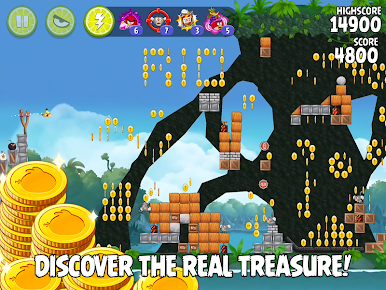
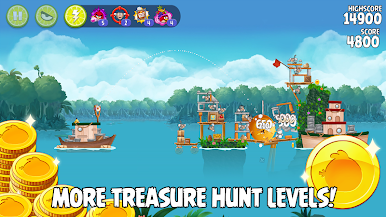
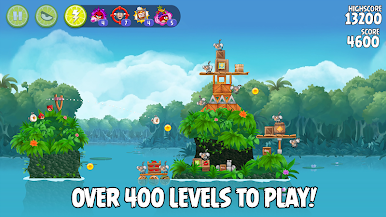
400+ FUN LEVELS! Plus 72 action-packed bonus levels across 12 addictive episodes!
SPECTACULAR BOSS FIGHTS! Put your bird flinging skills to the ultimate test!
CALL THE FLOCK! Get some demolition help from your Macaw buddies!
POWER POTION! Juice up your bird! Power Potion transforms any bird into a devastating giant!
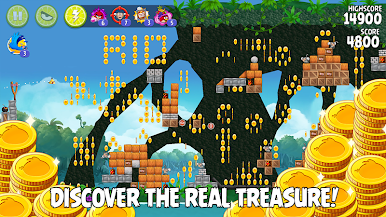
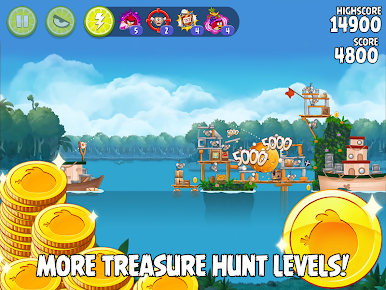
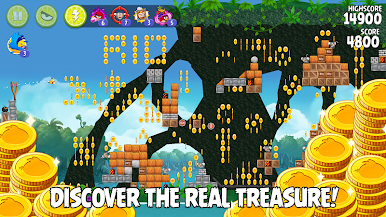
UNLOCK BONUS LEVELS! Find objects hidden throughout the game to unlock even more levels!
-----
Follow us on Twitter:
http://twitter.angrybirds.com
Become a fan of Angry Birds on Facebook!
http://facebook.angrybirds.com
Terms of Use: https://www.rovio.com/terms-of-service
Privacy Policy: https://www.rovio.com/privacy
This application may require internet connectivity and subsequent data transfer charges may apply.
Important Message for Parents
This game may include:
- Direct links to social networking websites that are intended for an audience over the age of 13.
- Direct links to the internet that can take players away from the game with the potential to browse any web page.
- Advertising of Rovio products and also products from select partners.
- The option to make in-app purchases. The bill payer should always be consulted beforehand.





Play Angry Birds Rio on PC. It’s easy to get started.
-
Download and install BlueStacks on your PC
-
Complete Google sign-in to access the Play Store, or do it later
-
Look for Angry Birds Rio in the search bar at the top right corner
-
Click to install Angry Birds Rio from the search results
-
Complete Google sign-in (if you skipped step 2) to install Angry Birds Rio
-
Click the Angry Birds Rio icon on the home screen to start playing

