


Angry Birds Star Wars
Play on PC with BlueStacks – the Android Gaming Platform, trusted by 500M+ gamers.

Page Modified on: Jul 17, 2026
Play Angry Birds Star Wars on PC or Mac
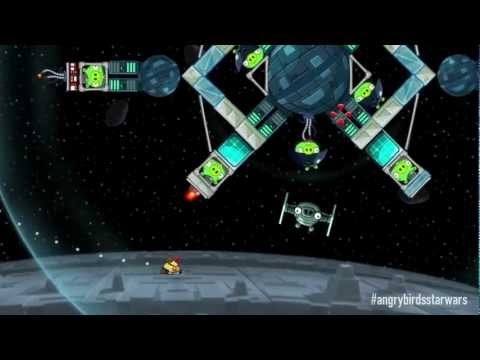
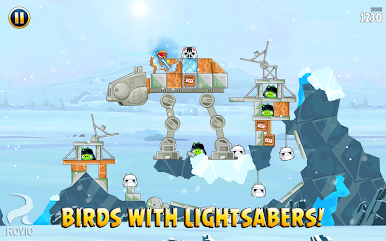
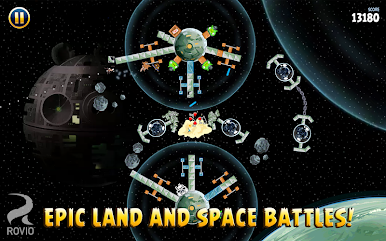
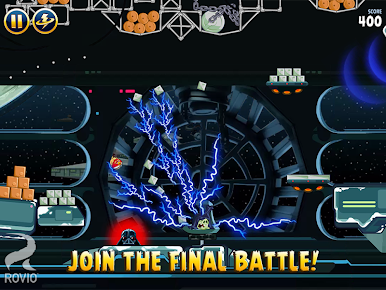
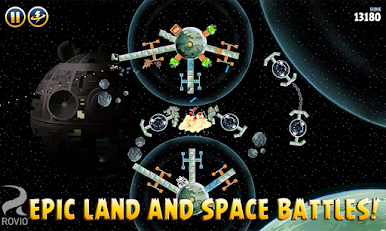
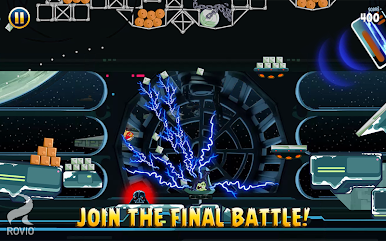
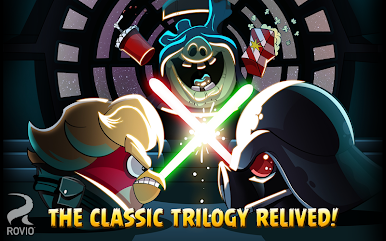
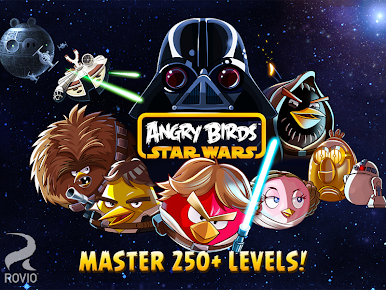
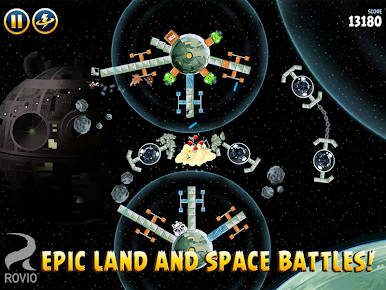
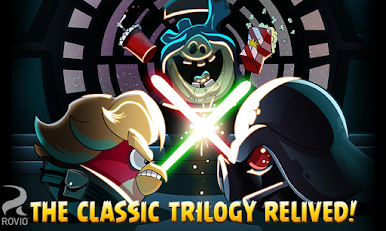
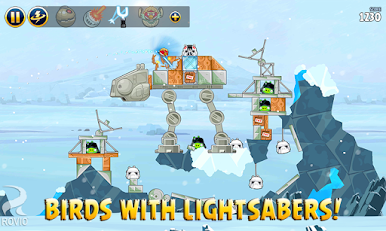
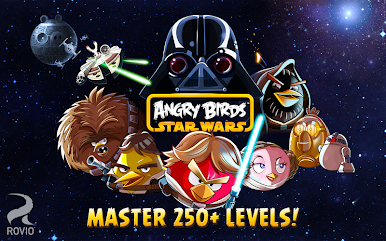
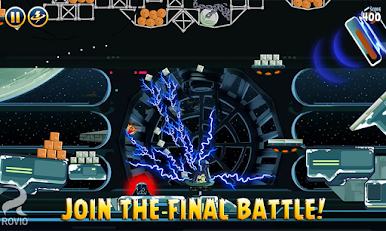
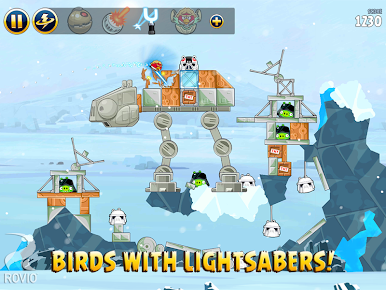
Now you can join the Angry Birds on their biggest adventure ever as they travel to distant planets and far away galaxies to do battle with the evil Imperial piggies of the Empire. Imperial Bird forces have begun fighting back against the evil Piggies of the Empire, but they cannot do it without your help. Travel to iconic locales as you play classic Angry Birds levels with a Star Wars twist. New game mechanics have been added that include the Jedi powers and lightsaber attacks for exciting new challenges. Fight through hundreds of Star Wars themed levels and unlock special R2-D2 and C3PO level. If you get stuck, call in the mighty Falcon to rain destruction down upon your enemies. True Jedis may be able to unlock the ultra-exclusive Path of the Jedi episode featuring 40 new episodes with Jedi Master Yoda.


Play Angry Birds Star Wars on PC. It’s easy to get started.
-
Download and install BlueStacks on your PC
-
Complete Google sign-in to access the Play Store, or do it later
-
Look for Angry Birds Star Wars in the search bar at the top right corner
-
Click to install Angry Birds Star Wars from the search results
-
Complete Google sign-in (if you skipped step 2) to install Angry Birds Star Wars
-
Click the Angry Birds Star Wars icon on the home screen to start playing

