

Football 2026-Soccer World Cup
Play on PC with BlueStacks – the Android Gaming Platform, trusted by 500M+ gamers.

Page Modified on: Jul 12, 2026
Play Football 2026-Soccer World Cup on PC or Mac
Football 2026-Soccer World Cup brings the Sports genre to life, and throws up exciting challenges for gamers. Developed by RockRex Games, this Android game is best experienced on BlueStacks, the World’s #1 app player for PC and Mac users.
About the Game
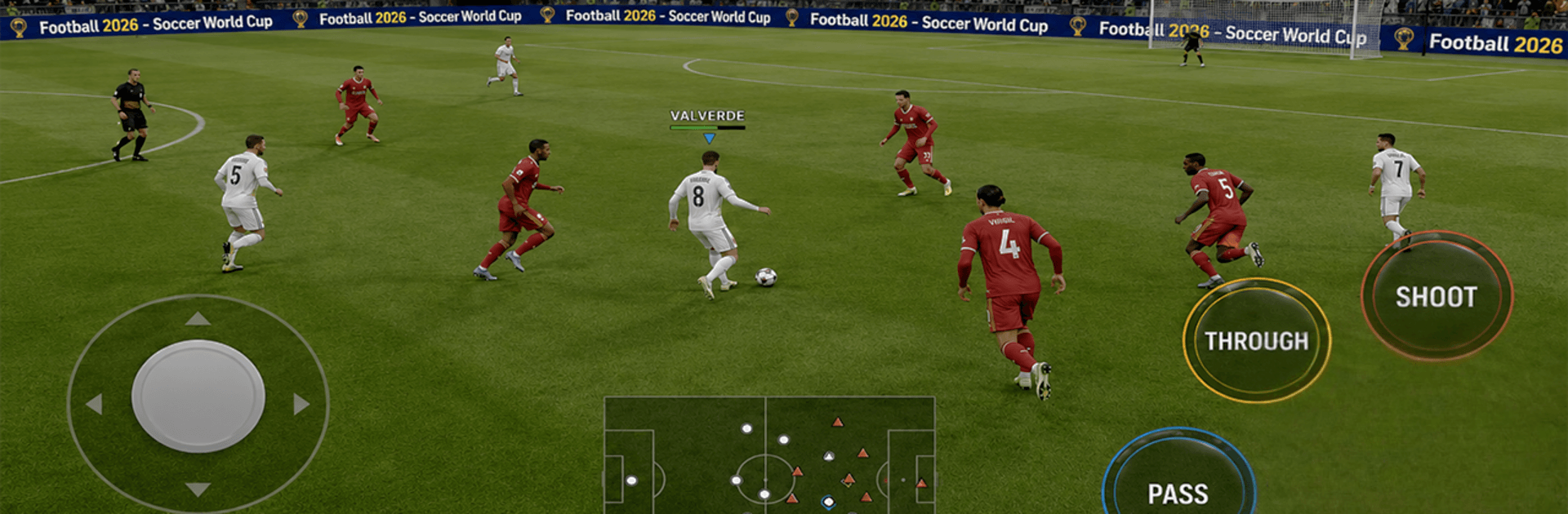
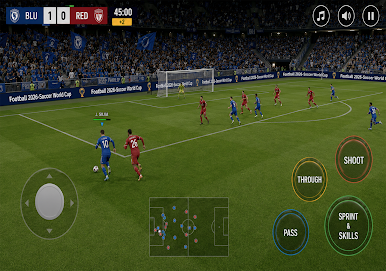
Football 2026-Soccer World Cup drops you right into high‑tempo matches where every touch matters. Build a strong squad, chase trophies across multiple competitions, and feel that big‑game buzz with lively crowds and crisp match action. It’s a Sports experience that plays great in short bursts or long sessions when you’re plotting a full season.
Game Features
- Fluid controls: Quick passes, sharp sprints, and curling shots feel responsive, so you can focus on timing and positioning instead of wrestling with buttons.
- Multiple ways to compete: Jump into league seasons, knockout tournaments, or a full world championship mode when you’re ready for the biggest stage.
- Club clashes worldwide: Test your team against tough clubs from across the globe and work your way up the tables match by match.
- Career or quick play: Build a legacy over many seasons, or run a fast tournament when you just want a couple of games.
- Build your dream squad: Recruit talent that fits your style, set formations, rotate fresh legs, and keep chemistry strong.
- Strategy that matters: Adjust press intensity, tweak roles, and switch shapes on the fly to counter what’s happening on the pitch.
- Stadium atmosphere: Play in detailed arenas with bold colors, lively crowds, and camera angles that keep the action front and center.
- Fast match engine: End‑to‑end action, clean animations, and plenty of chances to score that clutch winner.
- Train and improve: Develop players to sharpen skills over time and turn promising prospects into match-winners.
- Flexible play options: Perfect for quick mobile sessions—and easy to enjoy on BlueStacks if you want a bigger view and comfortable controls.
BlueStacks gives you more room to focus on the game and less time adjusting around mobile limitations.
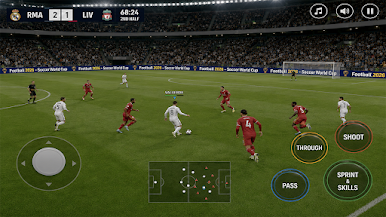
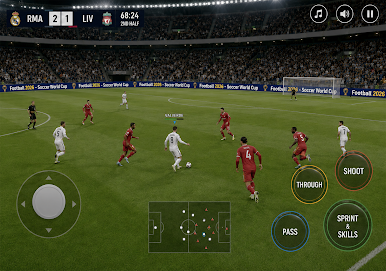
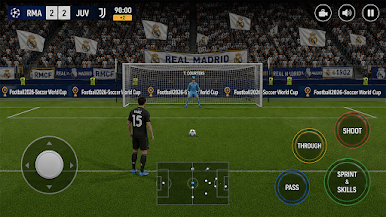
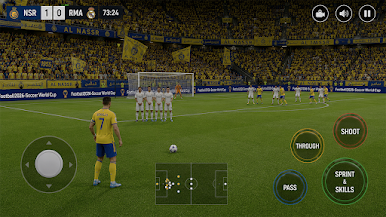
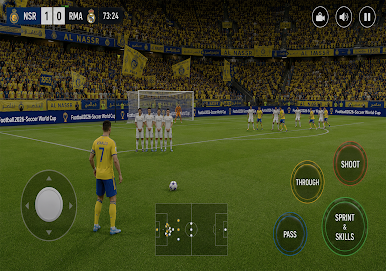

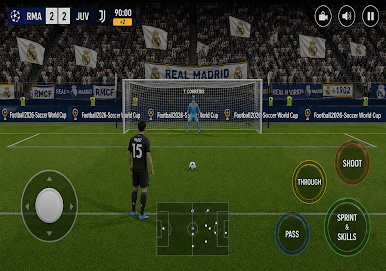
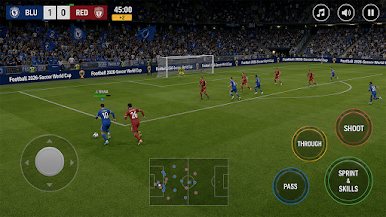

Play Football 2026-Soccer World Cup on PC. It’s easy to get started.
-
Download and install BlueStacks on your PC
-
Complete Google sign-in to access the Play Store, or do it later
-
Look for Football 2026-Soccer World Cup in the search bar at the top right corner
-
Click to install Football 2026-Soccer World Cup from the search results
-
Complete Google sign-in (if you skipped step 2) to install Football 2026-Soccer World Cup
-
Click the Football 2026-Soccer World Cup icon on the home screen to start playing

