


Vlad & Niki 12 Locks
Play on PC with BlueStacks – the Android Gaming Platform, trusted by 500M+ gamers.

Page Modified on: Aug 24, 2026
Main Vlad & Niki 12 Locks on PC
Game features:
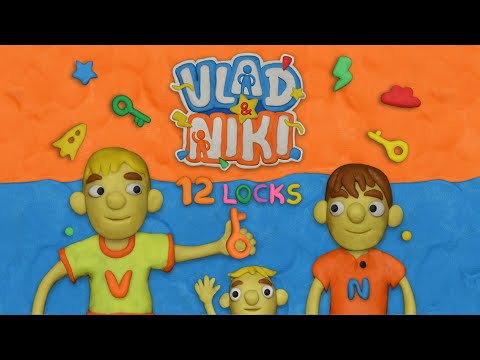
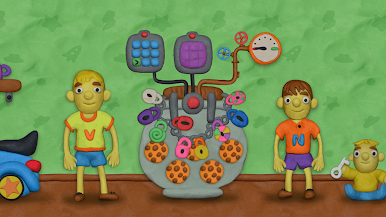
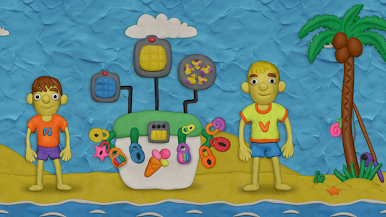
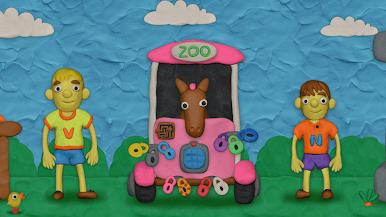
- Plasticine graphics
- Fun music
- Different quest-rooms with loads of puzzles
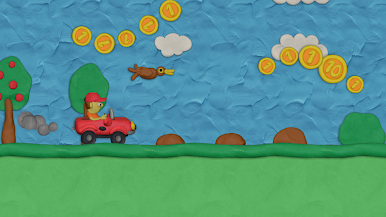
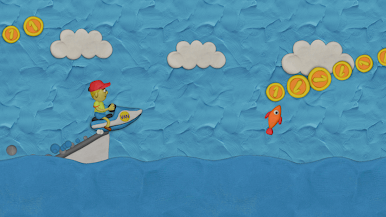
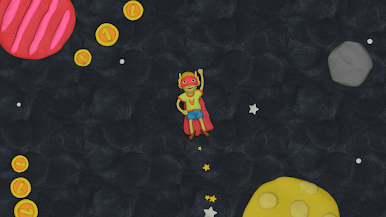
- Mini-games where the brothers have to race a car, fly a plane and go into space in super hero suits
Available levels:
- Cookie jar
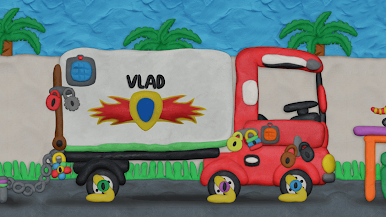
- Closed truck
- Summer games on the beach
- Pirate ship
- Zoo
- Xmas tree
- Space
- Preparing a cake
- Easter bunny and eggs
- Amusement park
- Haunted castle
- Vlad and Niki are Superheroes
- Magic and illusion
- Pets shop
- Airport
- Retro gaming level
- Making a snowman
- Sport
- Birthday party
- Jurassic Park
- Vlad and Niki become small
Play Vlad & Niki 12 Locks on PC. It’s easy to get started.
-
Download and install BlueStacks on your PC
-
Complete Google sign-in to access the Play Store, or do it later
-
Look for Vlad & Niki 12 Locks in the search bar at the top right corner
-
Click to install Vlad & Niki 12 Locks from the search results
-
Complete Google sign-in (if you skipped step 2) to install Vlad & Niki 12 Locks
-
Click the Vlad & Niki 12 Locks icon on the home screen to start playing

