


Arrow Trace: Escape Puzzle
Play on PC with BlueStacks – the Android Gaming Platform, trusted by 500M+ gamers.

Page Modified on: Jul 24, 2026
Play Arrow Trace: Escape Puzzle on PC
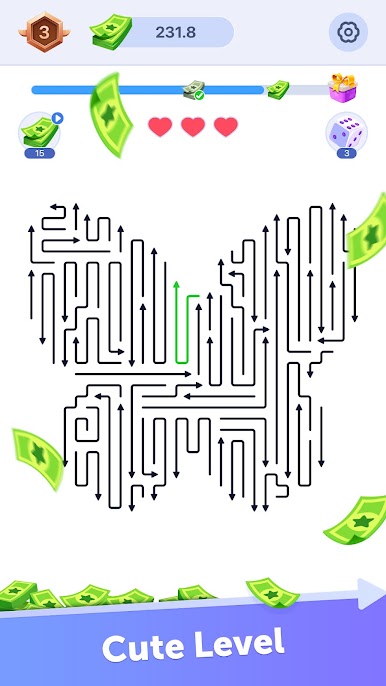
Each arrow must not touch any other arrow during its release, and the direction and shape of each arrow's movement are random and unchangeable, making each level challenging.
Game Features
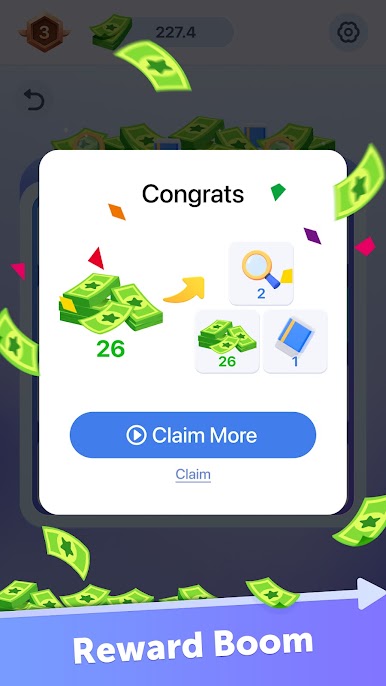
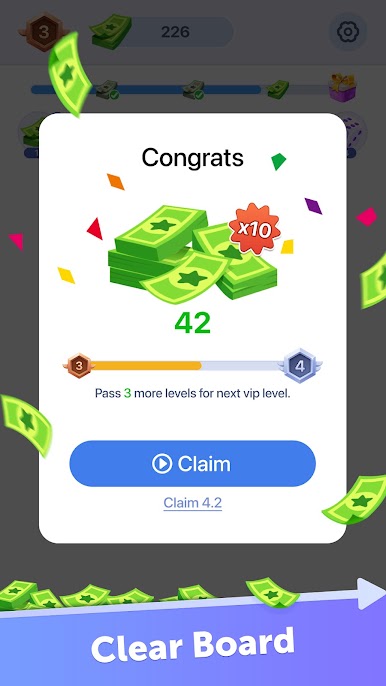
🌟Rich Rewards🌟- Releasing all arrows completes a level, earning generous rewards! Furthermore, each released arrow grants progress points; accumulating enough progress to reach the target also grants rewards! Once you accumulate enough rewards and complete all tasks, you'll have the chance to withdraw all your rewards!
🌟Powerful Assistance🌟- Rewards can be exchanged for "hints" or "elimination" boosts! "Hints" help you find the next arrow to release; "elimination" allows you to remove any arrow!
Come challenge your brain in Arrow Trace: Escape Puzzle!

Play Arrow Trace: Escape Puzzle on PC. It’s easy to get started.
-
Download and install BlueStacks on your PC
-
Complete Google sign-in to access the Play Store, or do it later
-
Look for Arrow Trace: Escape Puzzle in the search bar at the top right corner
-
Click to install Arrow Trace: Escape Puzzle from the search results
-
Complete Google sign-in (if you skipped step 2) to install Arrow Trace: Escape Puzzle
-
Click the Arrow Trace: Escape Puzzle icon on the home screen to start playing

