


Camera Pro Control
Play on PC with BlueStacks – the Android Gaming Platform, trusted by 500M+ gamers.

Page Modified on: Oct 1, 2025
Run Camera Pro Control on PC or Mac
Upgrade your experience. Try Camera Pro Control, the fantastic Photography app from RupiApps, from the comfort of your laptop, PC, or Mac, only on BlueStacks.
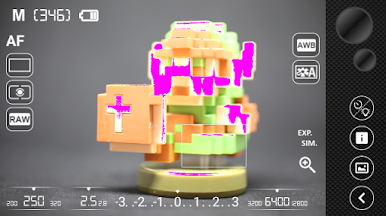
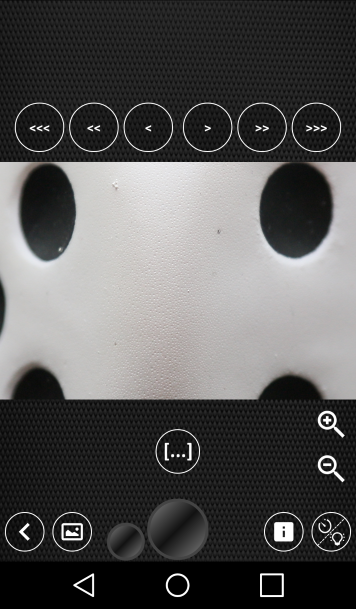
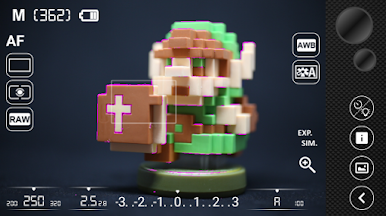
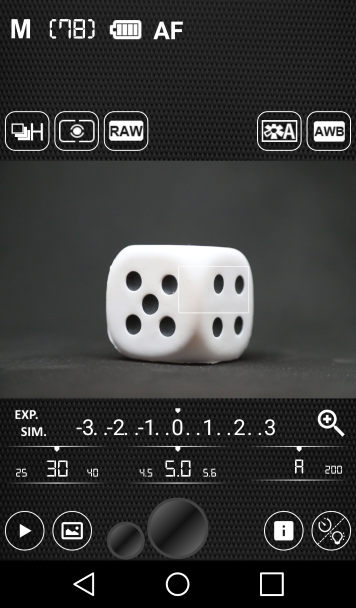
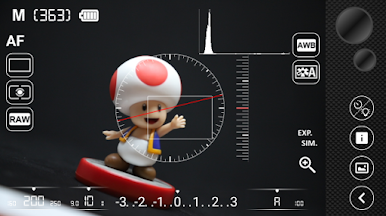
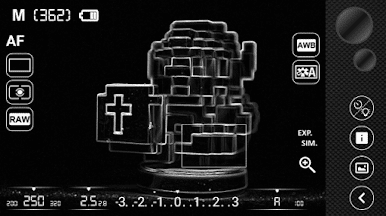
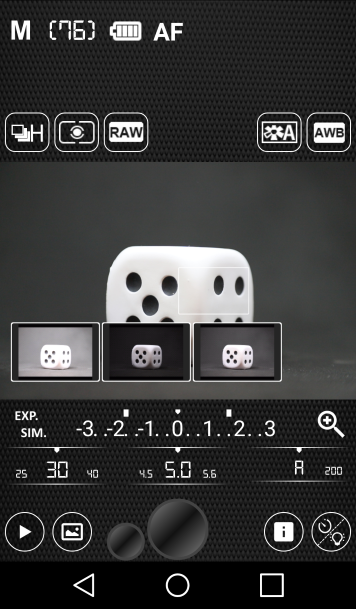
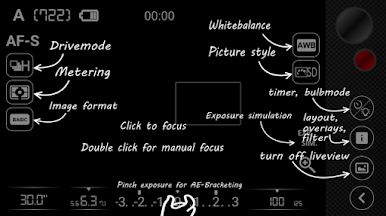
Camera Pro Control is one of those apps that serious camera users will probably appreciate right away. It basically turns a phone or tablet into a pretty full-featured remote control for a DSLR — Canon, Nikon, Sony, that sort of thing. Setup’s straightforward: the camera just connects with USB or Wi-Fi, or even through a mobile hotspot if that’s what’s handy. Once it’s all connected, it’s easy to manage all the usual camera settings from the bigger screen, from ISO and aperture to drive mode and white balance. The app even handles things like exposure bracketing and focus bracketing, plus overlays if someone’s after those rule-of-thirds guides.
One thing that stands out is the live view feature — seeing what the lens sees on a much bigger screen, especially when running the app on a PC with BlueStacks, makes checking focus and composition a way less fiddly job. It covers a lot, from interval timers and bulb mode to movie recording (with certain cameras and connections). For Nikon and Canon especially, it’s flexible enough to tinker with pretty much everything, including auto ISO and manual focus, with a few bonus controls just for Canon, like controlling the speedlite or setting up mirror lock. There’s a list of supported cameras, so it’s best to check if a device matches up, but for anyone who likes tweaking camera settings remotely or snapping shots without touching the rig, it’s got most scenarios covered. Feels a little technical at first but ends up being surprisingly handy, especially if taking photos tethered or wanting more control away from the viewfinder.
Ready to experience Camera Pro Control on a bigger screen, in all its glory? Download BlueStacks now.
Play Camera Pro Control on PC. It’s easy to get started.
-
Download and install BlueStacks on your PC
-
Complete Google sign-in to access the Play Store, or do it later
-
Look for Camera Pro Control in the search bar at the top right corner
-
Click to install Camera Pro Control from the search results
-
Complete Google sign-in (if you skipped step 2) to install Camera Pro Control
-
Click the Camera Pro Control icon on the home screen to start playing

