


Rolling Sky - 90+ levels
Play on PC with BlueStacks – the Android Gaming Platform, trusted by 500M+ gamers.

Page Modified on: Oct 10, 2026
Overview
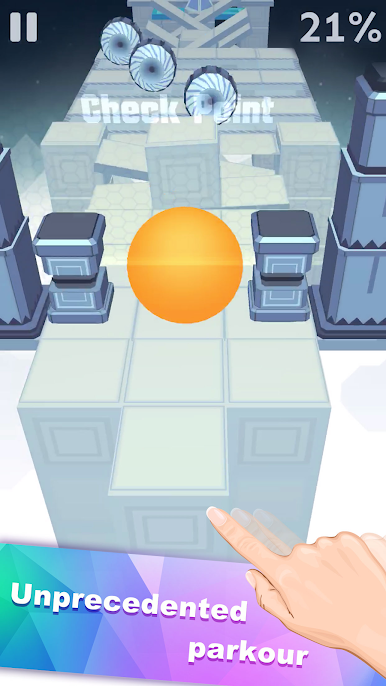
Abundant game scenes for you to unlock: Mountains, Universe, Forest, Snowhill, Inferno...
How to Play 📣
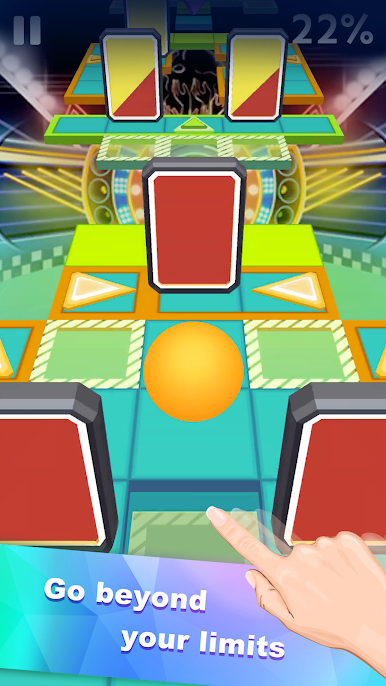
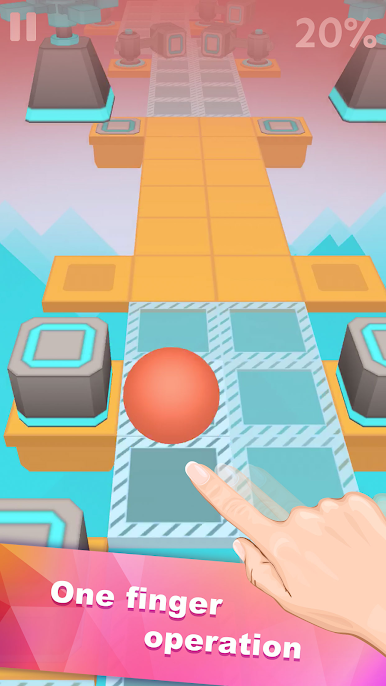
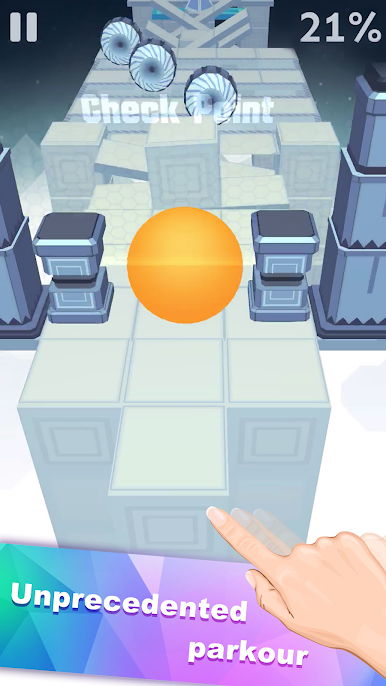
Swipe left and right to control the ball. Follow the music, dodge the obstacles, and conquer the world!
Keep your brain sharp while having fun, relaxing, and completing the game at your pace.
Game Features🌟
⭐️Various styles of music !
⭐️Over 90 levels, every level is give careful consideration. Non-stop☕️ fun!
⭐️Rich gifts🎁 are free!
⭐️Offline games, play anywhere, anytime. Have no time⏰ limit!
Notes
Free Game: Play Rolling Sky : Game for free. Ads are served after each game puzzle is finished.

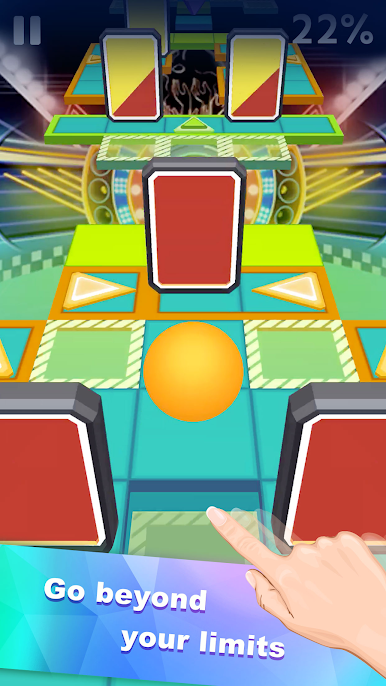
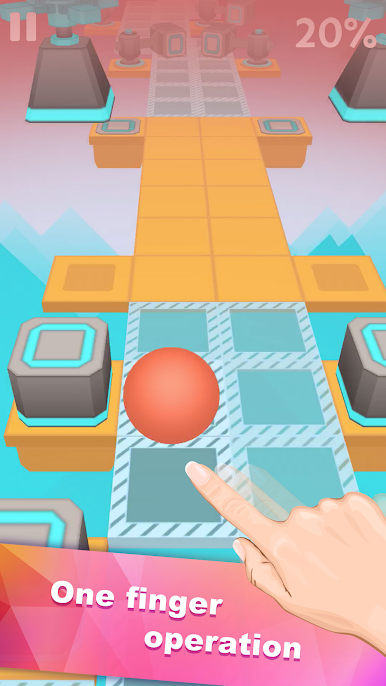
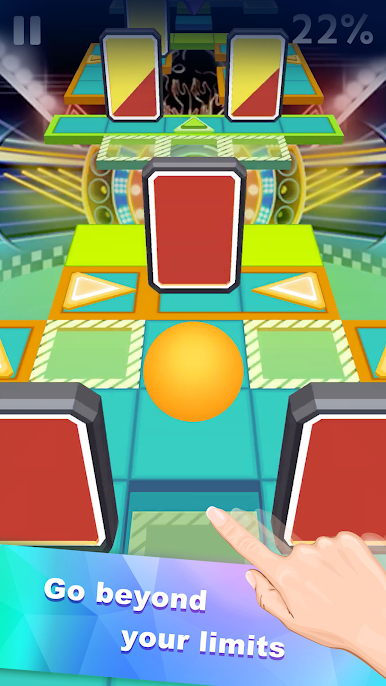


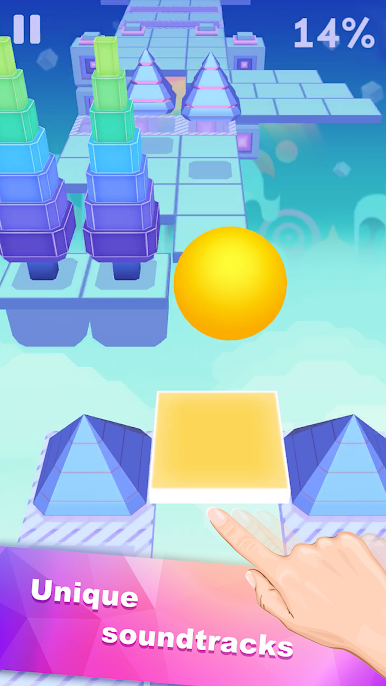
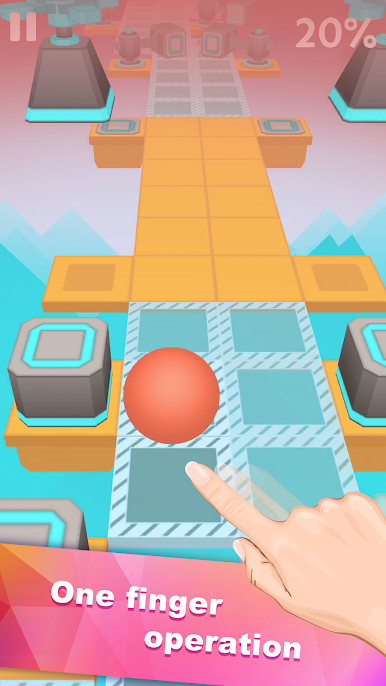
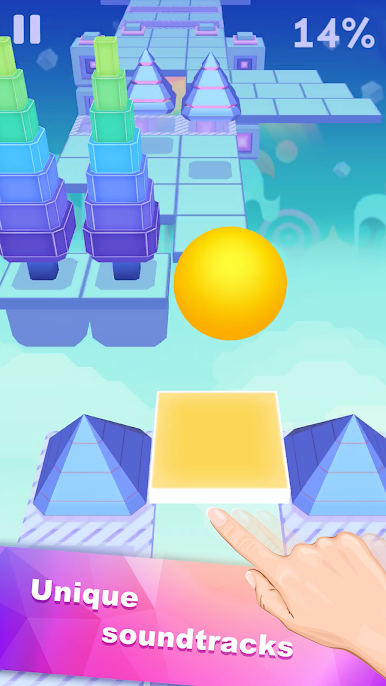
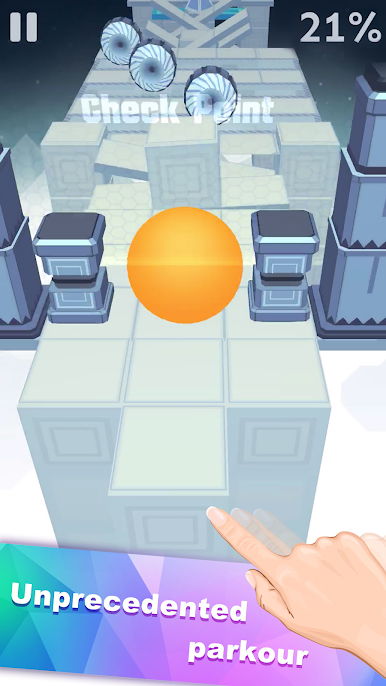

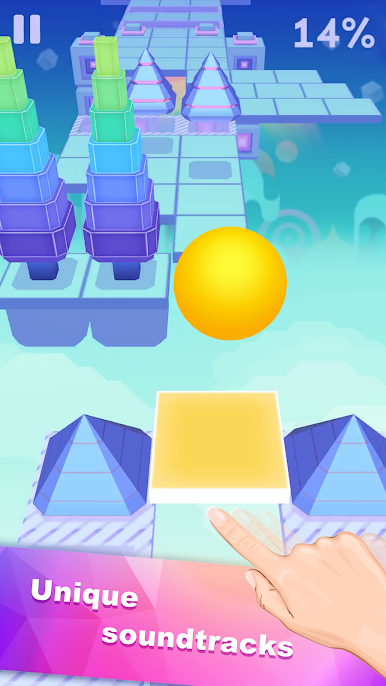
Play Rolling Sky - 90+ levels on PC. It’s easy to get started.
-
Download and install BlueStacks on your PC
-
Complete Google sign-in to access the Play Store, or do it later
-
Look for Rolling Sky - 90+ levels in the search bar at the top right corner
-
Click to install Rolling Sky - 90+ levels from the search results
-
Complete Google sign-in (if you skipped step 2) to install Rolling Sky - 90+ levels
-
Click the Rolling Sky - 90+ levels icon on the home screen to start playing

